5 Hidden Features of Rackspace Email Plus That Boost Productivity
We all use email every single day. For most of us, it is the first app we check in the morning and the last one we close at night. Yet, surprisingly, most businesses barely scratch the surface of what their email platform can actually do. We tend to treat business email just like personal email—a simple tool for sending and receiving messages.
But when you are running a business, “simple” isn’t always enough. You need security, collaboration, and efficiency. That is where premium hosting solutions like Rackspace Email Plus come in. While many users sign up for the reliability and the famous “Fanatical Support,” they often overlook the powerful suite of tools lurking beneath the surface. These aren’t just bells and whistles; they are functional utilities designed to save you time and keep your data safe.
In this guide, we are going to move beyond the inbox. We will explore the hidden capabilities of Rackspace Email Plus that differentiate it from basic hosting plans. From advanced security protocols to seamless team scheduling, you will learn how to unlock the full potential of your subscription and turn your email into a genuine productivity engine.
What Is Rackspace Email Plus? (Quick Overview)
Before we dive into the specific features, let’s clarify what we are talking about. Rackspace offers a few different tiers of email hosting, but Rackspace Email Plus is the sweet spot for many growing businesses.
It takes the rock-solid foundation of standard Rackspace business email—known for its 100% uptime guarantee and ad-free experience—and adds a layer of collaboration and storage tools usually reserved for expensive enterprise suites. It is designed for teams that need more than just a POP/IMAP mailbox but aren’t ready to migrate to complex ecosystems like Microsoft 365.
The core distinction lies in the “Plus.” This tier unlocks increased storage capacities (typically 30GB of archiving), mobile synchronization, and the collaborative suite we will discuss below. If you are currently on a basic plan, you might be sitting on a goldmine of productivity features without even realizing it.
Hidden Feature #1 – Advanced Spam & Threat Protection
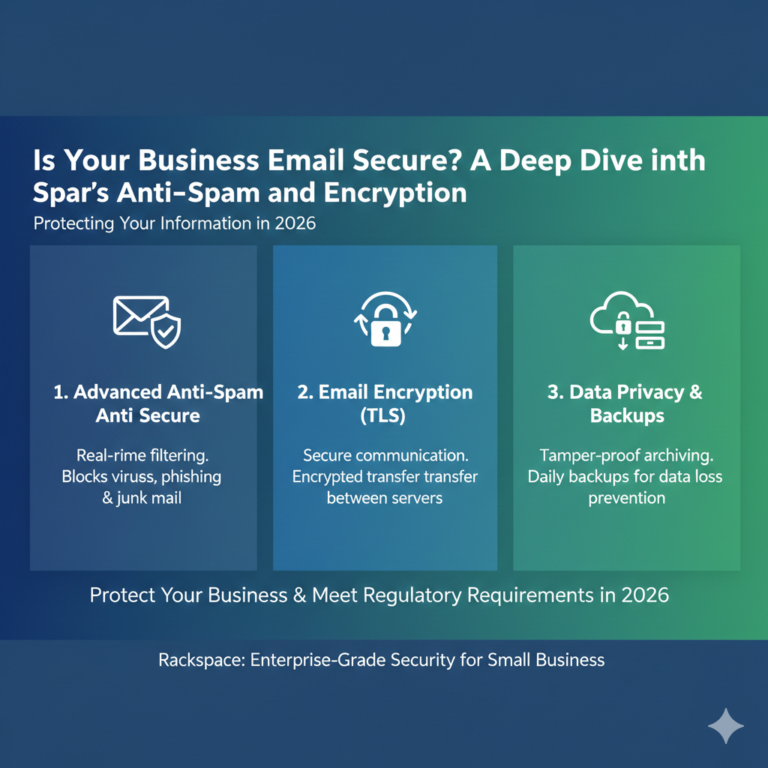
Email security is no longer optional. With phishing attacks becoming more sophisticated every day, a basic spam filter often lets dangerous emails slip through the cracks. One of the most powerful, yet often ignored, features of Rackspace Email Plus is its premium protection suite.
AI-Driven Filtering
Unlike standard filters that look for simple keywords (like “free money” or “winner”), Rackspace email security utilizes advanced algorithms and heuristic analysis. It learns from traffic patterns across the network to identify new spam trends before they hit your inbox. This means your team spends less time deleting junk and more time working.
Phishing and Malware Defense
The system scans attachments and links in real-time. If an employee accidentally clicks a malicious link disguised as a vendor invoice, the threat protection layers are there to intercept it. For business email, this peace of mind is invaluable.
Custom Rules
You aren’t stuck with default settings. Admins can set specific blacklists and whitelists, or create rules based on your industry’s specific compliance needs. By configuring these spam protection business email settings, you ensure that legitimate client emails never get buried in the junk folder while keeping threats at bay.
Hidden Feature #2 – Shared Calendars and Team Scheduling
How many emails does it take to schedule a 30-minute meeting? “Are you free Tuesday?” “No, how about Wednesday?” “What time?” It is an endless, productivity-killing loop.
Rackspace Email Plus solves this with robust shared calendaring, a feature often overlooked by users who are used to standalone email clients.
Seamless Team Coordination
With the business email calendar sharing capabilities, you can view the availability of your colleagues in real-time. You can overlay calendars to find open slots that work for everyone, instantly eliminating the back-and-forth email tag.
Meeting Management and Resources
Beyond just people, you can manage resources. If your office has a conference room or a shared projector, these can be set up as resources in the calendar system. When you book a meeting, you can reserve the room simultaneously, preventing those awkward double-booking moments.
These Rackspace calendar features integrate directly with the webmail interface and sync to desktop clients, ensuring that everyone is on the same page, literally and figuratively.
Hidden Feature #3 – Large File Sharing and Cloud Storage Integration
We have all been there: you spend hours working on a presentation, hit send, and get the dreaded “Attachment size limit exceeded” error. Standard email protocols are not built for sending high-res images, videos, or massive datasets.
Rackspace Email Plus addresses this with integrated business email file sharing tools that bypass traditional attachment limits.
The Cloud Drive Advantage
Included with your Plus subscription is access to a dedicated Cloud Drive. Instead of attaching a 50MB file directly to an email (which might bounce back from the recipient’s server), you upload the file to your Cloud Drive and send a secure link.
Secure Sharing
This isn’t just about size; it’s about security. When you send a link via Rackspace cloud storage email integration, you maintain control. If you send a file to the wrong person, you can disable the link. You can’t do that with a traditional attachment—once that file is sent, it is out of your hands forever.
Hidden Feature #4 – Mobile Sync and Cross-Device Productivity
In the modern work environment, business doesn’t stop when you leave your desk. However, many users struggle with email that doesn’t look the same on their phone as it does on their computer. Messages read on one device appear unread on another, or sent items don’t sync up.
ActiveSync Technology
Rackspace Email Plus utilizes premium mobile sync technology (often powered by ActiveSync). This ensures that your email, calendars, and contacts are identical across your iPhone, Android, tablet, and desktop Outlook.
Offline Access
True productivity means working from anywhere, even with spotty internet. With proper Rackspace mobile email setup, you can draft emails, check your calendar, and look up contacts while on a flight or in a dead zone. As soon as you reconnect, everything syncs automatically.
The ability to sync business email across devices flawlessly reduces the cognitive load of managing multiple inboxes and ensures you never miss a critical client update while on the go.
Hidden Feature #5 – Advanced Admin Controls and User Management
For the business owners and IT managers reading this, the “hidden” value isn’t just in what the user sees—it’s in the control panel. Email admin controls in the Plus tier offer granular management that helps secure your organization.
User Permissions and Aliases
You can easily manage aliases (like support@ or sales@) without paying for extra mailboxes. You can also control password policies, forcing users to update credentials regularly to maintain security standards.
Data Retention and Recovery
One of the most critical business email management tools is the ability to recover deleted items. If an employee accidentally wipes their inbox, the advanced recovery options available in the admin portal can often save the day (and the data).
How These Features Improve Small Business Productivity
So, why does all this matter? Why should you bother digging into settings to enable these tools?
- Time Savings: By using shared calendars and large file links, you shave minutes off every administrative task. Over a year, that adds up to dozens of hours per employee.
- Security Improvement: Leveraging AI filtering and admin controls reduces the risk of a breach, which could otherwise paralyze your business for days.
- Collaboration Efficiency: When your team can see each other’s schedules and access shared files instantly, projects move faster. Friction is removed from the workflow.
How to Enable and Start Using These Features
Ready to unlock these capabilities? Here is a quick guide on how to use Rackspace Email Plus features effectively.
- Access the Control Panel: Log in to your Cloud Office Control Panel. This is your command center.
- Check Your Plan: Ensure your users are actually assigned to a “Plus” license. You can upgrade individual mailboxes if needed without upgrading the whole company.
- Configure Mobile: Don’t just use POP3. frequent the help desk articles to find the specific server settings for ActiveSync to ensure full calendar and contact synchronization.
- Educate Your Team: Send a memo to your staff explaining that they now have a Cloud Drive and Shared Calendar. Enable Rackspace features by training your team on how to use them—technology is only useful if people know it exists.
Rackspace Email Plus vs Basic Business Email Plans
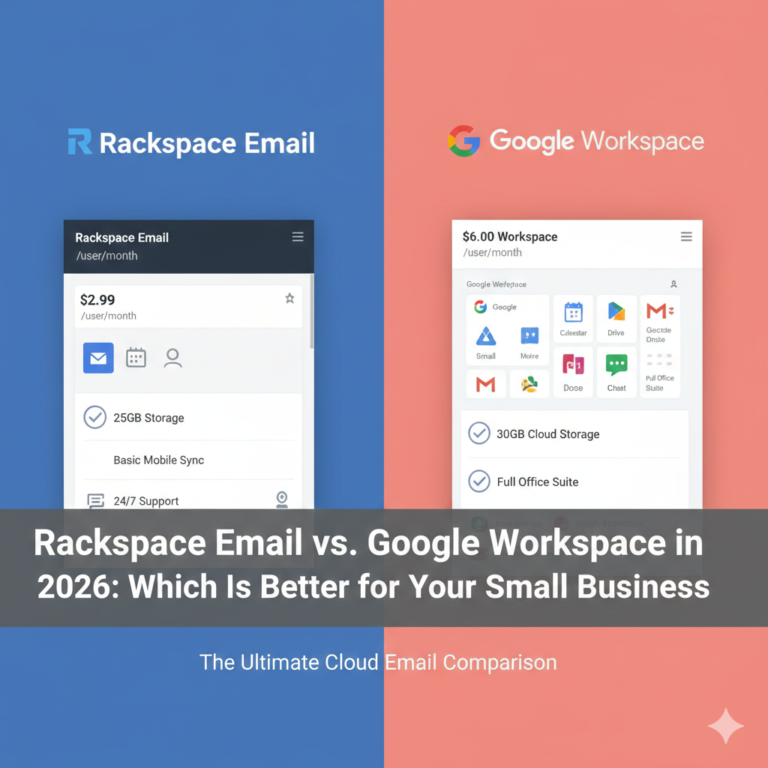
Is the upgrade worth it? Let’s look at a quick Rackspace Email Plus vs standard comparison.
- Standard Plan: Great for basic send/receive. Reliable, cheap, and professional. Best for solo entrepreneurs who don’t need to coordinate with a team.
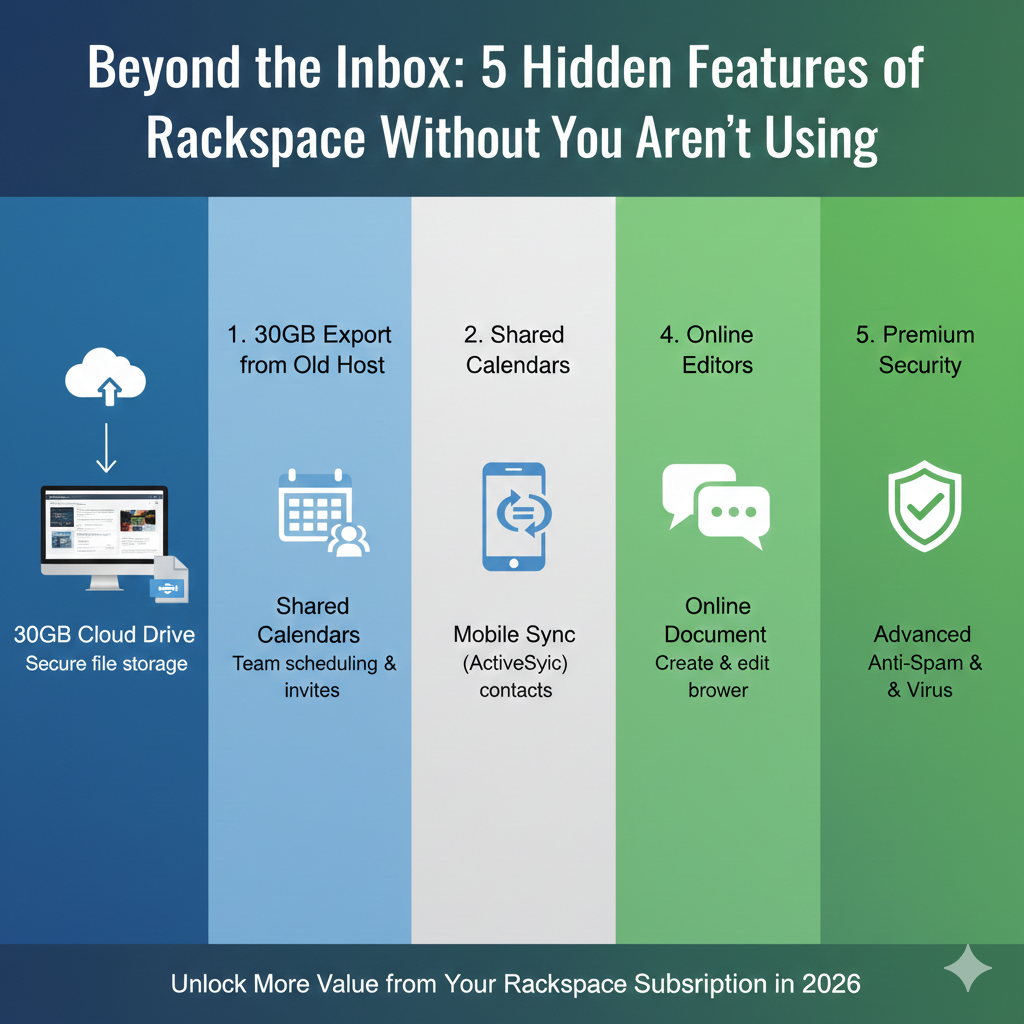
- Email Plus: Adds 30GB Cloud Drive, ActiveSync (Mobile Sync), Shared Calendars, and enhanced collaboration tools.
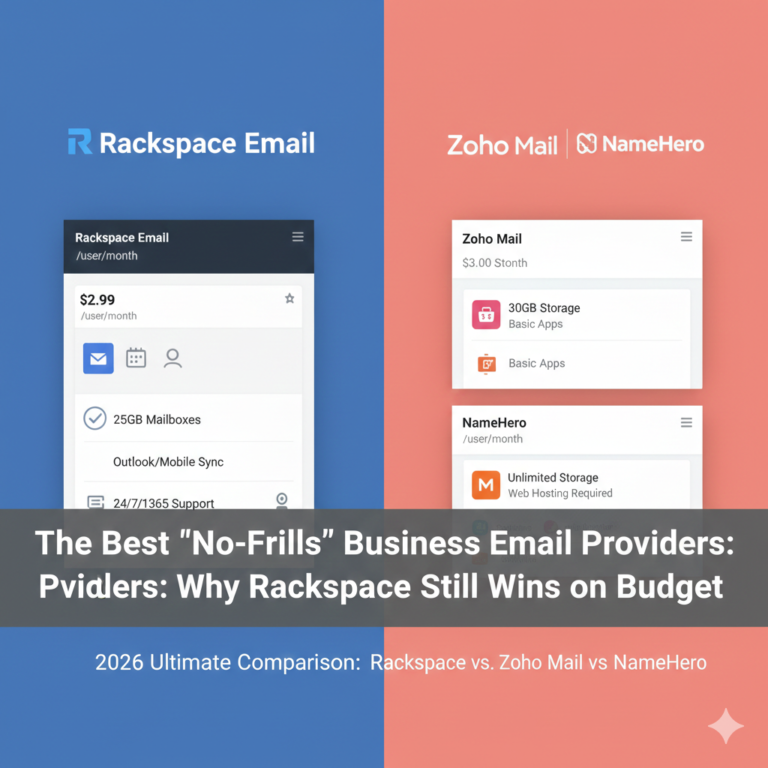
If you are looking for the best business email hosting value, the Standard plan is a budget winner. But if you value your time and team coordination, the Plus plan pays for itself by eliminating the need for third-party file sharing or calendar apps.
Who Should Upgrade to Rackspace Email Plus?
- Growing Teams: As soon as you hire your second or third employee, calendar coordination becomes a pain point. Plus solves this.
- Remote Workers: The business email upgrade is essential for anyone who works from coffee shops or home offices and needs seamless mobile sync.
- Security-Focused Businesses: If you handle sensitive client data, the added control and secure file sharing links are mandatory.
When searching for the best email for small business, consider not just the price, but the cost of not having these features.
FAQ – Rackspace Email Plus Features
Q1: What features are included in Rackspace Email Plus?
Rackspace Email Plus includes all the features of the basic business email plan (100% uptime, ad-free, 25GB mailboxes) but adds 30GB of file storage (Cloud Drive), mobile synchronization (ActiveSync) for calendars and contacts, and Microsoft Office-compatible file handling.
Q2: Is Rackspace Email Plus worth the cost?
For most teams, yes. The cost difference is usually minimal compared to the productivity gains from shared calendaring and mobile sync. It eliminates the need to pay for separate file-sharing services or third-party calendar apps.
Q3: How do I enable advanced features in Rackspace Email Plus?
Most features like Cloud Drive and Calendars are enabled by default on the webmail interface. For mobile sync, you must configure your device using ActiveSync settings rather than POP or IMAP. Admin features are accessed via the Cloud Office Control Panel.
Q4: Does Rackspace Email Plus include calendar and file sharing?
Yes. It includes robust calendar sharing that allows for team scheduling and resource management. It also includes a 30GB Cloud Drive for storing and sharing large files securely via email links.
Q5: Is Rackspace Email Plus secure for business use?
Absolutely. It uses premium spam and virus filtering, 256-bit encryption, and offers admin controls for password policies. It is designed specifically for secure business email requirements.
Q6: Can I upgrade from standard Rackspace Email to Email Plus?
Yes, you can mix and match plans within the same account. You can upgrade specific users who need the advanced features (like your sales team or executives) while keeping others on the standard plan, making it a flexible option for business email hosting.
Summary and Next Steps
Your email should work as hard as you do. By sticking to the basics, you are leaving productivity on the table. Rackspace Email Plus offers a suite of business email features—from AI-driven security to seamless mobile sync—that can transform how your team communicates.
If you are tired of scheduling conflicts, file attachment errors, or messy mobile inboxes, it is time to make a change. These hidden features aren’t just convenient; they are essential tools for a modern, efficient business.
Ready to boost your team’s productivity? Log in to your control panel today to activate Rackspace Email Plus, or contact support to upgrade your plan.