How to Set Up Email Archiving in Rackspace for Legal Compliance
For many businesses, email is the primary method of communication. It is where contracts are negotiated, HR issues are discussed, and critical decisions are finalized. But what happens when you need to find a specific message from three years ago to settle a dispute? Or worse, what if a court orders you to produce every email related to a specific client within 48 hours?
If your strategy relies on employees not deleting items from their inbox, your organization is at risk.
Reliable email archiving is no longer a luxury for large enterprises; it is a necessity for businesses of all sizes. With rising regulatory pressure and the increasing frequency of litigation, failing to secure your electronic communications can result in massive fines, legal sanctions, and reputational damage.
This guide walks you through everything you need to know about Rackspace email archiving. We will cover why it is essential for compliance, which regulations impact your business, and provide a step-by-step guide on how to set it up correctly to protect your organization.
What Is Email Archiving? (Beginner Explanation)
Before diving into technical setups, we must clarify what email archiving actually is—and what it is not.
Many business owners confuse archiving with backups. While they sound similar, they serve entirely different purposes. A backup is a snapshot of your data at a specific point in time, designed for disaster recovery (like if a server crashes). If you restore a backup, you restore the system to how it looked yesterday.
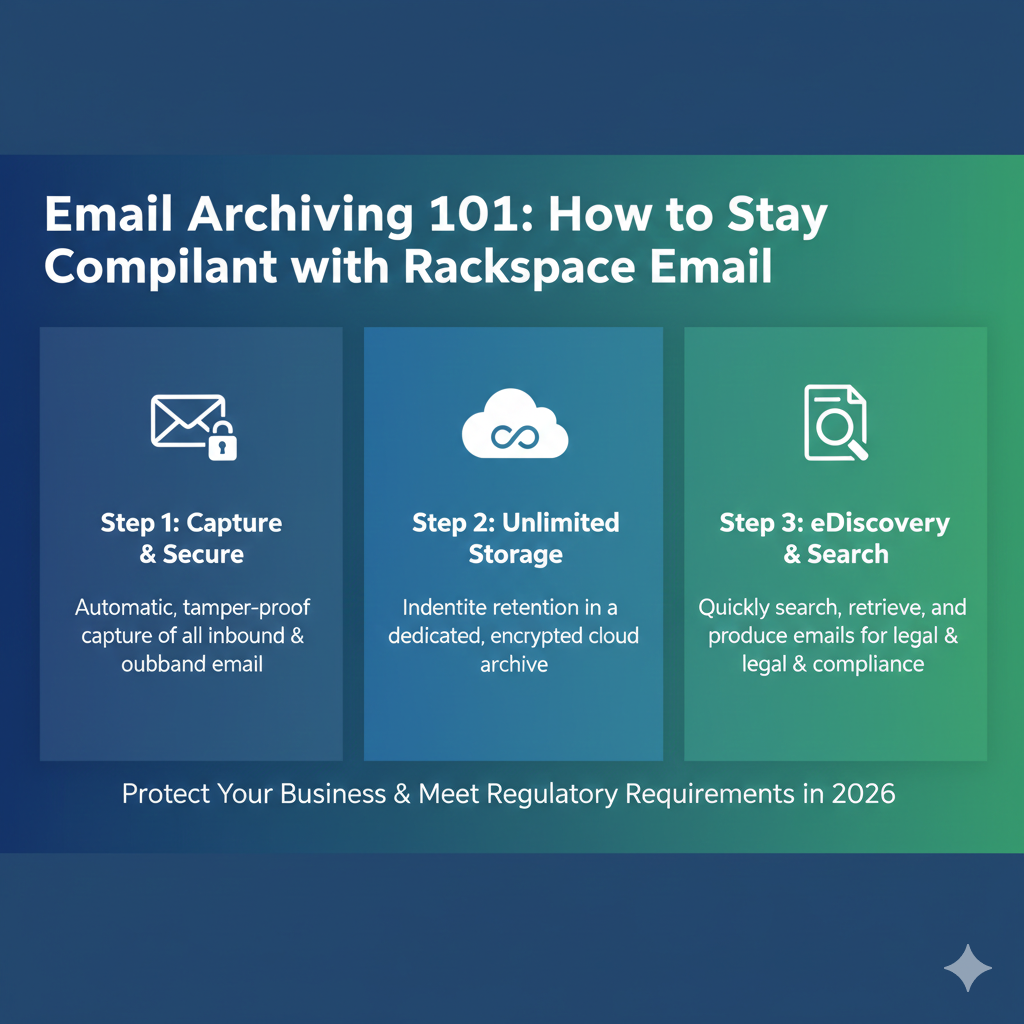
Email archiving, on the other hand, is a systematic approach to saving and protecting the data contained in email messages so it can be accessed quickly at a later date. It captures every email sent and received across your organization in real-time, storing it in a separate, secure repository.
Key characteristics of email archiving:
- Immutability: Once an email is archived, it cannot be altered or deleted by the user. This ensures data integrity.
- Searchability: Advanced indexing allows you to find a specific phrase in millions of emails in seconds.
- Long-term storage: It is designed to keep records for years or even decades, depending on your retention policy.
If you are looking for “what is email archiving” in a legal context, think of it as a tamper-proof vault for your digital correspondence.
Why Email Archiving Is Required for Compliance
The primary driver for adopting email archiving solutions is compliance. In the United States and abroad, strict rules govern how companies handle data.
Legal Discovery (eDiscovery)
In the event of a lawsuit, your company goes into the “discovery” phase. Opposing counsel can request all documents relevant to the case. In modern litigation, this almost always includes email. Without a proper archiving solution, gathering this data is expensive, time-consuming, and prone to error. If you cannot produce the emails because an employee deleted them, the court may rule against you by default (spoliation of evidence).
Regulatory Retention
Different industries have different rules regarding how long data must be kept. A standard backup tape that gets overwritten every 30 days will not satisfy a regulation requiring a 7-year retention period.
Audit Trails
To prove compliance, you often need an audit trail. Secure email archiving provides a log of who accessed the archive, what they searched for, and when. This transparency is vital during external audits.
Regulations That Impact Email Archiving
Understanding your specific obligations is the first step toward compliance. While this list is not exhaustive, these are the major frameworks that dictate email retention compliance.
GDPR (General Data Protection Regulation)
If you handle data for citizens of the European Union, GDPR applies to you. It mandates that personal data must be protected and retrievable. It also includes the “Right to be Forgotten,” meaning your archiving solution must be sophisticated enough to locate and potentially scrub specific personal data if legally required to do so.
HIPAA (Health Insurance Portability and Accountability Act)
For healthcare providers in the US, HIPAA is the gold standard. It requires strict security measures for Protected Health Information (PHI). Since PHI is often transmitted via email, business email retention laws under HIPAA require secure, encrypted storage and strict access controls.
FINRA and SEC
Financial institutions face some of the strictest data retention laws email policies. The Securities and Exchange Commission (SEC) and the Financial Industry Regulatory Authority (FINRA) require broker-dealers to preserve records for periods ranging from three to six years (or longer), ensuring they are stored in a non-rewriteable, non-erasable format (WORM storage).
SOX (Sarbanes-Oxley Act)
Enacted to prevent corporate fraud, SOX applies to all U.S. public company boards and management. It sets requirements for storing corporate records, including electronic communications, and imposes criminal penalties for destroying or altering records.
How Rackspace Email Archiving Works
Rackspace offers a cloud-based archiving solution that integrates seamlessly with Rackspace Email and Microsoft Exchange. It eliminates the need for on-premise hardware and provides a user-friendly interface for compliance officers.
Storage Architecture
Rackspace uses a capture method that intercepts emails at the gateway level. This means the email is archived the moment it is sent or received, before it even lands in the user’s inbox. Even if a user deletes the email from their Outlook immediately, the copy in the archive remains safe.
Search and Retrieval
The platform indexes message headers, body text, and attachments. This creates a highly searchable database. Users (with the right permissions) can run granular searches based on sender, recipient, date ranges, keywords, or specific attachment types.
Archiving Features
- Unlimited Storage: Rackspace generally offers unlimited retention, meaning you don’t have to worry about hitting a storage cap as your business grows.
- Compatibility: It works with standard Rackspace Email and Hosted Exchange.
- Importing: You can import historical email data to ensure your archive is complete from day one.
How to Set Up Email Archiving in Rackspace (Step-by-Step)
Setting up Rackspace email archiving is straightforward, but it requires administrative access to the Cloud Office Control Panel.
Step 1: Log in to the Control Panel
Navigate to the Rackspace Cloud Office Control Panel and log in with your administrative credentials.
Step 2: Select Domains
Locate the “Rackspace Email” or “Hosted Exchange” section (depending on your service). Click on “Domains” to view the list of domains managed under your account.
Step 3: Enable Archiving
Click on the specific domain where you want to activate archiving. Look for the “Email Archiving” settings. You may see an option to “Add Archiving” or “Enable Archiving.”
Note: Archiving is often an add-on service that incurs an additional monthly cost per mailbox.
Step 4: Configure User Access
Once enabled, you don’t necessarily want every employee to have full access to the archive. You need to assign roles.
- Standard Users: Can usually search their own archive (optional setting).
- Administrators/Compliance Officers: Can search across the entire organization.
Step 5: Verify the Connection
Send a test email to an account on the domain. Wait a few minutes, then log in to the archiving portal to verify that the message has been captured and indexed.
Setting Retention Policies and Legal Holds
Enabling the service is only half the battle. You must configure it to match your email retention policy.
Defining Retention Periods
How long should you keep emails? This depends on your industry.
- Default: Many businesses set the default to “Indefinite” to be safe.
- Custom: You can configure the system to automatically purge emails older than a certain date (e.g., 10 years) to reduce liability, provided regulations allow it.
Implementing Legal Holds
A legal hold is a critical feature for legal email archiving. If litigation is reasonably anticipated, you must suspend any document destruction policies.
In the Rackspace archive portal, you can place a “Legal Hold” on specific mailboxes or the entire domain. This overrides the standard retention policy. Even if your policy says “delete after 7 years,” a legal hold ensures those emails are preserved until the hold is removed.
How to Search and Retrieve Archived Emails
The true value of an archive is found during the retrieval process. Whether you are conducting an internal investigation or responding to a court order, you need email eDiscovery tools.
- Access the Archive Portal: Log in using your dedicated archiving credentials.
- Start a New Search: Use the advanced search function.
- Filter Criteria: Input the parameters. For example: Sender: “john.doe@company.com” AND Keyword: “Project Alpha” AND Date: “2020-01-01 to 2020-12-31”.
- Review Results: The system will display a list of messages matching the criteria.
- Export: You can select the relevant emails and export them to standard formats like PST, EML, or PDF to be handed over to legal counsel.
Security and Privacy in Email Archiving
Because archives contain sensitive corporate data, secure email archiving is paramount.
Encryption
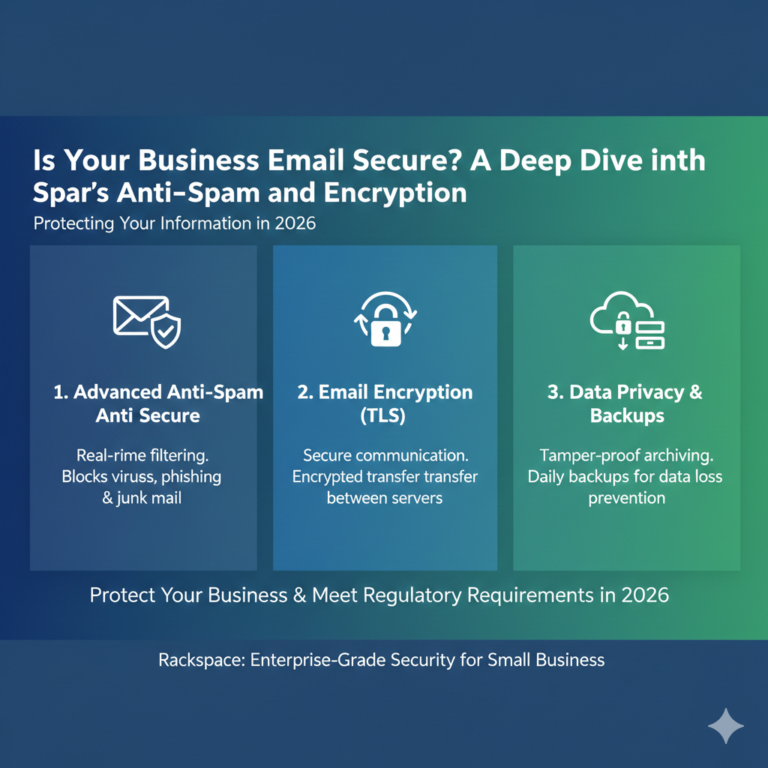
Rackspace ensures that data is encrypted both in transit (while moving from your mail server to the archive) and at rest (while stored on their servers). This prevents unauthorized interception.
Access Control
Admins can enforce strict password policies and multi-factor authentication (MFA) for the archive portal. This is critical because a compromised archive account gives a hacker access to the company’s entire history.
Audit Logs
For compliant email storage, you must be able to prove who touched the data. The system automatically logs every login, search query, and export event. These logs are immutable and can be reviewed by auditors to ensure no internal tampering has occurred.
Common Email Archiving Mistakes to Avoid
Even with a robust tool like Rackspace, human error can lead to compliance gaps.
- Relying on PST Files: Saving emails to local PST files on employee laptops is not archiving. These files are easily corrupted, easily deleted, and impossible to search centrally.
- Short Retention Periods: Setting a retention policy of 1 year when your industry requires 7 is a major violation. Always consult with legal counsel to determine the correct timeline.
- Poor Access Controls: Giving every manager “Admin” access to the archive is a privacy disaster waiting to happen. Follow the principle of least privilege.
- No Testing: failing to test the restore or export function until you are in the middle of a lawsuit is a recipe for panic. Run quarterly drills to ensure you can retrieve data quickly.
Who Needs Email Archiving the Most?
While every business benefits from data preservation, certain sectors cannot function without it.
Healthcare
Hospitals and clinics must ensure patient communications are preserved securely to meet HIPAA standards.
Finance
Banks, hedge funds, and insurance agencies are under constant scrutiny by FINRA and the SEC. Missing a single email trail regarding a transaction can result in massive fines.
Legal
Law firms must protect client privilege and manage case files for years. An archive serves as the ultimate repository for case history.
SMBs (Small to Medium Businesses)
Small businesses are not immune to lawsuits. A wrongful termination suit from a former employee often hinges on email evidence. For an SMB, an affordable archiving solution is cheap insurance against expensive settlements.
Rackspace Email Archiving vs Third-Party Archiving Tools
Is the native Rackspace email archiving solution right for you, or should you look at third parties like Mimecast or Barracuda?
Rackspace Native Archiving
- Pros: Seamless integration, single billing, easy setup, lower cost, unlimited storage.
- Cons: Features may be less granular than specialized enterprise tools.
Third-Party Solutions
- Pros: often include advanced threat protection, deeper analytics, and cross-platform support (e.g., archiving Slack messages).
- Cons: Higher complexity to set up (requires changing MX records), higher cost, separate support team.
For most small to mid-sized businesses already on the Rackspace ecosystem, the native solution offers the best balance of cost and compliance capability.
FAQ – Email Archiving & Rackspace Compliance
Q1: What is email archiving and why is it important?
Email archiving is the process of capturing and storing email messages in a secure, tamper-proof repository. It is important for regulatory compliance, legal protection (eDiscovery), and preserving institutional knowledge.
Q2: Does Rackspace offer email archiving?
Yes, Rackspace offers a cloud-based archiving add-on that integrates with Rackspace Email and Hosted Exchange. It provides unlimited storage and retention for a flat monthly fee per mailbox.
Q3: How long should business emails be archived?
This depends on your specific industry regulations. Common standards are 3, 5, or 7 years. Some companies choose to keep emails indefinitely. Consult your legal team to define a business email retention policy.
Q4: Is email archiving required for GDPR or HIPAA?
While neither regulation explicitly says “you must buy an email archiver,” both require data availability, protection, and auditability. Archiving is widely considered the most effective technical method to satisfy these legal requirements.
Q5: Can archived emails be deleted?
Under normal circumstances, users cannot delete archived emails. Admins can set retention policies that automatically purge old data, but authorized deletions are strictly controlled and logged to maintain the integrity of the archive.
Q6: How do I search archived emails in Rackspace?
Administrators can log in to the secure archiving portal. From there, they can use the eDiscovery search tools to filter messages by sender, date, keyword, and attachment, and then export the results.
Conclusion
Data is the lifeblood of modern business, and email is the vessel that carries it. Implementing a robust archiving strategy is not just about checking a box for a regulator; it is about protecting your company’s future.
Rackspace provides a straightforward, powerful tool to help you manage this risk. By enabling archiving, setting the correct retention policies, and securing access, you turn your email history from a liability into a valuable asset.
Do not wait for a subpoena to test your compliance strategy. Review your current retention capabilities today. If you are unsure where to begin, log in to your Rackspace control panel to explore your archiving options or consult with a compliance expert to ensure your business is fully protected.