Rackspace Email vs. Google Workspace in 2026: Which Is Better for Your Small Business?
Professional email is the lifeblood of modern communication. For small businesses, the choice of an email provider is rarely just about sending and receiving messages. It is a decision about how your team will collaborate, store data, and present a professional face to the world.
As we move through 2026, the demand for integrated cloud tools has skyrocketed. Businesses are no longer looking for siloed applications; they want ecosystems. However, budgets remain tight, and not every company needs a complex suite of productivity apps.
This brings us to two heavyweights in the industry: Rackspace Email and Google Workspace. On one side, you have Rackspace, a veteran provider known for reliable, no-frills email hosting. On the other, Google Workspace (formerly G Suite), the cloud-native giant that redefined real-time collaboration.
Choosing between them isn’t simply a matter of picking the better brand. It requires understanding your specific business model. Do you need a robust digital office, or just a reliable inbox? This guide compares features, pricing, security, and usability to help you decide which platform deserves your investment this year.
Rackspace Email Overview (Features, Pros & Cons)
Rackspace has built its reputation on “Fanatical Support” and reliability. While other providers pivoted to become all-in-one productivity suites, Rackspace largely stayed true to its core: providing solid, affordable hosted email.
Email Hosting Capabilities
Rackspace business email is designed for users who rely heavily on desktop clients like Microsoft Outlook. It uses standard IMAP/POP/SMTP protocols, ensuring compatibility with almost any email application on the market. Users typically get a generous 25GB mailbox, which is substantial for text-based communication and standard attachments.
Security Features
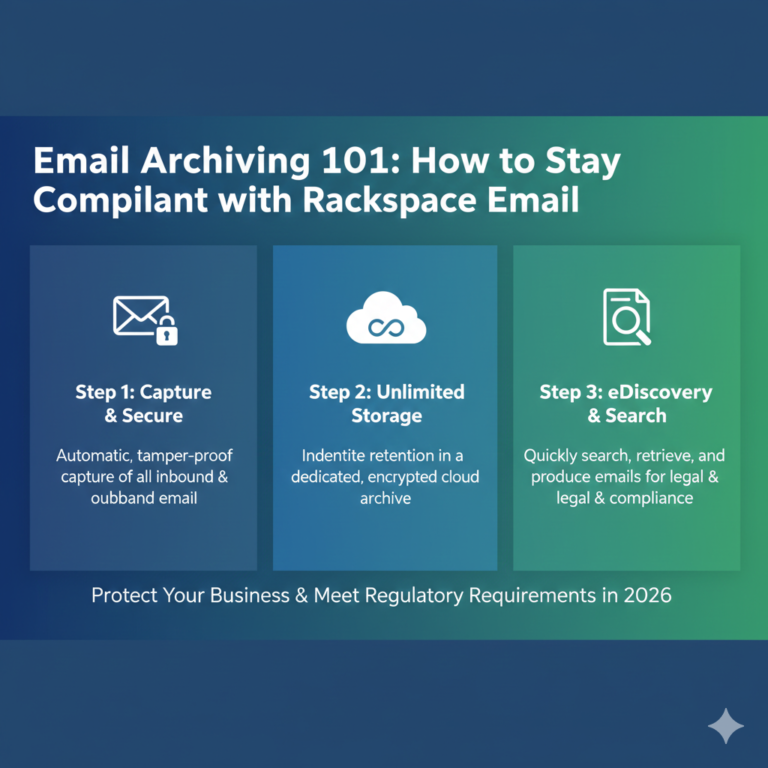
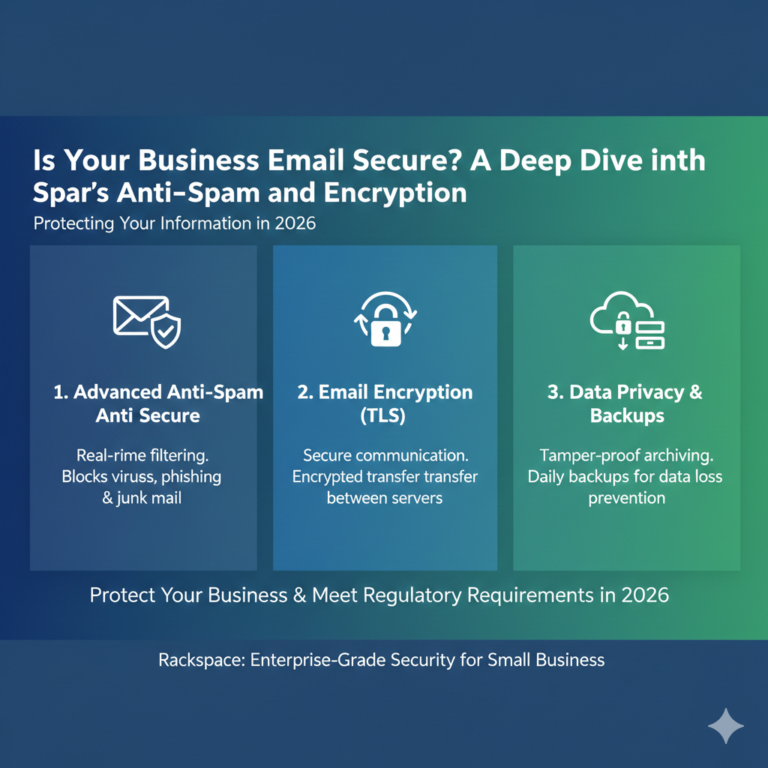
Even at its lower price point, Rackspace takes security seriously. The service includes premium spam and virus protection, aiming to keep inboxes clean before malicious mail ever hits the user’s device. For businesses in regulated industries, Rackspace also offers archiving and encryption add-ons, though these often come at an additional cost.
Storage Limits
While the mailbox storage is adequate, Rackspace Email does not inherently come with cloud file storage for documents (like a Drive alternative). File attachment limits are generally standard (around 50MB), meaning large file sharing usually requires a third-party service.
Pros:
- Cost-effective for businesses that only need email.
- 100% uptime guarantee.
- Seamless integration with Outlook desktop.
- 24/7/365 live support.
Cons:
- Lacks a built-in productivity suite (no documents or spreadsheets).
- Webmail interface feels dated compared to modern competitors.
- Collaboration tools are minimal.
Google Workspace Overview (Features, Pros & Cons)
Google Workspace is not just an email host; it is a digital headquarters. It combines the familiar interface of Gmail business email with a massive suite of productivity and collaboration tools.
Gmail Business Email
The core of the offering is the business version of Gmail. It provides the same smart features users love in the free version—smart compose, snooze, nudges—but with a custom domain (name@yourcompany.com). The interface is web-first, though it syncs perfectly with mobile apps and can be configured for desktop clients.
Drive, Docs, and Meet Integrations
This is where Google creates a gap in the market. Every license includes access to Google Drive (cloud storage), Docs (word processing), Sheets (spreadsheets), and Meet (video conferencing). These tools allow for real-time collaboration, meaning multiple team members can edit a proposal or budget simultaneously without version control issues.
Security and Admin Tools
Google Workspace features enterprise-grade security. Administrators have granular control over user access, device management (MDM), and data retention policies. Advanced plans in 2026 utilize AI-driven threat detection to identify phishing attempts and suspicious login activity faster than ever.
Pros:
- Comprehensive suite of productivity tools included.
- Industry-leading real-time collaboration.
- Huge ecosystem of third-party integrations.
- Scalable storage options (starting at 30GB per user).
Cons:
- Higher monthly cost per user.
- Can be feature-heavy for users who only want simple email.
- Browser-based focus may frustrate die-hard desktop app users.
Rackspace Email vs Google Workspace: Feature Comparison
When conducting a direct Rackspace vs Google Workspace comparison, the divergence in philosophy becomes clear. Rackspace is a specialist; Google is a generalist.
Email Storage
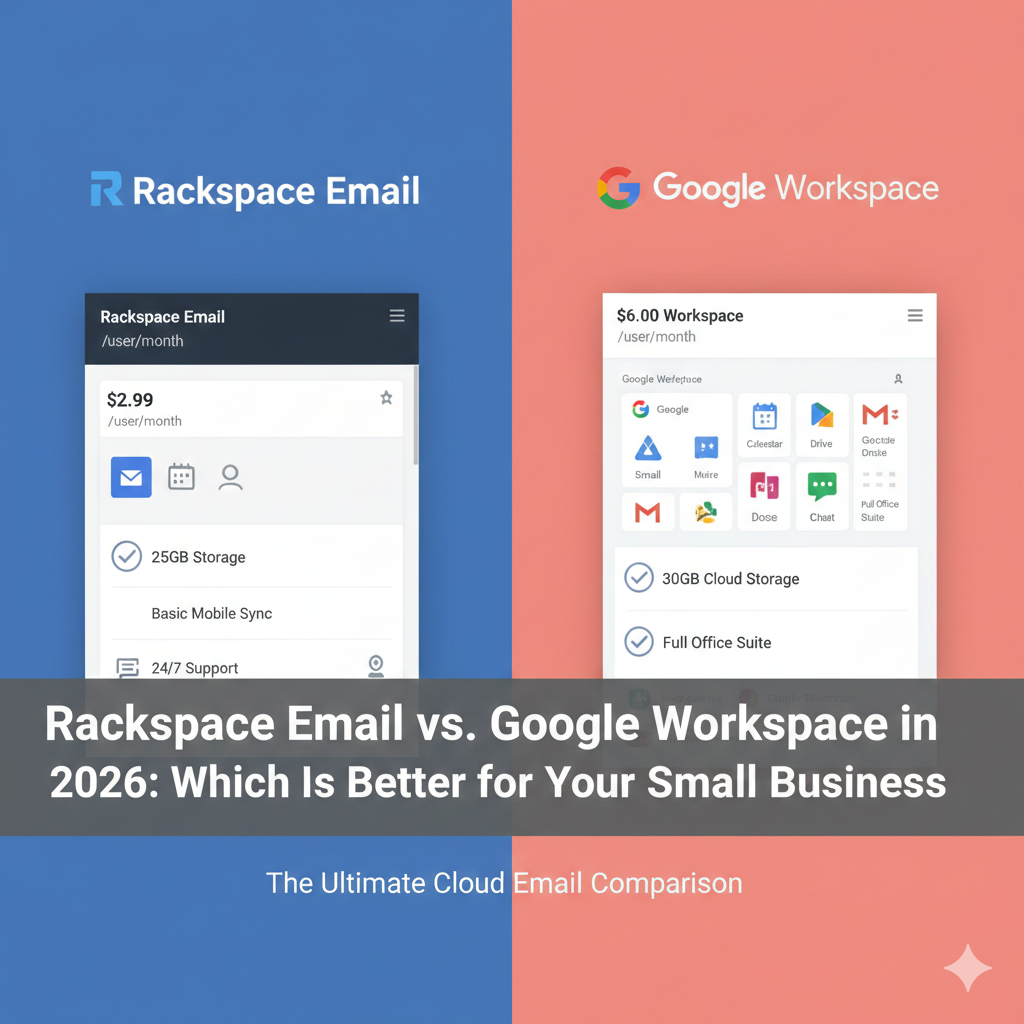
Rackspace generally offers a dedicated 25GB for email. Google’s entry-level plans usually start with 30GB of storage, but that space is shared across Drive, Gmail, and Photos. If your team handles massive video files, Google’s shared storage can fill up quickly, forcing an upgrade. Rackspace keeps email storage separate, which can be an advantage for email-heavy users.
Collaboration Tools
If your business relies on “track changes” in Word documents sent back and forth via email, Rackspace fits that workflow perfectly. However, if you prefer live editing, commenting, and assigning tasks within a document, Google Workspace is the superior choice. Rackspace offers email; Google offers a workspace.
Mobile Access
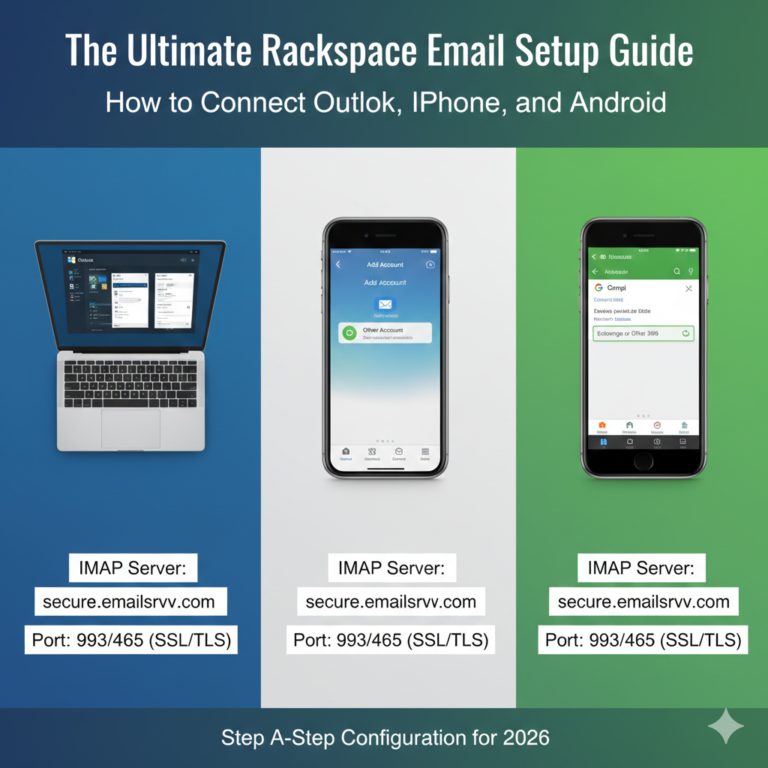
Both providers offer mobile access. Rackspace allows you to sync email, calendars, and contacts to your phone via standard protocols. Google, however, offers dedicated apps for every part of its suite—Gmail, Drive, Docs, Chat—providing a more cohesive mobile experience.
Admin Controls
Rackspace provides a simplified control panel focused on adding users and managing aliases. It is easy to navigate for non-technical owners. The Google Admin console is much more powerful, offering deep insights and controls over security, mobile devices, and data regions, but it requires a bit more time to master.
Pricing Comparison – Which Is More Cost-Effective in 2026?
Budget is often the deciding factor for small businesses.
Monthly Pricing Tiers
Rackspace Email pricing is traditionally positioned as the budget-friendly option. Costs typically hover around $2.99 per user/month. It is a predictable, low-cost line item.
Google Workspace pricing in 2026 reflects its status as a full software suite. Entry-level plans (Business Starter) generally sit around $6 to $7 per user/month, while Business Standard plans (which include more storage and recording features for Meet) can range from $12 to $15 per user/month.
Hidden Costs
With Rackspace, the price you see is for email. If you need file storage (like Dropbox) or video conferencing (like Zoom), those are separate bills. Google Workspace bundles these services. Therefore, while Google looks more expensive on the surface, it might actually be cheaper if it allows you to cancel other software subscriptions.
Scalability Pricing
Both services scale easily—you just add a license. However, Google’s tiered structure means that if you need just one advanced feature (like Data Loss Prevention), you have to upgrade the license for every user in your organization, which can significantly increase overhead.
Security & Compliance Comparison
Data breaches can ruin a small business. Both providers invest heavily in secure business email infrastructure.
Spam Filtering and Encryption
Rackspace provides rigorous, multi-layer spam filtering and basic encryption. It is reliable and blocks the vast majority of threats. Google utilizes its vast data network to train AI models that predict and block spam and phishing attacks with incredible accuracy.
Compliance Standards
For businesses in healthcare (HIPAA) or finance, compliance is key. Google Workspace is compliant with major regulations out of the box (provided you configure it correctly and sign a BAA). Rackspace also supports compliance, but you often need to purchase their “Archiving” add-on to meet strict data retention and eDiscovery requirements, which closes the price gap between the two services.
Ease of Use & Setup
Onboarding
Setting up email hosting for beginners can be daunting. Google Workspace has streamlined this process with setup wizards that guide you through verifying your domain and setting up MX records. Because so many people use personal Gmail, the user interface requires almost zero training.
Rackspace is also straightforward but feels more traditional. You create mailboxes in a portal and then manually configure your Outlook or mobile mail app.
Admin Dashboards
The Rackspace Cloud Office Control Panel is utilitarian and simple. You can’t break much because there aren’t too many knobs to turn. Google’s Admin Console is a command center. It is sleek and modern, but the sheer volume of settings can be intimidating for a first-time admin.
Integrations & Productivity Tools
CRM and Third-Party Integrations
Google Workspace integrates with thousands of SaaS products. Whether you use Salesforce, Asana, Trello, or Monday.com, there is likely a direct integration with Gmail and Drive. This turns email into a productivity hub.
Rackspace, relying on standard protocols, integrates well with desktop software but lacks the deep, API-level ecosystem that Google boasts.
Cloud Storage and Video Conferencing
As mentioned, Google includes robust cloud storage and Meet for video conferencing. Rackspace users typically have to cobble together a “stack”—using Rackspace for email, Dropbox for files, and Zoom for calls. This “best of breed” approach works for some, but it creates fragmented billing and user management.
Reliability, Uptime & Customer Support
SLA Comparison
Reliability is Rackspace’s calling card. They offer a 100% uptime guarantee, which is rare in the industry. Google offers a 99.9% uptime guarantee. In reality, both are exceptionally stable, but Rackspace’s guarantee speaks to their infrastructure confidence.
Support Availability
Rackspace built its brand on support. You can usually get a human on the phone quickly. Google’s support has improved significantly, but small business tiers often rely on chat support or community forums before getting phone access. If unparalleled, human-to-human email hosting support is your priority, Rackspace holds the edge.
Which Is Better for Small Business in 2026?
Recommendation for Rackspace
Choose Rackspace if:
- You are on a strict budget.
- Your team lives in Outlook on the desktop and refuses to change.
- You already have file storage and video solutions you are happy with.
- You want simple, reliable email without the “noise” of a collaboration suite.
Recommendation for Google Workspace
Choose Google Workspace if:
- You need a full digital office (docs, sheets, slides, video).
- Your team works remotely and needs to collaborate on files in real-time.
- You want to manage mobile devices and security from a single console.
- You want an ecosystem that integrates with your CRM and project management tools.
Pros and Cons Summary Table
| Feature | Rackspace Email | Google Workspace |
|---|---|---|
| Primary Focus | Dedicated Email Hosting | All-in-One Productivity Suite |
| Pricing | Low (~$2.99/user/mo) | Mid to High ($6 – $18/user/mo) |
| Storage | 25GB (Email Only) | 30GB+ (Shared Email/Drive) |
| Collaboration | Minimal | Industry Leading (Docs/Sheets) |
| Interface | Webmail or Outlook | Gmail Interface |
| Support | 24/7 Live Support | Tiered Support Structure |
| Best For | Traditional Desktop Users | Remote/Collaborative Teams |
FAQ – Rackspace Email vs Google Workspace
Q1: Is Rackspace Email cheaper than Google Workspace?
Yes, typically Rackspace Email is significantly cheaper on a per-user basis, often costing half the price of the entry-level Google Workspace plan. However, keep in mind that Rackspace is email-only, whereas Google includes storage and productivity apps.
Q2: Which is better for small business: Rackspace or Google Workspace?
It depends on your workflow. If your small business needs a complete office suite for document creation and collaboration, Google Workspace is better. If you simply need a professional email address and want to keep costs low, Rackspace is the better choice.
Q3: Does Google Workspace include more productivity tools?
Absolutely. Google Workspace includes Drive, Docs, Sheets, Slides, Meet, Chat, and Forms. Rackspace Email is strictly an email hosting service and does not include these content creation tools.
Q4: Is Rackspace Email secure for business use?
Yes, Rackspace Email is a secure business email provider. It includes premium spam and virus protection and utilizes 256-bit encryption. It is suitable for general business use, though highly regulated industries may need to purchase additional archiving services.
Q5: Can I migrate from Rackspace Email to Google Workspace easily?
Yes, migration is common. Google Workspace provides a data migration service that allows you to pull emails, contacts, and calendar data from Rackspace (via IMAP) directly into Google servers.
Q6: Which email service offers better storage in 2026?
For pure email volume, Rackspace’s dedicated 25GB mailbox is generous. However, Google Workspace’s 30GB (or 2TB on higher plans) is more versatile because it can store files, photos, and emails. If you deal with large non-email files, Google offers better storage solutions.
Conclusion
In the battle of Rackspace Email vs. Google Workspace, there is no single winner—only the right fit for your specific needs. Rackspace remains the champion of affordable, reliable, no-nonsense email hosting. It is the perfect choice for businesses that want their email to just work without paying for bells and whistles they won’t use.
Google Workspace, however, represents the modern standard for collaborative work. It commands a higher price, but it delivers value by replacing multiple other software subscriptions.
Evaluate your current software stack. If you are paying for Zoom, Dropbox, and Microsoft Office separately, consolidating to Google Workspace might actually save you money. If you are happy with your current tools and just need a professional address, Rackspace is the smart, economical play.
Ready to professionalize your communication? Assess your budget, consult your team, and choose the platform that empowers your business to grow in 2026.