What Is WordPress? Beginner’s Guide to Features, Uses & Benefits
If you have looked into building a website recently, you have almost certainly heard of WordPress. It is the most popular way to build a website in the world, yet many beginners still find themselves asking: what is WordPress exactly?
Is it a blog? Is it a business tool? Is it difficult to learn?
In simple terms, WordPress is the engine that powers more than 43% of all websites on the internet. It is a free, open-source content management system (CMS) that allows anyone to build a website without knowing how to write code.
Whether you want to start a personal blog, launch a massive eCommerce store, or build a portfolio for your photography business, WordPress is likely the tool you will use to do it.
In this guide, we will break down the WordPress meaning, how it works, and why millions of users—from small local businesses to global brands like NASA and Rolling Stone—trust it to power their online presence.
See also: The Evolution of Web Hosting: From Shared Servers to Cloud Infrastructure
What Is WordPress? (Definition)
To understand WordPress explained simply, you first need to understand what a Content Management System (CMS) is.
In the early days of the internet, building a website required you to write HTML, CSS, and PHP code from scratch. If you wanted to update a paragraph of text or add a new image, you had to edit the code file manually.
A CMS like WordPress solves this problem. It provides a user-friendly interface where you can upload images, write text, and publish pages just like you would on social media or in a Word document. The CMS handles all the complicated code in the background.
The Power of Open-Source Software
One of the most important aspects of the WordPress definition is that it is “open-source.”
This means the original source code is free for anyone to download, modify, and redistribute. It is not owned by a single giant corporation that can suddenly charge you fees to access your own data. Because it is open-source, a massive global community of developers contributes to the software, making it safer, faster, and more feature-rich every year.
There are two distinct ways to use this software, which often leads to confusion: WordPress.org and WordPress.com. We will cover the differences in detail later in this guide, but generally, when people ask “what does WordPress mean,” they are referring to the free, self-hosted software found at WordPress.org.
See also: Web Hosting Basics: Beginner’s Complete Guide
How Does WordPress Work?
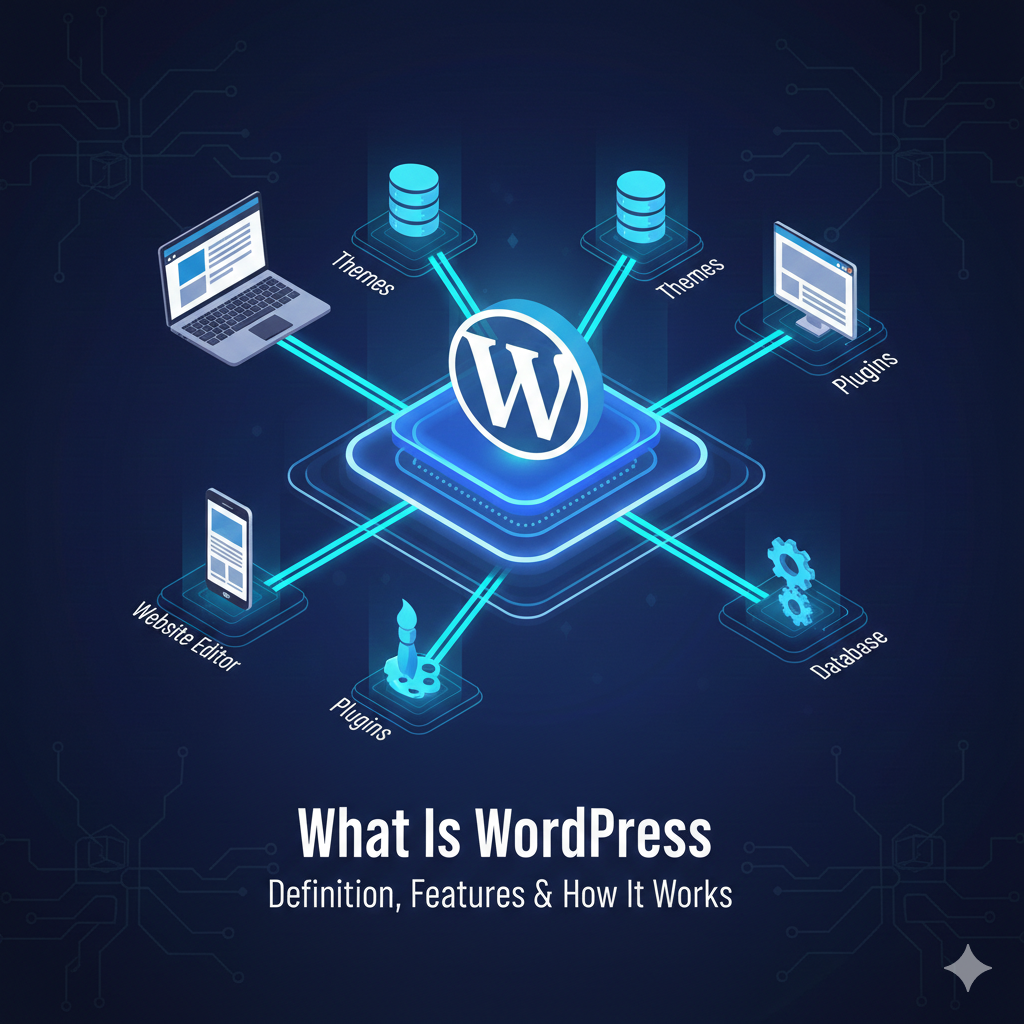
You do not need to be a computer engineer to understand how WordPress works. Think of your website like a house:
- Hosting: This is the plot of land where your house sits. You rent space on a server (from a hosting provider) to store your website files.
- Domain Name: This is your street address (e.g., yourwebsite.com) so people can find you.
- WordPress: This is the structure of the house itself. It provides the walls, rooms, and foundation.
- Themes: This is the interior decoration. It determines how your site looks—the colors, fonts, and layout.
- Plugins: These are the appliances and utilities. They add functionality, like a security system, a contact form, or an online store.
The Dashboard
Once you complete a WordPress website setup, you manage everything through an administration area known as the “Dashboard.”
From this central hub, you can create new posts, manage users, change your design settings, and keep your site updated. It is designed to be intuitive. If you can use email, you can learn to navigate the WordPress dashboard.
See also: Affordable Managed WordPress Hosting Best Picks For 2026
What Can You Build With WordPress?
Years ago, WordPress was primarily a blogging tool. Today, that is no longer the case. Thanks to its massive library of extensions, you can build a website with WordPress for almost any purpose imaginable.
Here are some common WordPress website examples:
1. Business Websites
From local plumbers to large consulting firms, businesses use WordPress to create professional pages that display their services, team members, and contact information.
2. eCommerce Stores
With the WooCommerce plugin, WordPress transforms into a fully functioning digital storefront. You can sell physical products, digital downloads, subscriptions, and bookings.
3. Blogs and News Sites
This remains the platform’s bread and butter. Major news outlets like Time Magazine and TechCrunch use WordPress because it is excellent at organizing vast amounts of content and handling high traffic.
4. Portfolios
Photographers, designers, and artists use WordPress themes specifically designed to showcase image galleries and visual work.
5. Membership Sites
You can put content behind a paywall, creating exclusive areas for subscribers. This is popular for online courses, fan communities, and premium newsletters.
6. Forums and Social Networks
Plugins like bbPress and BuddyPress allow you to turn a standard website into a community hub where users can create profiles and chat with one another.
WordPress.org vs WordPress.com – What’s the Difference?
This is the most common stumbling block for beginners. If you search for “WordPress,” you will find two different websites. Here is the WordPress org vs com breakdown:
WordPress.org (Self-Hosted)
- What it is: The free, open-source software.
- Hosting: You must buy your own domain name and web hosting from a third party (like Bluehost or SiteGround).
- Cost: The software is free, but you pay for hosting ($3–$15/month).
- Freedom: You have 100% control. You can install any plugin, use any theme, and monetize your site however you want.
- Best for: Serious bloggers, small businesses, and anyone who wants full ownership of their site.
See also: What Is Web Hosting
WordPress.com (Hosted Service)
- What it is: A for-profit hosting service powered by the WordPress software.
- Hosting: They host the site for you.
- Cost: There is a limited free plan, but professional features require a monthly subscription ($4–$45+/month).
- Freedom: The free and lower-tier plans have restrictions on monetization, storage, and which plugins you can install.
- Best for: Hobby bloggers who don’t want to manage a server and don’t mind limitations.
When experts discuss WordPress self hosted vs hosted, they almost always recommend WordPress.org because it offers greater flexibility and long-term value.
Key Features of WordPress
Why is this platform so dominant? It comes down to a few standout WordPress features that separate it from competitors like Wix or Squarespace.
Themes and Customization
You are not stuck with a generic design. There are thousands of free themes available in the official directory, and thousands more premium themes available from third-party developers. You can change the entire look of your site with a single click.
The Plugin Ecosystem
This is the platform’s superpower. There are over 59,000 free plugins available.
- Need to speed up your site? There is a plugin for that.
- Need to add a contact form? There is a plugin for that.
- Need to improve your SEO? There is a plugin for that.
SEO Friendliness
Search engines like Google prioritize websites that are easy to crawl and understand. WordPress is written using high-quality code that search engines love. This gives you a head start in ranking higher in search results.
Mobile Responsiveness
Most modern WordPress themes are designed to look great on phones and tablets right out of the box, ensuring you don’t lose mobile visitors.
User Management
If you have a team, you can assign different roles. You can have an “Administrator” who controls everything, “Editors” who can publish content, and “Subscribers” who can only manage their own profiles.
These WordPress advantages make it a tool that can grow with you.
Benefits of Using WordPress
If you are still on the fence, consider these major benefits of WordPress:
1. Ease of Use
While there is a slight learning curve, you do not need coding skills. The “Block Editor” (also known as Gutenberg) allows you to build pages by dragging and dropping elements like paragraphs, images, and buttons.
2. Scalability
You can start with a simple 5-page website. As your business grows, your WordPress site can grow to 5,000 pages without compromising performance. You do not need to switch platforms when you get big.
3. Cost Efficiency
Because the core software is free, why use WordPress becomes a financial question. It is often much cheaper than all-in-one website builders that charge high monthly subscription fees for basic features.
4. Community Support
Because it is so popular, help is always available. There are countless blogs, YouTube tutorials, forums, and Facebook groups dedicated to helping users solve problems. If you get stuck, someone else has likely already solved your issue.
Is WordPress Free? (Cost Breakdown)
The answer to “is WordPress free” is yes, but running a live website is not.
Think of it like a free puppy. The puppy itself costs nothing, but you still need to buy food, a leash, and vet visits. Here is a realistic look at the WordPress website cost:
- WordPress Core Software: $0 (Free forever).
- Web Hosting: $3 to $15 per month (Required).
- Domain Name: $10 to $20 per year (Required).
- Premium Theme: $30 to $70 (Optional one-time cost).
- Premium Plugins: $50 to $200 per year (Optional).
For a beginner, you can realistically launch a professional self-hosted WordPress site for roughly $50 to $70 for the first year.
Is WordPress Good for SEO?
Search Engine Optimization (SEO) is the art of getting your website to rank on Google. WordPress SEO benefits are widely recognized in the marketing industry.
Why Google Loves WordPress:
- Clean Code: It is easy for search engine bots to read.
- Permalinks: You can create custom URL structures (e.g., yoursite.com/my-post) rather than ugly random links (e.g., yoursite.com/?p=123).
- Image Optimization: It handles “Alt Text” and image resizing easily.
SEO Plugins
To make WordPress SEO benefits even stronger, you can install plugins like Yoast SEO or RankMath. These tools analyze your content in real-time and give you a checklist of improvements to make before you publish. They handle technical tasks like XML sitemaps and meta descriptions automatically, making WordPress the best CMS for SEO beginners.
How to Start a WordPress Website (Quick Steps)
Ready to jump in? Here is a simplified install WordPress guide to get you online in less than 30 minutes.
Step 1: Choose a Domain and Hosting
Go to a hosting provider (like Bluehost, SiteGround, or DreamHost). Purchase a hosting plan and register your domain name (e.g., MyCoolWebsite.com).
Step 2: Install WordPress
Most hosting providers offer a “One-Click Install” feature. You simply click a button, create a username and password, and the host sets up the software for you.
Step 3: Pick a Theme
Log in to your dashboard (usually at yoursite.com/wp-admin). Go to Appearance > Themes and click “Add New.” Browse the free options and click “Install” on one you like.
Step 4: Add Plugins
Go to Plugins > Add New. Search for essentials like a security plugin (e.g., Wordfence) and a contact form plugin (e.g., WPForms).
Step 5: Publish Content
Go to Pages > Add New to create your “Home” and “About” pages. Then, go to Posts > Add New to write your first blog post.
That is how to create a WordPress website in a nutshell.
Pros and Cons of WordPress
No platform is perfect. To give you a balanced view, here are the WordPress pros and cons.
| Advantages (Pros) | Limitations (Cons) |
|---|---|
| Full Ownership: You own your data and content. | You Manage Security: You are responsible for running updates and backups. |
| Endless Flexibility: Themes and plugins for everything. | Learning Curve: It is slightly harder to learn than drag-and-drop builders like Wix. |
| Lower Costs: Generally cheaper over the long term. | Compatibility Issues: Sometimes plugins can conflict with one another. |
| Portable: You can move your site to any hosting company. | No Dedicated Support: There is no 1-800 number to call (though community support is vast). |
See also: Shared Hosting Vs Vps Vs Cloud Hosting Which Is Best In 2026
FAQs – What Is WordPress?
Here are answers to the most common questions beginners have about the platform.
What is WordPress used for?
WordPress is used to build websites of all types. While it started as a blogging platform, it is now used for business directories, eCommerce stores, corporate websites, portfolios, resumes, forums, and social networks.
Is WordPress good for beginners?
Yes. You do not need to know code to use it. The interface is visual (WYSIWYG—What You See Is What You Get). While it takes a few hours to get comfortable with the dashboard, it is a skill that is easy to learn.
Do I need coding skills to use WordPress?
No. Most users build beautiful, functional sites without ever writing a single line of HTML or CSS. However, if you want to learn code later, WordPress allows you to access and edit it.
What is the difference between WordPress and a website builder?
A website builder (like Wix) is a closed platform where hosting and software are bundled together. You have less control but it is easier to start. WordPress is an open system where you have full control and ownership, but you manage the hosting yourself.
Is WordPress free to use?
The WordPress.org software is 100% free. However, you will need to pay a third-party company for web hosting and a domain name to make your website live on the internet.
Can WordPress handle large websites?
Absolutely. WordPress powers huge sites like The New York Times Company, Sony Music, and Disney Books. With the right hosting, it can handle millions of visitors per month.
Is WordPress secure?
Yes, the core software is very secure and audited regularly by top developers. However, because it is popular, it is a target for hackers. You can keep it secure by using strong passwords, installing security plugins, and keeping your site updated.
Start Your WordPress Journey Today
Now that we have covered the WordPress meaning, its features, and its massive potential, it is easy to see why it is the web’s favorite site builder.
It offers the perfect balance of ease of use for beginners and raw power for professionals. It grants you the freedom to build exactly the site you want, without being locked into an expensive proprietary platform.
Whether you want to blog about your travel adventures, sell handmade goods, or build a site for your startup, WordPress gives you the foundation to succeed.
Ready to build? Pick a hosting plan, install the software, and join the community of millions who are building the web with WordPress.
Related articles: