Security-First CMS Hosting: How to Protect Your Website from AI-Driven Cyber Threats in 2026
Artificial intelligence has fundamentally changed digital content creation, but it has also handed a powerful new weapon to cybercriminals. As we move toward 2026, the threat landscape is no longer dominated by lone hackers typing code in dark rooms. Instead, we face automated, AI-driven systems capable of launching thousands of sophisticated attacks per second.
For businesses relying on Content Management Systems (CMS) like WordPress, Drupal, or Magento, this shift represents a critical risk. Traditional hosting environments, often designed with speed or cost as the primary metrics, are frequently ill-equipped to handle these evolved threats. The firewall rules that worked in 2023 are often obsolete against the adaptive algorithms of 2026.
This is where security-first hosting becomes not just an option, but an operational necessity. By prioritizing defense at the infrastructure level, organizations can insulate their digital assets from the rising tide of automated cyber attacks. This guide explores the changing nature of threats, the anatomy of a secure hosting environment, and how IT leaders can choose the right partners to protect their data.
What Are AI-Driven Cyber Threats in 2026?
The definition of a cyber threat has expanded. Attackers now leverage machine learning to automate the discovery of vulnerabilities and optimize their intrusion methods in real-time. Understanding these AI cyber threats in 2026 is the first step toward effective defense.
Automated Exploit Generation
In the past, there was a significant lag time between the discovery of a software vulnerability and the development of an exploit code. Now, AI agents can scan software updates and patch notes, reverse-engineer the changes, and automatically generate exploit code within minutes. This drastically reduces the “safe window” IT teams have to apply patches, making zero-day attacks far more common.
Adaptive Botnets
Traditional botnets follow static scripts. If you block their IP range or user agent, the attack stops. Modern adaptive botnets use AI to mimic human behavior. They can solve CAPTCHAs, navigate site menus, and even pause between clicks to evade detection. These sophisticated bots can scrape content, exhaust server resources, or stuff credentials without triggering standard security alarms.
Deepfake Phishing and Social Engineering
While not a direct server attack, AI-powered social engineering is a major vector for gaining CMS access. Attackers use deepfake voice and video technology to impersonate executives or IT support staff, tricking employees into handing over administrative credentials. Once inside, the automated systems take over to inject malware or steal data.
Why CMS Platforms Are Prime Targets
Content Management Systems power a massive percentage of the web, making them a lucrative target for attackers. The standardized architecture that makes a CMS easy to use also makes it easy to attack.
Plugin Vulnerabilities
The greatest strength of platforms like WordPress—the ecosystem of thousands of plugins—is also its greatest weakness. Many plugins are developed by small teams with limited security resources. AI scanners can trawl through plugin repositories to find weaknesses in code structure before the developers are even aware of them.
Credential Reuse and Brute Force
Because CMS login pages are often publicly accessible (e.g., /wp-admin), they attract constant brute-force attention. Bots utilize vast databases of leaked credentials from other breaches to attempt logins. If administrators reuse passwords across platforms, the CMS becomes an open door.
Public Attack Surface
Unlike custom-coded applications where the directory structure might be unique, CMS file structures are public knowledge. Attackers know exactly where the configuration files, uploads directories, and themes reside. This predictability allows for high-volume, automated scanning for WordPress security risks and other CMS vulnerabilities.
What Is Security-First CMS Hosting?
Security-first hosting is a philosophy that treats security as the foundational layer of the hosting environment, rather than a feature add-on. It assumes that the application layer (the CMS) will eventually have vulnerabilities, and therefore the infrastructure itself must provide a safety net.
This approach relies on a “defense-in-depth” strategy. It moves beyond simple perimeter defense and incorporates security into every layer of the stack—from the physical data center to the network edge and the server operating system.
A core component of this is zero-trust architecture. In a security-first environment, no traffic is trusted by default, even if it originates from inside the network. Every request is verified, inspected, and validated before it interacts with the CMS database or files.
Core Security Features Every CMS Host Must Provide
When evaluating secure web hosting features, generic promises of “high security” are insufficient. DevOps teams and IT managers need to look for specific technical capabilities that mitigate modern risks.
Web Application Firewall (WAF)
A robust WAF is the first line of defense. It sits between the internet and the CMS, inspecting incoming traffic for malicious patterns such as SQL injection, cross-site scripting (XSS), and known exploit signatures. In 2026, a WAF must be intelligent enough to update its rulesets automatically as new threats emerge.
DDoS Mitigation
Distributed Denial of Service (DDoS) attacks are cheaper and easier to launch than ever. DDoS protection hosting is essential to ensure business continuity. This involves scrubbing centers that can ingest massive amounts of malicious traffic, filtering it out, and passing only clean traffic to the origin server, ensuring the website remains online during an attack.
Continuous Malware Scanning
Files should be scanned as they are uploaded, not just during a weekly scheduled task. Security-first hosts implement real-time file monitoring to detect webshells, backdoors, or malicious scripts the moment an attacker attempts to plant them on the server.
Backup Isolation
Ransomware often targets backups to prevent recovery. A secure host ensures that backups are immutable and stored on an isolated network. Even if the main web server is compromised and encrypted, the backups remain untouched and available for restoration.
AI-Driven Defense Tools in Modern Hosting
To fight AI, you need AI. Modern hosting providers are integrating AI cybersecurity tools directly into their platforms to counter automated threats.
Behavioral Anomaly Detection
Rule-based security is reactive; it only stops what it knows is bad. AI-driven anomaly detection is proactive. It establishes a baseline of “normal” traffic for a specific website. If the system detects a deviation—such as a sudden spike in database queries from a specific region at 3 AM—it can flag the activity or block it automatically, even if the traffic doesn’t match a known attack signature.
Automated Patching and Virtual Patching
Speed is critical. Automated threat detection systems can identify vulnerabilities in CMS core files or plugins and apply “virtual patches” at the WAF level. This blocks attempts to exploit the vulnerability before the actual software patch is applied, closing the window of exposure.
Threat Intelligence Feeds
Top-tier hosting providers feed their security systems with global threat intelligence. If an IP address attacks a server in Europe, that IP is instantly added to blocklists for servers in North America. This collective immunity helps protect all clients on the network.
Network Security and Traffic Protection
Protecting the application is useless if the network is porous. Network-level security focuses on managing who gets to knock on the door.
Bot Filtering and Mitigation
Not all bots are bad; you want Googlebot to index your site. However, scrapers and scalper bots waste resources and steal content. Advanced bot mitigation hosting uses fingerprinting techniques (analyzing browser capabilities, mouse movements, and request timing) to distinguish between human users, good bots, and malicious automation.
Rate Limiting
To prevent brute-force attacks and resource exhaustion, security-first hosts implement strict rate limiting. This restricts the number of requests a single IP address can make within a set timeframe, effectively neutralizing rapid-fire password guessing attempts.
Geo-Blocking and Geofencing
For businesses that only operate in specific countries, allowing global traffic increases the attack surface unnecessarily. Website firewall protection often includes the ability to geo-block traffic from countries known for high levels of cybercrime, or conversely, only allow traffic from specific target markets.
Data Protection, Compliance, and Privacy
Data sovereignty and privacy are as important as defense against hackers. Secure hosting GDPR compliance is a non-negotiable requirement for any business handling European user data.
Encryption Everywhere
Data must be encrypted both in transit (via forced TLS/SSL) and at rest. This ensures that even if a hard drive were physically stolen from a data center, the data residing on it would be unreadable without the decryption keys.
Backup Integrity
It is not enough to simply have backups; their integrity must be verified. Automated checksums ensure that backups have not been corrupted or tampered with. This guarantees that when a disaster recovery scenario is triggered, the data is valid.
Performance vs Security Trade-Offs
A common misconception is that high security creates latency. While inspecting traffic takes processing power, modern secure hosting performance has largely eliminated this trade-off through edge computing.
By integrating security checks into a Content Delivery Network (CDN), threats are neutralized at the edge of the network, closest to the user. This means malicious traffic never hits the origin server, actually improving performance by freeing up resources. Fast secure hosting is achieved by caching content globally while running security logic in parallel, ensuring that a secure site is also a fast site.
How OVHcloud Supports Security-First Hosting
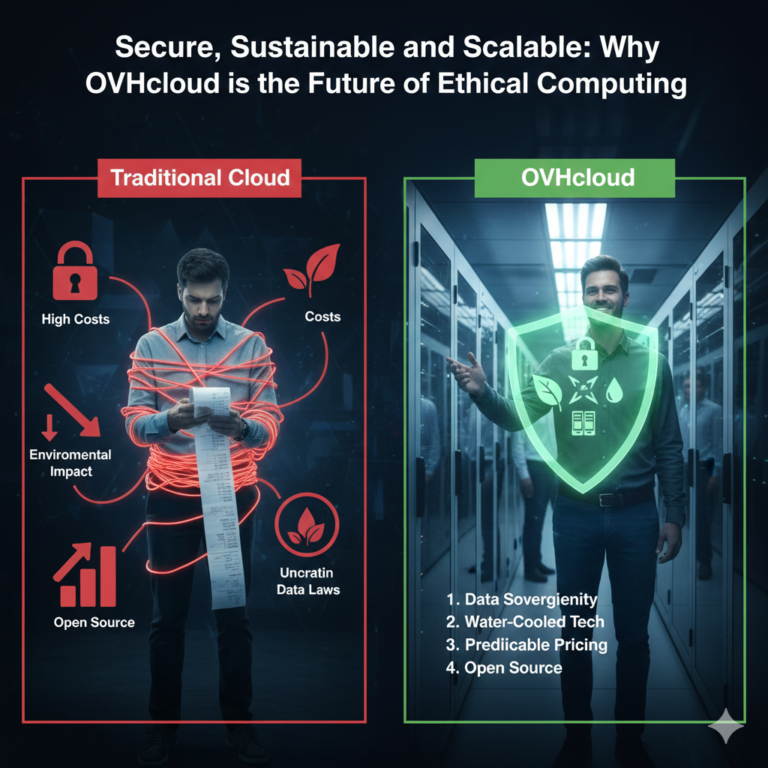
For enterprises seeking a partner that embodies these principles, providers like OVHcloud offer distinct advantages. OVHcloud security hosting is built on a foundation of infrastructure isolation. Unlike standard shared hosting, resources are often dedicated, preventing “noisy neighbor” issues where one compromised site affects others on the same server.
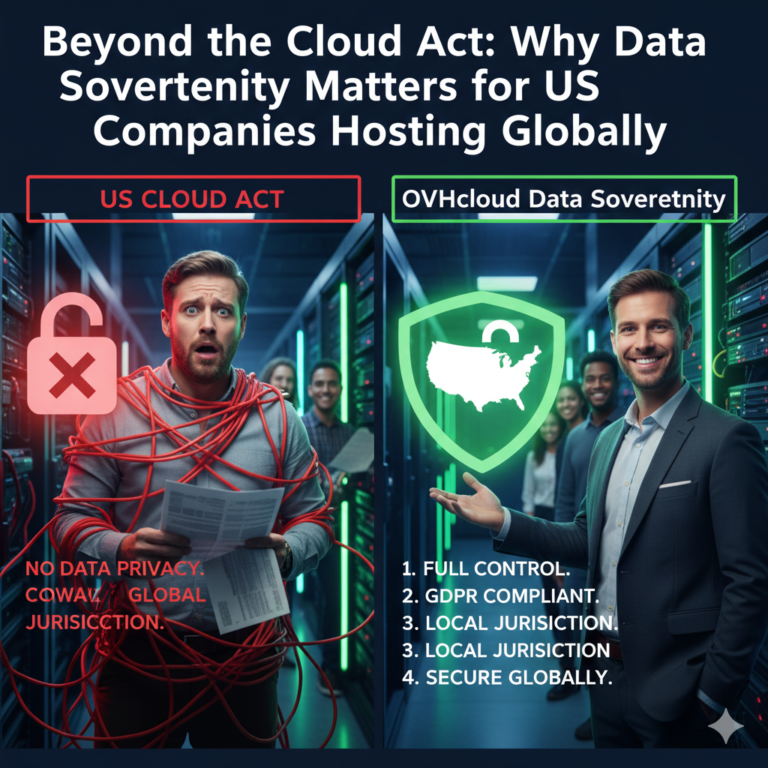
Their proprietary, network-level anti-DDoS infrastructure is a standout feature. Because they own their global fiber network, they can scrub attack traffic within their own backbone before it reaches the server. Furthermore, as a secure cloud provider with a strong European heritage, they maintain rigorous compliance certifications, offering peace of mind regarding data sovereignty and GDPR adherence.
Choosing a Secure CMS Hosting Provider (Checklist)
When vetting a new host, use this checklist to ensure they meet security-first standards:
- Certifications: Do they hold ISO 27001, SOC 2, or PCI-DSS certifications?
- Incident Response: Do they have a clear SLA regarding their response times to security incidents?
- Visibility: Do they provide logs and dashboards so you can see blocked attacks?
- Architecture: Is the architecture truly isolated, or are you sharing a kernel with thousands of other sites?
- Support: Is the support team trained in cybersecurity, or just general troubleshooting?
Finding the best secure CMS hosting requires looking past marketing buzzwords and asking for evidence of these technical controls.
Incident Response and Recovery Planning
Security is about risk reduction, not risk elimination. A determined state-level actor may still breach defenses. Therefore, cyber incident response hosting capabilities are vital.
A security-first host assists in the creation of a Disaster Recovery Plan (DRP). This includes automated failover systems that can switch traffic to a standby server in a different geographic location if the primary server goes down. Regularly testing these backups and failover mechanisms ensures that when a crisis hits, the recovery process is muscle memory, not a panic response.
Future Security Trends for Web Hosting
Looking beyond 2026, we can expect to see biometric authentication becoming standard for CMS access, replacing passwords entirely. Additionally, “quantum-safe” encryption will become a priority as quantum computing advances to a point where it threatens current encryption standards. Hosting providers that are adopting these technologies now are future-proofing their clients’ businesses.
FAQ – Security-First CMS Hosting
Q1: What is security-first hosting?
Security-first hosting is an approach where the entire hosting infrastructure is architected with security as the primary design principle. It involves integrated WAFs, automated threat scanning, isolation technologies, and strict access controls that are active by default.
Q2: Can hosting providers stop AI-driven cyber attacks?
While no provider can guarantee 100% immunity, providers using AI-driven defense tools can significantly mitigate these attacks. They use machine learning to identify and block the complex, adaptive patterns used by AI attack bots.
Q3: Is managed hosting more secure than shared hosting?
Generally, yes. Managed hosting typically offers better resource isolation, proactive patching updates managed by the provider, and dedicated security configurations that are not available in standard shared environments.
Q4: How do I protect WordPress from AI bots?
You need a combination of a hosting provider that offers bot mitigation at the network edge, a Web Application Firewall (WAF) configured to spot anomaly behavior, and strict rate-limiting policies.
Q5: Does secure hosting impact website speed?
If implemented correctly via edge security and CDNs, it should not negative impact speed. In fact, by blocking bot traffic and DDoS attempts, it often frees up server resources, making the site faster for legitimate users.
Q6: What certifications should secure hosting providers have?
Look for ISO 27001 (Information Security Management), SOC 2 Type II (Service Organization Control), and PCI-DSS (if you are processing payments).
Conclusion
As we approach 2026, the capabilities of AI-driven cyber threats will only continue to accelerate. For businesses, the cost of inaction is too high—ranging from data theft and financial loss to irreparable reputation damage. Relying on legacy hosting environments to protect against futuristic threats is a gamble no IT leader should take.
Security-first CMS hosting provides the necessary armor to operate safely in this hostile digital environment. By combining advanced infrastructure, AI-driven defense tools, and rigorous compliance standards, organizations can ensure their focus remains on growth, not damage control.
Is your current hosting environment ready for the threats of tomorrow? Upgrade to a security-first infrastructure today to ensure your digital future is secure.