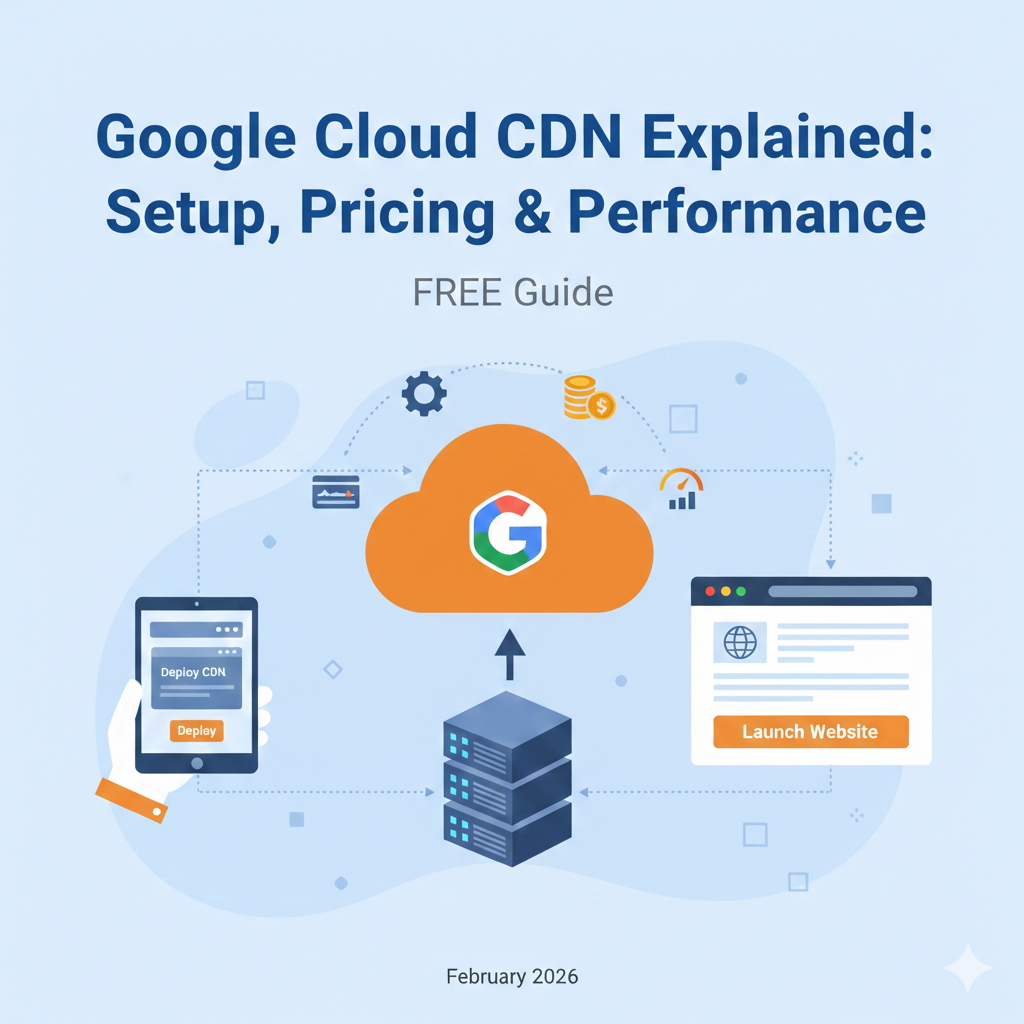
Google Cloud CDN Explained: Setup, Pricing & Performance
A slow website isn’t just an annoyance; it is a business liability. Users abandon pages that take more than a few seconds to load, and search engines penalize sluggish performance in their rankings. If you host your infrastructure on Google Cloud Platform (GCP), the most seamless way to solve latency issues is Google Cloud CDN.
But for developers new to the cloud or those migrating from other providers, GCP’s approach to content delivery can seem distinct. Unlike standalone CDNs that function via DNS changes, Google Cloud CDN is deeply integrated into the platform’s load balancing infrastructure.
This guide covers everything you need to know about Google Cloud CDN. We will break down exactly how it works, walk through a step-by-step setup, analyze the complex pricing model, and compare it against major competitors.
What Is Google Cloud CDN?
Google Cloud CDN (Content Delivery Network) is a low-latency content delivery solution designed to serve web assets to users from locations closest to them.
At its core, a CDN is a network of servers distributed globally. When a user visits your website, they shouldn’t have to wait for data to travel halfway across the world from your primary server (the “origin”). Instead, the CDN stores a copy of that data in a server nearby (the “edge”) and delivers it almost instantly.
Content Delivery Network explained
Think of your origin server as a central warehouse. If you only have one warehouse in New York, a customer in Tokyo has to wait a long time for delivery. A CDN introduces local fulfillment centers in hundreds of cities. When the Tokyo customer orders, the product ships from the Tokyo center, not New York.
For web development, “products” are static assets: images, CSS files, JavaScript bundles, and fonts. By caching these at the edge, you reduce the load on your backend instances and speed up the experience for the user.
How Google Cloud CDN works with Google Cloud services
This is where Google differs from providers like Cloudflare or Akamai. Google Cloud CDN is not a standalone service you point your DNS to. Instead, it operates as a feature of the Google Cloud Load Balancer.
To use Cloud CDN, you must use an HTTP(S) Load Balancer. The CDN sits at the network edge, intercepting requests before they even hit your load balancing configuration. It integrates natively with:
- Compute Engine instance groups
- Cloud Storage buckets
- Cloud Run (serverless containers)
- App Engine
Key Features of Google Cloud CDN
Google leverages its massive private network to offer features that are often difficult for other providers to match.
Global edge locations
Google maintains over 100 points of presence (PoPs) across the globe. Because Google owns the fiber-optic cables connecting these locations, your user’s request enters Google’s private network as soon as it hits the nearest edge location. It stays on this optimized “premium tier” network for the entire journey, bypassing the congested public internet.
Anycast IP and Google backbone
Many CDNs require you to manage different IP addresses for different regions. Google uses Anycast IP. This means you get a single global IP address for your load balancer.
Whether a user connects from London, Sydney, or Sao Paulo, they dial the same IP address. The network routing protocol automatically directs that request to the nearest physical server. This simplifies DNS management significantly—you don’t need complex geo-routing rules in your DNS provider.
Cache control and invalidation
You have granular control over how long content stays cached. You can set Time-To-Live (TTL) settings based on file types or specific paths.
Furthermore, cache invalidation is robust. If you push a critical update (like a hotfix to a JavaScript file), you can invalidate the cached version instantly via the API or the console, ensuring users see the new version immediately rather than waiting for the TTL to expire.
Security and DDoS protection
Cloud CDN integrates tightly with Google Cloud Armor, GCP’s web application firewall (WAF) and DDoS protection service. Because the CDN sits at the edge, it absorbs volumetric attacks (like flood attacks) before they reach your backend infrastructure. This acts as a shield, preventing malicious traffic from overwhelming your origin servers and driving up compute costs.
How Google Cloud CDN Works
Understanding the flow of a request helps in debugging performance issues and configuring headers correctly.
Request flow overview
- User Request: A user requests
example.com/logo.png. - Edge Entry: The request hits the nearest Google Edge Point of Presence (PoP).
- Lookup: The CDN checks its cache storage at that location to see if
logo.pngis already there. - Delivery or Fetch:
- If found (Cache Hit): The image is returned immediately to the user.
- If not found (Cache Miss): The CDN forwards the request to your external HTTP(S) Load Balancer, which retrieves it from your origin (e.g., a Cloud Storage bucket).
- Storage: The CDN sends the image to the user and saves a copy at the edge for future requests.
Cache hits vs cache misses
Your goal is to maximize Cache Hits.
- Cache Hit: Fast response, low cost (you pay for egress, but no origin compute).
- Cache Miss: Slower response, higher cost (you pay for egress, plus the compute resources to fetch the file, plus “cache fill” bandwidth).
Integration with load balancers
Because the CDN is a toggle on the Load Balancer backend, it allows for hybrid setups. You can have one backend service (like /api) with CDN disabled for dynamic content, and another backend service (like /static) pointing to a Cloud Storage bucket with CDN enabled, all routed through the same domain and IP.
Step-by-Step: How to Set Up Google Cloud CDN
Setting up Cloud CDN assumes you have a basic GCP project and an origin (like a VM or a Storage Bucket) ready.
Create an HTTP(S) Load Balancer
You cannot create a “CDN instance.” You must create a Load Balancer.
- Navigate to Network Services > Load Balancing in the Google Cloud Console.
- Click Create Load Balancer.
- Select HTTP(S) Load Balancing.
- Choose From Internet to my VMs or serverless services (Classic or Global External).
- Frontend Configuration: Reserve a static global IP address and set up your SSL certificates here.
Backend service requirements
The “Backend Configuration” is where the magic happens. You will create a “Backend Service.”
- Instance Group: If serving from VMs.
- Backend Bucket: If serving from Cloud Storage (recommended for static assets).
Supported origins
Cloud CDN supports Instance groups (Compute Engine), Zonal Network Endpoint Groups (NEGs), Serverless NEGs (Cloud Run, App Engine, Cloud Functions), and Storage Buckets. It also supports custom origins (on-premise servers or other clouds) if connected via hybrid connectivity.
Enable Cloud CDN
Once you are in the Backend Service configuration screen:
- Locate the checkbox labeled Enable Cloud CDN.
- Check it.
That is often the only step required to turn it on. However, default settings may not be optimal for your specific application.
Cache configuration basics
By default, Google attempts to cache static content automatically. You can choose:
- Cache static content: Automatically caches based on file extension (css, img, js).
- Use origin settings: Respects the
Cache-Controlheaders sent by your server. - Force cache all content: Ignores origin headers and caches everything (risky for dynamic apps).
Configure Cache Policies
TTL settings
If you select “Force cache all content,” you must define the TTL (Time to Live).
- Client TTL: How long the user’s browser should keep the file.
- Default TTL: How long the CDN keeps the file if the origin doesn’t specify.
- Max TTL: The hard limit for how long a file stays at the edge.
Cache keys and headers
Sometimes, you serve different versions of content based on the user. For example, index.html might look different for a user in France vs. the US.
You can configure Cache Keys to include protocols, hostnames, or query strings. If you don’t whitelist query strings, example.com/image?v=1 and example.com/image?v=2 might be treated as the same cached file, causing users to see old content.
Test and Verify CDN Performance
After saving your Load Balancer, it may take 10-20 minutes to propagate globally.
Cache hit ratio
Go to Network Services > Cloud CDN in the console. You will see a monitoring dashboard. The most important metric is the Cache Hit Ratio. A healthy static site should see a ratio above 80% or 90%.
Monitoring and logs
You can manually test using curl.
Run: curl -I https://your-domain.com/image.png
Look for the Via header or the Age header.
- If
Ageis present and greater than 0, it was a cache hit. - If
Ageis missing or 0, it was a cache miss.
Google Cloud CDN Pricing Explained
Google’s pricing is pay-as-you-go, but it involves several moving parts. It is generally considered more expensive than budget options like Cloudflare but competitive with enterprise options like AWS CloudFront.
Data egress pricing
This is the cost of data traveling from the Edge to the User.
- This varies by region. Sending data to a user in North America is cheaper than sending data to a user in China or Australia.
- Costs typically range from $0.08 to $0.20 per GB depending on volume and destination.
Cache fill and cache hit costs
- Cache Fill: You pay for the bandwidth used to move data from your Origin to the Edge (when a Cache Miss occurs).
- Lookup Requests: You pay a small fee (approx $0.0075 per 10,000 requests) for HTTP/HTTPS lookup requests.
Example monthly cost scenarios
Imagine you serve 1 TB of data to users in North America.
- Egress: 1,000 GB * ~$0.08 = $80.
- Requests: 10 million hits * ($0.0075 / 10,000) = $7.50.
- Total: ~$87.50/month.
Note: This excludes the cost of Load Balancing rules ($18/month + data processing fees).
Performance Benefits of Google Cloud CDN
Reduced latency and faster load times
By serving assets from the edge, round-trip time (RTT) drops significantly. For media-heavy sites, this leads to faster Largest Contentful Paint (LCP) scores, a key Core Web Vital for SEO.
Improved global performance
Without a CDN, a user in London accessing a server in Oregon faces roughly 150ms of latency just from physics. With Cloud CDN, that latency drops to <20ms because the connection is terminated in London.
Scalability under traffic spikes
If your marketing team launches a viral campaign, your origin server might crash under the load of thousands of concurrent requests. Cloud CDN absorbs this traffic. The origin only deals with the first request; the CDN handles the millions that follow.
Limitations and Considerations
Pricing complexity
The biggest hurdle for small developers is the billing structure. It is not a flat fee. Unexpected traffic spikes can lead to bill shock if you haven’t set up budget alerts. Additionally, the mandatory Load Balancer adds a fixed monthly cost that doesn’t exist with some other CDN providers.
Regional cost differences
If your audience is primarily in Asia or South America, your bandwidth costs will be significantly higher than if your audience is in the US or Europe.
When CDN may not help
CDNs do not speed up complex backend processing. If your API takes 3 seconds to query a database and generate a JSON response, the CDN cannot fix that (unless that specific JSON response can be cached).
Google Cloud CDN vs Other CDNs
Google Cloud CDN vs Cloudflare
- Cloudflare: Operates via DNS (easier setup). Offers a very generous free tier. Excellent security features out of the box.
- Google: Requires a Load Balancer. Better if you want to stay entirely within the Google internal network. No free tier for the Load Balancer component.
Google Cloud CDN vs AWS CloudFront
- AWS CloudFront: Highly customizable, integrates with S3 and Lambda@Edge. Best if your stack is on AWS.
- Google: Best integration with Google Cloud Storage and GKE. Generally faster setup if you already have a GCP Load Balancer.
When to choose each option
- Choose Google Cloud CDN if you already host your application on GCP (Compute Engine, GKE, Cloud Run) and want a unified billing and management experience.
- Choose Cloudflare if you need a free option, are hosting on a different provider, or want easy DNS-level protection.
Best Use Cases for Google Cloud CDN
Static websites
Hosting a React, Vue, or Angular app requires downloading large JS bundles. Storing these in a Cloud Storage bucket behind Cloud CDN is the gold standard for performance and cost-efficiency.
Media delivery
For video streaming or high-resolution image galleries, the global throughput of Google’s network ensures minimal buffering and pixelation.
APIs and dynamic content acceleration
Even for content that cannot be cached, Cloud CDN can help via “dynamic acceleration.” It uses Google’s backbone to route the request faster than the public internet, even if it has to go all the way back to the origin.
FAQs – Google Cloud CDN
Is Google Cloud CDN free?
No. While there is a Free Tier for GCP, Cloud CDN usage typically incurs costs for egress and request lookups. You also pay for the Load Balancer required to run it.
How much does Google Cloud CDN cost?
It depends on volume, but expect to pay roughly $0.08–$0.20 per GB of data delivered to users, plus a monthly fee (approx $18) for the Load Balancer.
Does Google Cloud CDN improve SEO?
Yes. Google uses page speed (specifically Core Web Vitals) as a ranking factor. A CDN directly improves metrics like Time to First Byte (TTFB) and Largest Contentful Paint (LCP).
Can I use Google Cloud CDN with external origins?
Yes, using “Custom Origins.” However, you typically lose the benefit of Google’s internal backbone for the “cache fill” portion of the request if your origin is on a different network.
Is Google Cloud CDN good for small websites?
It can be overkill due to the Load Balancer cost. For a small personal blog with low traffic, a free tool like Firebase Hosting (which uses a global CDN under the hood) or Cloudflare is often a better financial choice.
Optimizing Your Cloud Delivery
Google Cloud CDN is a powerhouse tool for developers operating within the GCP ecosystem. While the requirement of a Load Balancer adds a layer of initial complexity and cost, the performance gains from utilizing Google’s private fiber network are unmatched.
By moving your content closer to your users, you ensure that your application scales effortlessly and delivers the premium experience modern users expect.