What Is Cloud Hosting? A Complete Beginner’s Guide
If you have ever tried to launch a website, you know the vocabulary can get overwhelming fast. Shared hosting, VPS, dedicated servers—it feels like learning a new language. But one term seems to buzz louder than the rest: cloud hosting.
It’s not just a buzzword. It is the infrastructure powering the apps you use daily, from Netflix streaming your favorite shows to Dropbox storing your photos. For website owners, moving to the cloud often marks a graduation from “hobby project” to “serious business.”
But what exactly is it? Is it just a computer somewhere else? And more importantly, do you need it?
This guide cuts through the technical jargon. We will break down exactly what cloud hosting is, how it keeps the internet running smoothly, and how to decide if it is the right upgrade for your digital presence.
See also: The Evolution of Web Hosting: From Shared Servers to Cloud Infrastructure
What Is Cloud Hosting? (Simple Explanation)
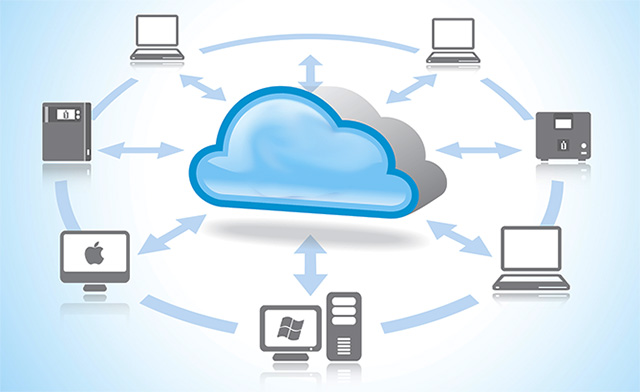
In the simplest terms, cloud hosting is a method of storing and running websites on a network of virtual and physical servers rather than just one.
Think of traditional hosting like renting a single storage unit. You put all your stuff in there. If the lock breaks, or if the facility floods, your stuff is inaccessible. You are reliant on that one specific physical space.
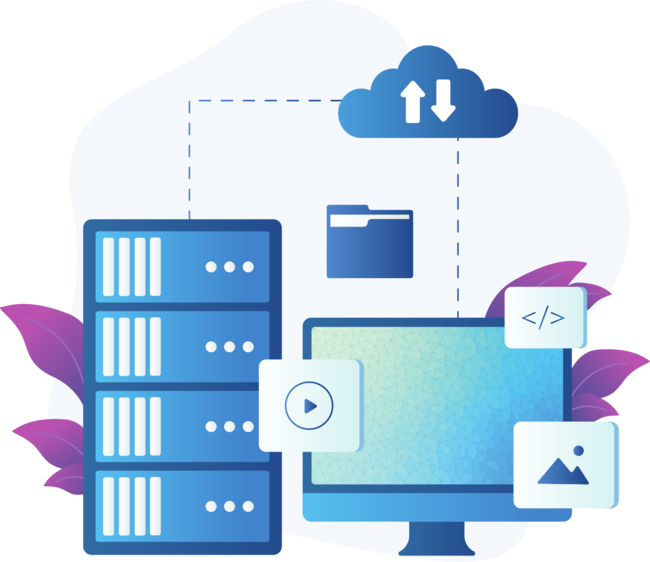
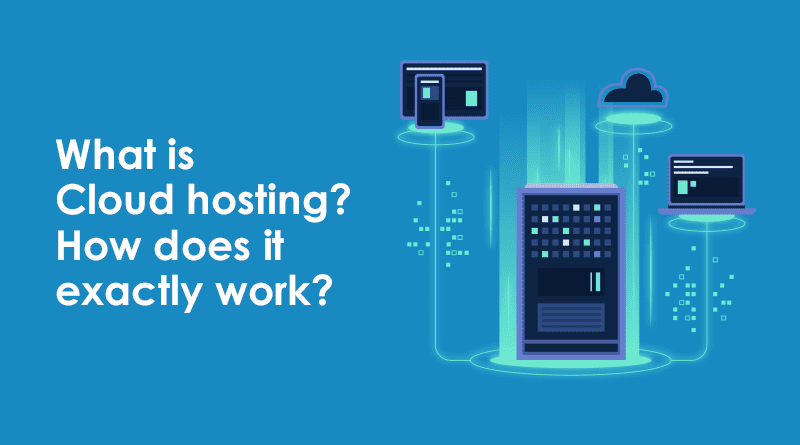
Cloud hosting is different. Instead of one physical box, your website is hosted on a virtual partition that draws resources from an underlying network of many physical servers. If one server goes offline, another immediately picks up the slack. Your website doesn’t live in one specific “place”; it lives across the cluster. This structure makes cloud hosting incredibly resilient and flexible compared to older hosting methods.
How Cloud Hosting Works
To understand the cloud, you have to look under the hood at virtualization. This technology splits a physical server into multiple virtual machines, or “VMs.”
The Role of Virtual Servers
When you buy a cloud hosting plan, you aren’t renting a metal box in a data center. You are renting a virtual space. This virtual server acts like a real computer—it has its own operating system, storage, and computing power—but it exists as software. Because it is software, it can be created, destroyed, or moved to different physical hardware instantly.
Resource Pooling
This is where the magic happens. The physical servers in the network pool their resources together—CPU, RAM, and storage—into a giant reservoir. Your virtual server taps into this reservoir. If your website suddenly needs more memory because a post went viral, the cloud can allocate more resources from the pool to your site instantly.
Load Balancing and Redundancy
Cloud hosting relies heavily on load balancers. Think of a load balancer as a traffic cop. When visitors flood your website, the load balancer distributes that traffic across multiple servers so no single machine gets overwhelmed.
This setup also creates redundancy. Since your data is mirrored across the network, hardware failure is rarely a catastrophic event. If Server A fails, the system automatically routes traffic to Server B without your visitors ever noticing a glitch.
Types of Cloud Hosting
Not all clouds look the same. Depending on your security needs and budget, you might choose a different deployment model.
Public Cloud
This is the most common form. In a public cloud, a third-party provider (like Amazon or Google) owns the physical hardware. They sell slices of their massive server farms to the public. You share the hardware infrastructure with other customers, though your data remains isolated. It is cost-effective and highly scalable.
Private Cloud
A private cloud is dedicated exclusively to one organization. You don’t share hardware with anyone else. The servers might be located in your own office or in a third-party data center, but they are yours alone. This offers the highest level of security and control, making it a favorite for government agencies and financial institutions.
Hybrid Cloud
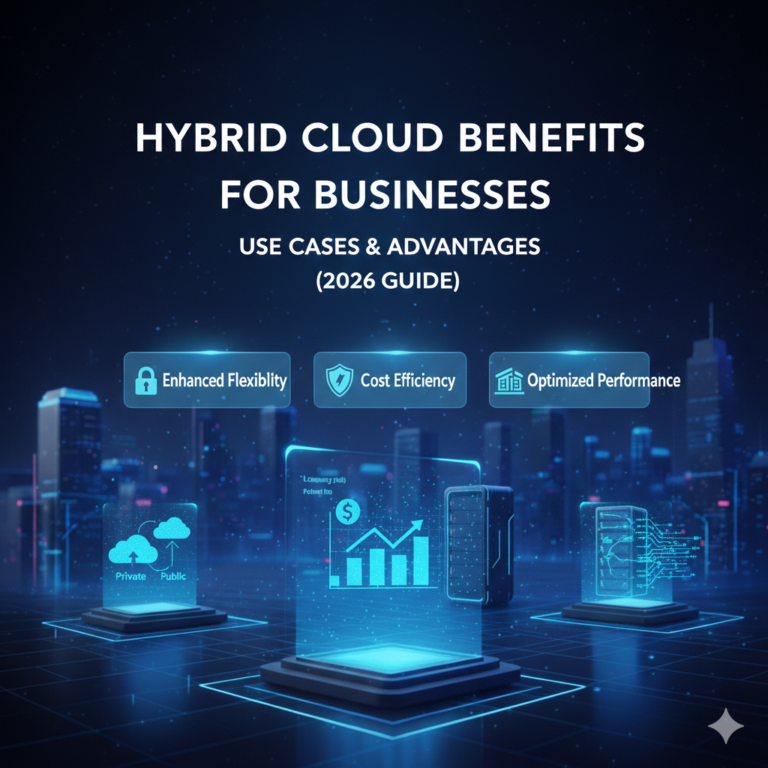
As the name suggests, this blends public and private models. A company might keep sensitive customer data on a secure private cloud while using a public cloud to run their customer-facing website. The two clouds communicate via an encrypted connection, giving the business the best of both worlds.
Managed vs. Unmanaged Cloud Hosting
This distinction is crucial for beginners.
- Unmanaged Hosting: You get the raw server space and an operating system (usually Linux). You are responsible for security patches, software updates, and firewalls. It is cheaper but requires significant technical skill.
- Managed Hosting: The provider handles the technical “grunt work”—setup, maintenance, security, and backups. You pay a premium for the service, but it frees you to focus on your business rather than server administration.
Benefits of Cloud Hosting
Why are so many businesses migrating away from traditional servers? The advantages usually boil down to reliability and growth.
Scalability and Flexibility
Traditional servers have hard limits. If you have 8GB of RAM and you need 16GB, you often have to physically upgrade the machine or migrate to a new one, causing downtime.
In the cloud, scaling is seamless. You can often click a button to double your resources instantly. Some setups even offer “auto-scaling,” where the system adds more power during traffic spikes and scales back down when things are quiet, ensuring your site never crashes during a sale.
High Uptime and Reliability
Downtime costs money. Because cloud hosting lacks a single point of failure (that “single server” weakness), it offers superior uptime. If hardware degrades, your virtual server seamlessly migrates to healthy hardware. This architecture allows providers to offer very high uptime guarantees.
Cost Efficiency (Pay-As-You-Go)
Traditional hosting often requires you to pay a flat monthly fee, regardless of whether you use the resources. Cloud hosting often utilizes a pay-as-you-go model. You are billed for the exact amount of CPU and memory you consumed that month. If you have a quiet month, your bill drops.
Performance Improvements
Cloud providers usually use top-tier enterprise hardware and strategically located data centers. Furthermore, having a Content Delivery Network (CDN) integrated into cloud environments speeds up loading times by serving your site’s heavy images and scripts from servers physically closer to your user.
Disadvantages of Cloud Hosting
Despite the hype, the cloud isn’t perfect for everyone. There are potential pitfalls you need to be aware of before signing up.
Pricing Complexity
While the pay-as-you-go model saves money for some, it can be unpredictable. If your site gets hit with a massive bot attack or an unexpected viral surge, you could wake up to a surprisingly high bill. Calculating exact monthly costs can be difficult compared to the flat-fee structure of shared hosting.
Learning Curve
Unmanaged cloud hosting is not for the faint of heart. Using a command line to install a web server is very different from using a drag-and-drop website builder. Even with managed options, the terminology and dashboard controls can feel intimidating to a complete novice.
Security Responsibility
In the cloud, security is a shared responsibility. The provider secures the physical building and the hardware. However, you are often responsible for securing your specific application and data. If you leave a digital door unlocked, the provider’s sophisticated firewalls won’t save you.
Cloud Hosting vs Traditional Hosting
To make the right choice, it helps to compare the cloud directly against the old guard.
Shared Hosting vs. Cloud Hosting
Shared hosting is like living in a dormitory. You have a room, but you share the bathroom and kitchen (CPU and RAM) with hundreds of others. If one person throws a loud party (gets a traffic spike), everyone else suffers. Cloud hosting isolates you from your neighbors. It costs more, but your neighbor’s bad behavior won’t slow down your website.
VPS vs. Cloud Hosting
A Virtual Private Server (VPS) is the closest relative to cloud hosting. A VPS splits one physical server into several dedicated virtual chunks. However, if that one main physical server fails, all the VPSs on it go down. Cloud hosting spreads that risk across many servers. While a VPS is often cheaper and adequate for many sites, it lacks the high-availability redundancy of a true cloud setup.
Dedicated Hosting vs. Cloud Hosting
Dedicated hosting gives you the whole physical machine. It offers immense power and total control. However, it is expensive and hard to scale. If you outgrow your server, buying a new one takes time. Cloud hosting offers similar power but with much easier scaling capabilities.
Who Should Use Cloud Hosting?
Is cloud hosting overkill for a personal blog? Maybe. Here is who benefits most from making the switch.
Small Businesses
If your website is your primary source of leads, downtime is unacceptable. Cloud hosting provides the reliability a small business needs without the massive cost of a dedicated IT team.
Growing Websites
If your traffic chart looks like a hockey stick (up and to the right), you need the cloud. It allows you to expand your resources week-by-week as your audience grows, rather than forcing you to migrate servers every six months.
eCommerce Stores
Online stores have fluctuating traffic. You might be quiet in October and slammed in November for Black Friday. The cloud’s ability to auto-scale ensures your checkout page loads fast even when thousands of customers are buying at once.
Developers and Startups
Developers love the cloud because they can spin up a testing environment in seconds, run an experiment, and shut it down just as fast. It is the ultimate sandbox for innovation.
Popular Cloud Hosting Providers
The market is crowded, but a few names dominate the landscape.
The Big Three: AWS, Google Cloud, Microsoft Azure
These are the titans. Amazon Web Services (AWS), Google Cloud Platform (GCP), and Microsoft Azure power the world’s biggest companies. They offer infinite features but are complex to manage. They are generally best for enterprise-level needs or developers who know what they are doing.
Beginner-Friendly Managed Options
For those who want cloud power without the headache, “wrapper” services or managed hosts are ideal.
- DigitalOcean / Vultr / Linode: These offer simplified cloud servers that are easier to navigate than AWS but still require some tech savvy.
- Cloudways: This acts as a middleman. You choose a provider (like AWS or DigitalOcean), and Cloudways manages the server for you, providing a user-friendly dashboard.
- SiteGround / WP Engine: These are specifically tuned for platforms like WordPress, using cloud infrastructure (often Google Cloud) in the background while giving you a simple hosting experience.
How to Choose the Right Cloud Hosting
Don’t just pick the cheapest option. Consider these factors.
Budget Considerations
Are you okay with a fluctuating bill, or do you need a predictable monthly cost? If you need predictability, look for providers that offer capped pricing or fixed-resource plans rather than pure pay-as-you-go models.
Traffic and Scalability Needs
Look at your analytics. Do you get steady traffic, or do you have huge spikes? If you have spikes, prioritize a host that offers auto-scaling. If your traffic is flat, a fixed resource plan on a cloud VPS might be cheaper.
Managed vs Unmanaged Choice
Be honest about your skills. Can you fix a server via command line at 3 AM? If not, pay the extra money for managed hosting. The time you save on troubleshooting is worth the cost.
Is Cloud Hosting Secure?
Security is often a top concern for first-time cloud users. The short answer is yes, but with caveats.
Data Protection Basics
Reputable cloud providers invest billions in physical security and advanced encryption. Your data is likely safer in an Amazon data center than on a server in your own office closet.
Backups and Disaster Recovery
One major perk of the cloud is how easy it is to back up data. Most providers offer automated daily snapshots. If your site breaks, you can roll it back to yesterday’s version in minutes.
Shared Responsibility Model
Remember, the host secures the infrastructure; you secure the access. You must still use strong passwords, two-factor authentication, and keep your website software (like WordPress plugins) updated. The cloud is a secure vault, but it won’t help if you leave the key under the mat.
Making the Switch to the Cloud
Cloud hosting is the backbone of the modern internet for a reason. It turned what used to be a rigid, expensive hardware game into a flexible, accessible software service.
For beginners, the leap from shared hosting to the cloud can feel daunting. The pricing models are different, and the terminology is new. However, the benefits—speed, reliability, and the ability to grow without headaches—are undeniable.
If your website is growing, or if you simply can’t afford for it to go offline, the cloud is likely the right move. Start small. Choose a managed provider that handles the heavy lifting, and give your website the robust home it deserves.