How VPS Virtualization Works: Host, Guest and Shared Infrastructure
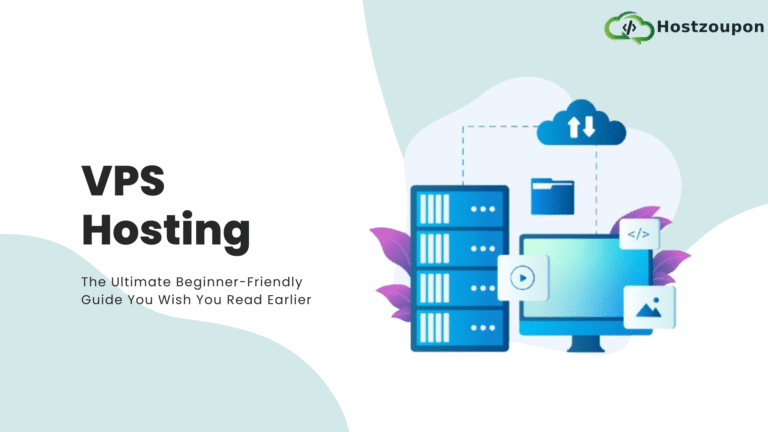
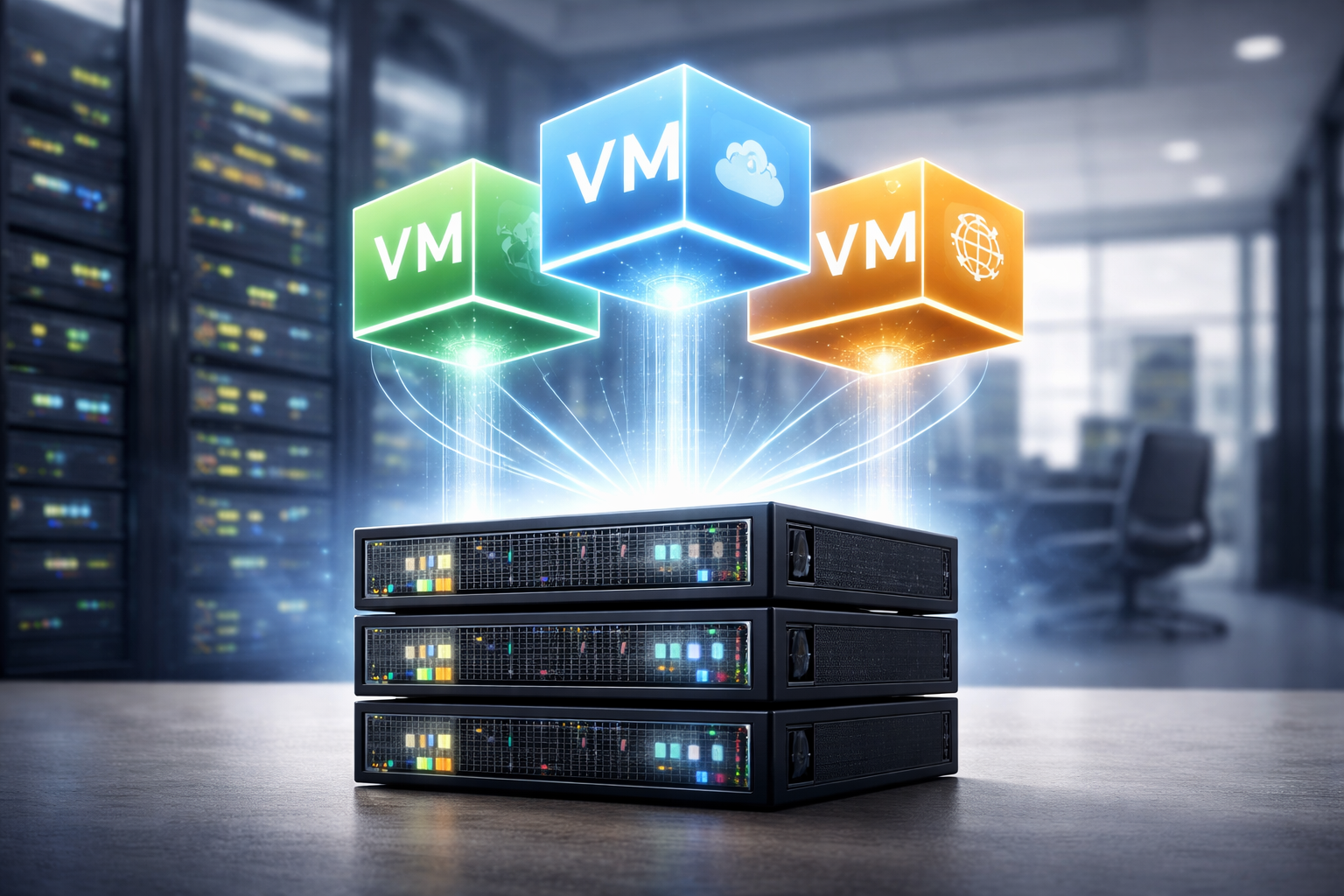
Virtualization lets a physical system support virtual environments. A VPS product uses a defined arrangement of hardware, virtual resources and provider controls; the label does not explain every allocation or failure boundary.
The earlier article gave fixed near-native performance percentages and automatic stability guarantees. Those unsupported benchmark claims have been removed. This is an architectural explanation, not a measured provider comparison.
Start with the physical host
The host supplies processor, memory, storage connectivity and networking. Some resources can be allocated or reserved; others may be shared under product-specific policies. Virtual environments still depend on the host’s operation.
A physical-host failure can therefore matter even when the guest operating system appears separate. Availability depends on the actual architecture and recovery design, not simply having a virtual machine.
Understand the virtualization layer
Red Hat’s virtualization overview describes the role of a hypervisor in making physical resources available to virtual environments. A guest system works with the virtual hardware presented to it.
Implementation choices affect management, isolation and available capabilities. Do not reduce every service to one hypervisor label or assume that label guarantees a fixed overhead percentage.
Distinguish virtual machines and containers
A virtual machine commonly includes its own guest operating system and kernel. Containers typically isolate processes while sharing the host kernel, as explained in Docker’s container introduction.
These boundaries are different. A container can also run inside a virtual machine. Ask what the proposed service actually supplies instead of treating the words container and VPS as interchangeable.
Read allocation separately
Confirm CPU scheduling, memory allowance, storage behavior and networking. Dedicated allocation in one area does not automatically describe another. The resource-management guide explains the questions to record.
Measure representative application work under documented conditions. Virtualization does not ensure that an inefficient query or external API becomes faster.
Keep the operating boundary visible
The provider operates some infrastructure layers; the customer or management supplier operates others. The management checklist assigns updates, monitoring, access and recovery.
Protect guest systems and applications even when the virtualization layer is maintained by the provider. Isolation is useful, but it is not a complete security programme.
Plan recovery independently
Check which data persists, what snapshots cover and how a guest can be rebuilt. Include secrets, configuration and services outside the machine.
The backup guide covers protected verification. No fixed percentage of bare-metal performance, instant scaling outcome or automatic resilience is established by the architecture described here.