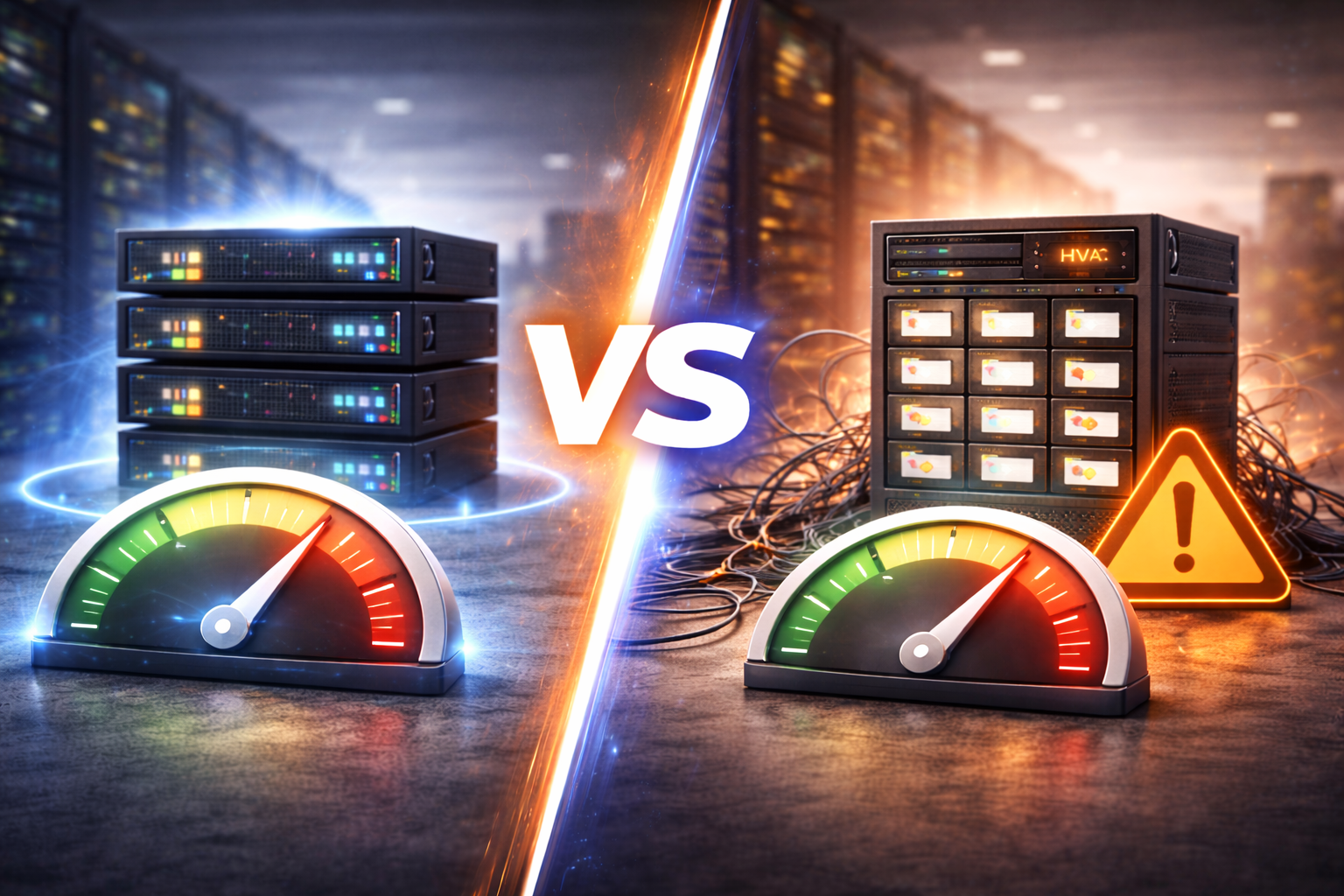
Understanding the Performance Difference Between VPS and Shared Hosting
You have roughly three seconds to capture a visitor’s attention before they bounce. In those critical moments, your content doesn’t matter, your beautiful design doesn’t matter, and your competitive pricing doesn’t matter. The only thing that matters is how quickly your website loads.
For many website owners, the journey begins with shared hosting. It is affordable, easy to manage, and widely advertised as the “unlimited” solution for new sites. But as traffic grows and websites become more complex, the cracks in shared hosting performance begin to show. Slow load times during peak hours, mysterious timeouts, and sluggish database responses often force site owners to look for alternatives.
This is where Virtual Private Server (VPS) hosting enters the conversation. It is often touted as the next logical step, promising better speed, reliability, and control. But what exactly drives the performance difference between these two hosting types? Is it just about paying more money, or are there fundamental technical differences at play?
To make an informed decision for your digital presence, you need to look under the hood. We will examine the architecture, resource allocation, and real-world implications of choosing VPS over shared hosting.
Background and Hosting Performance Explained
To understand why one option is faster than the other, we first need to understand the environments they operate in. The difference isn’t just about the hardware; it is about how that hardware is divided and managed.
How shared hosting environments operate
Imagine living in a massive dormitory. You have your own room, but you share the kitchen, the bathroom, the water supply, and the electricity with hundreds of other residents. If everyone decides to take a shower at the same time, the water pressure drops for everyone.
Shared hosting works on this exact principle. A single physical server hosts hundreds, sometimes thousands, of websites. These websites all compete for the same pool of resources: CPU usage, memory (RAM), and disk space. The hosting provider uses an operating system to manage these accounts, but there is very little true separation between them. If one website on the server experiences a massive traffic spike or runs a poorly coded script, it consumes a disproportionate amount of the server’s power, leaving less for everyone else.
How VPS hosting environments differ technically
VPS hosting changes the architecture entirely. Using a technology called a hypervisor, the hosting provider splits a physical server into multiple virtual compartments.
Going back to our housing analogy, a VPS is like owning a townhouse. You are still in a larger building (the physical server), but you have your own private water heater, your own electrical box, and thick concrete walls separating you from your neighbors.
Technically, the hypervisor ensures that each VPS runs its own operating system instance. This virtualization layer creates a dedicated environment. Even though you are technically sharing the underlying hardware, the resources allocated to you—like CPU cores and RAM—are reserved specifically for your use. They cannot be “stolen” by a neighbor.
Key Factors Behind the Performance Gap
The performance superiority of VPS isn’t magic; it is the result of strict resource allocation and architectural design. Here are the specific factors that influence speed and stability.
Dedicated vs. shared CPU and memory resources
In a shared hosting environment, resources are “burstable.” This means you might be allowed to use a certain amount of processing power, but it isn’t guaranteed. If the server is idle, your site might load quickly. If the server is busy, your site waits in a queue for processor cycles.
With a VPS, you are typically guaranteed a set amount of RAM and CPU cores. If you pay for 4GB of RAM, that memory is yours 24/7. It doesn’t matter what other users on the physical machine are doing; your slice of the pie is ring-fenced. This consistency is vital for performance. It ensures that when a visitor clicks a link, the server has the immediate capacity to process that request without waiting for resources to free up.
Impact of neighbor activity on shared servers
This is often called the “noisy neighbor effect.” On shared hosting, you are at the mercy of other webmasters. If a neighbor gets hit with a DDoS attack, installs a plugin that contains a memory leak, or simply goes viral on social media, the entire server can crawl to a halt. Your website slows down through no fault of your own.
VPS hosting mitigates this significantly. Because your file system and operating system are isolated, a neighbor’s crash rarely affects your performance. The hypervisor strictly limits how much impact one user can have on the total system, protecting your site’s stability.
Disk I/O and storage performance differences
Disk I/O (Input/Output) refers to how fast the server can read and write data to the hard drive. This is a common bottleneck in hosting.
On shared hosting, hundreds of users are simultaneously trying to read and write data to the server’s storage drive. This creates an I/O queue. Even if you have a fast processor, your site will load slowly if the hard drive is too busy to serve the files.
VPS providers often prioritize higher I/O throughput for their clients. Furthermore, because there are fewer users on a VPS parent server compared to a shared server, there is less competition for disk access. This results in faster database queries and quicker file retrieval.
How VPS Hosting Improves Website Speed
Beyond just raw hardware, the nature of VPS hosting allows for software configurations that directly impact speed.
Resource isolation and consistency
The primary speed benefit of VPS is consistency. On shared hosting, your page load time might fluctuate wildly throughout the day—fast at 3:00 AM, sluggish at 7:00 PM. A VPS provides a flat line of performance. This reliability is crucial for user experience; visitors know what to expect, and search engine crawlers can index your site without timing out.
Improved caching and server-level optimizations
This is a game-changer for advanced users. On shared hosting, you generally cannot modify the server configuration. You are stuck with whatever web server software (like Apache or Nginx) and settings the provider chose for the masses.
With a VPS, you have “root access.” You can install whatever software you want. You can configure server-side caching solutions like Varnish, Redis, or Memcached, which store data in memory for instant access. You can tweak the settings of your SQL database to match your specific workload. This level of customization allows you to fine-tune the engine of your website for maximum speed.
Better handling of concurrent users
“Concurrent users” refers to the number of people using your site at the exact same moment. Shared hosting plans often have strict limits on “entry processes” (the number of scripts running at once). If 50 people try to check out on your e-commerce store simultaneously, a shared host might block the 51st person or crash entirely.
A VPS, backed by dedicated RAM and CPU, can handle a much higher volume of concurrent processes. It allows your site to scale during traffic spikes without throwing errors or forcing users to wait.
Real-World Performance Scenarios
Theory is useful, but how does this translate to actual website operations?
Traffic spikes and load handling
Consider a scenario where you launch a new marketing campaign. Your email blast goes out, and suddenly 500 people land on your site within five minutes.
- Shared Hosting: The server detects a sudden surge in resource usage. To protect the other hundreds of users, the automated system throttles your bandwidth or temporarily suspends your account for “abuse of resources.” Your campaign succeeds, but your site fails.
- VPS Hosting: The dedicated resources absorb the initial impact. If the load is extremely high, the site might slow down slightly, but it stays online. Because you aren’t fighting neighbors for resources, your site continues to serve content.
Database-driven websites and applications
Static websites (simple HTML/CSS) are easy to host. But modern sites—like WordPress, Magento, or custom web apps—are database-driven. Every time a user loads a page, the server has to look up information in a database, assemble the page, and send it to the user.
This process is CPU and memory-intensive. Shared hosting often chokes on complex database queries because the MySQL service is shared by everyone. A VPS allows you to allocate memory specifically to your database, ensuring that complex queries (like filtering products by price, color, and size) happen instantly.
Why This Performance Difference Matters Globally
The implications of hosting speed extend far beyond technical metrics. They impact your brand’s bottom line.
User experience expectations across regions
Internet speeds are faster than ever, and user patience is lower than ever. Modern users expect sites to load instantaneously, regardless of whether they are browsing via 5G in Seoul or Wi-Fi in London. If your shared hosting server in Texas is struggling to process requests, a user in Europe will face compounded delays—network latency plus server lag. A high-performance VPS reduces the server-side delay (Time to First Byte), helping to mitigate the lag caused by physical distance.
SEO, conversions, and engagement implications
Google has made it clear: speed is a ranking factor. Core Web Vitals, a set of metrics Google uses to measure user experience, specifically targets loading performance, interactivity, and visual stability.
- SEO: Slow shared hosting can hurt your search rankings. If Googlebot encounters a slow server, it crawls fewer pages, and it may rank your site lower than a competitor on a fast VPS.
- Conversions: Amazon found that every 100ms of latency cost them 1% in sales. If your checkout page lags, customers abandon their carts. The stability of a VPS directly correlates to higher revenue for e-commerce stores.
Current Trends in Performance-Oriented Hosting
The hosting market is shifting as technology becomes more accessible and demands increase.
Growing migration from shared to VPS hosting
Years ago, VPS hosting was expensive and difficult to manage, reserved for tech-savvy developers. Today, “Managed VPS” services have lowered the barrier to entry. Business owners can now get the performance benefits of a VPS without needing to know how to use a command line. Consequently, we are seeing a mass migration of small-to-medium businesses leaving shared hosting earlier in their lifecycle to secure better performance.
Increased focus on Core Web Vitals and speed metrics
Hosting providers are now marketing themselves based on their ability to help you pass Core Web Vitals assessments. Because shared hosting struggles to consistently meet the “Largest Contentful Paint” (LCP) requirements under load, performance-focused users are naturally gravitating toward VPS solutions that offer the necessary horsepower.
Expert Insights and Data-Backed Analysis
When we look at the data, the distinction becomes even clearer.
Benchmark trends comparing shared and VPS hosting
Performance benchmarks often look at “Time to First Byte” (TTFB). This is the time between a browser requesting a page and the server sending the first byte of data.
- Shared Hosting: TTFB is often inconsistent, ranging from 200ms to over 1 second depending on server load.
- VPS Hosting: TTFB is usually consistently low (often under 100ms-200ms) because the server is ready and waiting.
Common misconceptions about performance claims
Do not be fooled by marketing buzzwords. Shared hosting providers often advertise “Unlimited Bandwidth” or “Unlimited Storage.” This sounds great, but it has nothing to do with speed. You can have an unlimited pipe, but if the water (data) is trickling out because the pump (CPU) is weak, the size of the pipe doesn’t matter. VPS plans rarely claim “unlimited” anything; instead, they sell you specific, guaranteed performance specs, which is a more honest indicator of quality.
What to Watch Next
The gap between shared and VPS is evolving with hardware advancements.
Advances in VPS hardware and virtualization
The standard for VPS is moving toward NVMe SSD storage, which is significantly faster than standard SATA SSDs found in many older shared environments. Additionally, new virtualization technologies are reducing the “overhead” of the hypervisor, meaning nearly 100% of the hardware’s power goes directly to your website.
Entry-level VPS plans aimed at shared hosting users
The price gap is closing. We are seeing the rise of “entry-level” VPS plans that cost roughly the same as premium shared hosting. This suggests a future where shared hosting might become a niche product for hobbyists, while VPS becomes the standard baseline for any commercial website.
Making the Right Choice for Your Growth
Choosing between shared hosting and a VPS is a balance of budget versus performance. If you are running a personal blog with low traffic, shared hosting is a perfectly capable starting point. However, if you are running a business, an online store, or a site that generates revenue, the performance ceiling of shared hosting is a liability.
A VPS offers the isolation, dedicated resources, and configuration options necessary to deliver a professional-grade experience. In a digital landscape where milliseconds translate to revenue, the investment in superior architecture is rarely a waste.
Frequently Asked Questions
Is VPS hosting always faster than shared hosting?
Generally, yes. While a high-end shared plan might outperform a very low-end VPS in specific scenarios, a VPS offers consistency and resource isolation that shared hosting cannot match. The “noisy neighbor” effect on shared hosting makes it inherently less reliable for speed.
Can shared hosting be optimized for better speed?
You can improve shared hosting performance by optimizing your images, using a Content Delivery Network (CDN), and keeping your site’s code clean. However, you cannot fix the underlying server limitations. Once you hit the CPU or RAM limits of your shared plan, no amount of on-site optimization will fix the slowdown.
How much traffic justifies moving to VPS hosting?
There is no “magic number,” but a good rule of thumb is to consider upgrading if you exceed 10,000 to 20,000 monthly visitors, or if you notice your site slowing down during peak hours. E-commerce sites should consider VPS hosting much earlier, regardless of traffic counts, to ensure transaction security and speed.
Does VPS performance depend on configuration quality?
Yes. One potential downside of Unmanaged VPS hosting is that if you configure the server poorly, it will run poorly. If you are not comfortable managing server settings, it is highly recommended to choose a “Managed VPS” plan where the provider handles the technical optimization for you.