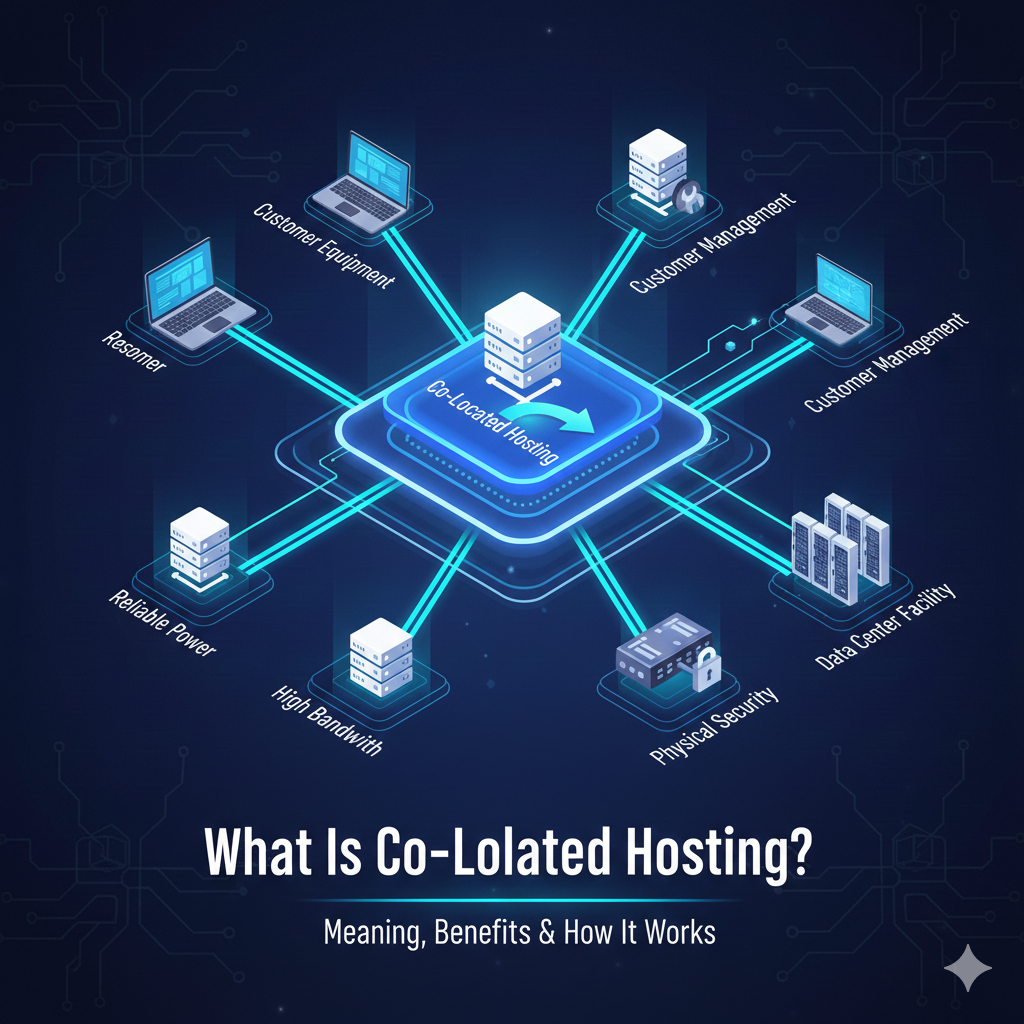
What Is Co-Located Hosting? Meaning, Benefits & How It Works
Managing enterprise-level infrastructure in 2026 presents a unique dilemma: do you keep everything on-premise and manage the spiraling costs of cooling and security, or do you surrender control to the public cloud and face unpredictable billing? For many organizations, the answer lies somewhere in the middle.
What is co-located hosting? It is a specialized hosting service where you own the hardware but rent the physical space, power, and connectivity within a third-party data center. Instead of keeping servers in an office closet or building a multi-million dollar private facility, you move your equipment into a professional environment designed for maximum uptime and security.
This model has become increasingly attractive for companies that need specific hardware configurations or strict compliance controls but don’t want the hassle of managing facility maintenance. In this guide, we will break down exactly how co-located hosting works, the costs involved, and why it remains a critical strategy for modern IT infrastructure.
See also: The Evolution of Web Hosting: From Shared Servers to Cloud Infrastructure
What Is Co-Located Hosting? (Definition)
Co-located hosting (often shortened to “colocation” or “colo”) is a service model where an organization rents physical space for their servers and networking hardware within a third-party data center facility.
Think of it like renting a parking spot in a high-security garage. You own the car (the server), you drive it (manage the software), and you decide where it goes. The garage owner (the data center) provides the secure space, the surveillance, the lighting, and the access control.
In a co-located hosting environment, the customer retains total ownership and control over the hardware and software. The facility provider is strictly responsible for the building infrastructure. This distinction is crucial because it separates colocation from other hosting types where the hardware is leased or virtualized.
How Does Co-Located Hosting Work?
Understanding how colocation hosting works requires looking at the division of responsibilities. It is a partnership between the hardware owner and the facility manager.
Server Ownership
Unlike cloud or dedicated hosting, you must purchase your own servers, storage arrays, and networking switches. You configure them to your exact specifications, install the operating system, and set up your applications before (or after) shipping them to the data center.
Rack Space Rental
Facilities rent space in units known as “racks” or “cabinets.” A standard rack unit is denoted as “U” (e.g., 1U, 2U, 4U servers). You can rent space ranging from a single server slot (1U) to a quarter rack, half rack, full rack, or even a private cage containing multiple racks.
Power and Connectivity
The data center provides the “juice” and the “pipe.” You pay for the power circuits required to run your equipment, usually metered in amps or kW. Additionally, the facility offers high-speed, redundant internet connectivity, often allowing you to choose from multiple carriers (carrier-neutral facilities) to ensure your servers stay online even if one provider fails.
Maintenance Responsibility
In a standard unmanaged colocation agreement, if a hard drive fails or a power supply burns out, it is your team’s responsibility to go to the data center and fix it. However, many facilities offer “Remote Hands” or “Smart Hands” services, where on-site technicians can perform physical tasks—like rebooting a server or swapping a cable—on your behalf for an hourly fee.
What’s Included in a Colocation Facility?
When you pay for colocation data center services, you are essentially paying for enterprise-grade reliability that would be prohibitively expensive to build in-house.
Physical Security
Data centers are fortresses. Access is strictly controlled via multi-factor authentication, including biometric scanners, keycards, and mantrap entries. 24/7 security guards and comprehensive CCTV surveillance ensure that only authorized personnel can get near your hardware.
Power Redundancy
A power outage can be catastrophic. Colocation facilities mitigate this with N+1 or 2N redundancy. This means they have backup systems in place—uninterruptible power supplies (UPS) and massive diesel generators—that kick in immediately if the main utility grid fails, ensuring zero downtime.
Cooling Systems
High-density servers generate immense heat. Residential or office air conditioning cannot cope with the thermal output of a full server rack. Data centers utilize industrial-grade HVAC systems, hot/cold aisle containment, and liquid cooling technologies to maintain optimal operating temperatures and humidity levels, extending the lifespan of your hardware.
Network Connectivity
Facilities offer massive bandwidth capacity and low-latency connections. They connect directly to the internet backbone and internet exchange points (IXPs). This connectivity is often fully redundant; if one fiber line is cut, traffic automatically reroutes through another path.
See also: Best E Commerce Cms Hosting For 2026 Balancing Shopifys Ease With Woocommerces Ownership
Types of Colocation Hosting
Not all colocation arrangements are the same. Depending on the size of your deployment and your management needs, you might choose different types of colocation hosting.
| Type | Ideal For | Description |
|---|---|---|
| Retail Colocation | SMBs & Startups | Renting small amounts of space, such as a single server (1U) or a partial rack within a shared cabinet. |
| Wholesale Colocation | Enterprises | Renting large blocks of space, typically entire dedicated rooms or caged-off areas with private power and cooling metering. |
| Managed Colocation | IT teams with limited staff | The provider rents the space but also manages the hardware, operating system, and sometimes applications, blurring the line with dedicated hosting. |
| Hybrid Colocation | Agile businesses | Combining physical colocation for legacy or compliance-heavy workloads with public cloud services for scalable applications. |
Cost of Co-Located Hosting
Determining the colocation hosting cost can be complex because it involves several variable components. It is rarely a flat monthly fee like shared web hosting.
Rack Space Pricing
This is the “rent” for the physical slot your server occupies. Pricing scales from a single “U” space (cheapest) to full cabinets (more expensive). A full 42U cabinet might cost anywhere from $600 to over $2,000 USD per month depending on location.
Power Usage Fees
Power is often the most significant ongoing cost. You are billed based on the power circuits you provision (e.g., a 20-amp 120V circuit) and your actual consumption. In regions with high electricity rates, this portion of the bill can exceed the cost of the space itself.
Bandwidth Charges
Data transfer is typically metered. You might pay for a committed information rate (e.g., 100 Mbps unmetered) or pay per gigabyte/terabyte transferred. Many providers offer “burstable” bandwidth, allowing you to exceed your limit during traffic spikes for an additional fee.
Hardware Ownership Cost
Don’t forget the capital expenditure (CapEx). You must buy the servers, rails, cables, and switches. You also need to factor in the depreciation of this hardware and the cost of replacement parts over time.
Advantages and Disadvantages of Co-Located Hosting
Like any infrastructure decision, choosing co-located hosting involves trade-offs.
Advantages
- Total Control: You retain full root access and administrative control over your hardware and software. No virtualization layer restricts your performance.
- Compliance & Security: For industries like finance or healthcare, knowing exactly where your data physically resides (and who can access it) is often a regulatory requirement.
- Connectivity: You gain access to better bandwidth and lower latency than typical office connections can provide.
- Predictable Performance: unlike the “noisy neighbor” effect in public clouds, your server’s resources are 100% yours.
Disadvantages
- High Upfront Costs: You must purchase expensive hardware upfront.
- Physical Logistics: You are responsible for transporting servers to the facility and managing physical repairs.
- Inflexibility: Scaling up means buying and installing new physical servers, which takes days or weeks—unlike the seconds it takes to spin up a cloud instance.
- Location Constraints: If your IT team needs to perform maintenance, the data center needs to be within a reasonable driving distance, or you must rely on potentially costly Remote Hands services.
See also: Shared Hosting Vs Vps Vs Cloud Hosting Which Is Best In 2026
Co-Located Hosting vs Other Hosting Types
To decide if this is the right path, it helps to compare colocation vs cloud hosting and other alternatives.
Colocation vs Cloud Hosting
Cloud hosting (AWS, Azure, Google Cloud) is an OpEx model where you rent virtual resources. It offers infinite scalability and zero hardware maintenance but can become expensive at scale and offers less control over the underlying infrastructure. Colocation is a CapEx model offering stability and control but requiring physical management.
Colocation vs Dedicated Hosting
In dedicated hosting, the service provider owns the hardware and leases it to you. If a part breaks, they fix it. In colocation, you own the hardware. If a part breaks, you fix it. Colocation is generally cheaper in the long run if you already own hardware, whereas dedicated hosting avoids the upfront hardware purchase.
Colocation vs On-Premise Servers
Keeping servers in your own office (“on-prem”) gives you physical proximity but lacks reliability. Building an on-premise server room with redundant power, cooling, and security comparable to a Tier III data center costs hundreds of thousands of dollars. Colocation offers those facility benefits for a monthly fee.
Who Should Use Co-Located Hosting?
Colocation isn’t for everyone. It is best suited for organizations with specific needs:
- Enterprises: Large companies with legacy applications that cannot be easily migrated to the cloud often rely on colocation to modernize their infrastructure without rewriting code.
- SaaS Companies: High-growth tech companies may colocate to control costs. At a certain scale, renting cloud instances becomes significantly more expensive than buying hardware.
- Financial Institutions: High-frequency trading platforms require the absolute lowest latency, often necessitating their servers be physically located in the same data center as the stock exchange’s matching engine.
- Gaming Platforms: Multiplayer game servers require consistent high performance and low latency that virtualized cloud environments sometimes struggle to guarantee.
How to Get Started with Co-Located Hosting
If you have decided that owning your hardware is the right move, here is a step-by-step colocation setup guide.
- Evaluate Needs: Determine how much space (Us), power (Amps/kW), and bandwidth you need. Plan for growth—moving racks later is difficult.
- Choose a Data Center: Look for facilities with Tier III or Tier IV certification (guaranteeing high uptime). Consider location—is it close enough for your team to visit?
- Procure Hardware: Purchase rack-mountable servers and rail kits. Ensure your equipment is compatible with standard data center racks.
- Network Setup: configure your IP addresses and firewalls. Decide if you will use the facility’s blended internet feed or bring in your own carrier connection.
- Installation: Transport your equipment to the facility. You will need to rack the servers, cable them neatly (cable management is vital for airflow), and power them up.
- Establish Remote Management: Ensure you have Out-of-Band (OOB) management (like IPMI, iDRAC, or ILO) configured so you can control the server remotely if the operating system hangs.
FAQs – Co-Located Hosting
What is the difference between colocation hosting and cloud hosting?
The primary difference is ownership. In colocation, you own the hardware and rent the space. In cloud hosting, the provider owns the hardware, and you rent virtual resources on a pay-as-you-go basis.
Is co-located hosting expensive?
It requires high upfront capital for hardware. However, for steady, predictable workloads, the monthly operating cost of colocation is often significantly lower than comparable cloud resources over a 3-5 year period.
Who owns the hardware in colocation hosting?
The customer (you) owns the hardware. The data center only owns the building, the racks, the cooling systems, and the power infrastructure.
Is colocation more secure than cloud hosting?
It can be. Colocation gives you sole physical access to your specialized hardware, eliminating the risks associated with multi-tenant public cloud environments. However, you remain responsible for patching your own software and firewalls.
Can small businesses use colocation hosting?
Yes. Small businesses can utilize “retail colocation,” renting as little as 1U or 2U of space. This allows them to access enterprise-grade connectivity and power security without needing a full rack.
What happens if hardware fails in a colocation setup?
You are responsible for fixing it. You must either send your own IT staff to the data center with replacement parts or pay the data center’s “Smart Hands” technicians to perform the repair for you.
How much bandwidth do colocation data centers provide?
Most facilities offer scalable bandwidth options ranging from 100 Mbps to 10 Gbps and beyond. Because they are connected to major internet backbones, they can handle massive traffic spikes better than typical office connections.
Conclusion
Co-located hosting remains a powerful option for businesses that demand control, performance, and security without the burden of managing facility infrastructure. It bridges the gap between the total autonomy of on-premise servers and the reliability of the cloud.
As data demands grow in 2026 and beyond, evaluating your infrastructure costs is critical. If your cloud bills are soaring or your on-premise server room is overheating, it might be time to pack up your hardware and move it to a professional home.
Ready to optimize your infrastructure? Compare Colocation Providers today to find the perfect facility for your mission-critical hardware.
Related articles: