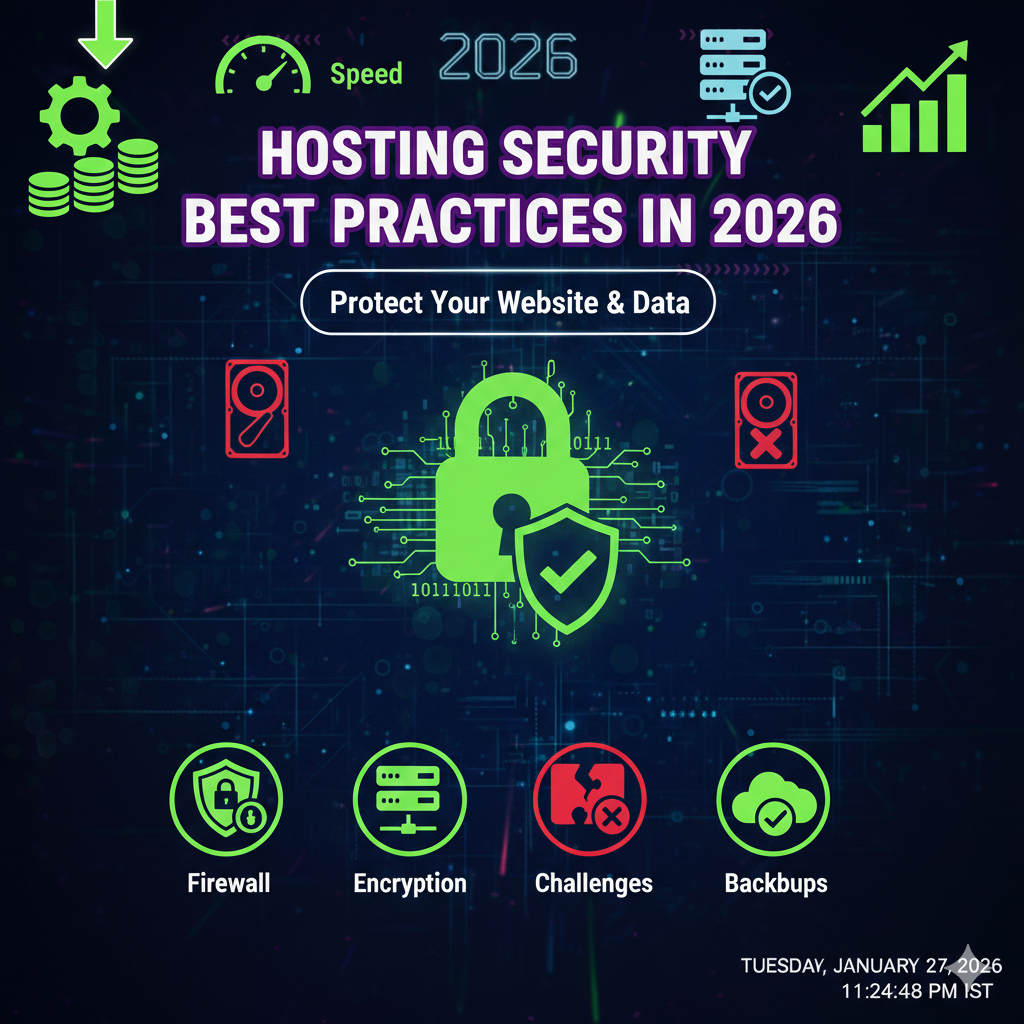
Hosting Security Best Practices in 2026: Protect Your Website & Data
By 2026, the digital landscape has shifted significantly. Cyber threats are no longer just the domain of sophisticated hacking groups; AI-driven automated attacks have made vulnerability scanning and exploitation accessible to even novice bad actors. For website owners, the days of “set it and forget it” are over. Your hosting environment is the foundation of your online presence, and if that foundation cracks, everything built upon it is at risk.
Hosting security is not merely a technical requirement; it is a business continuity strategy. A compromised hosting account can lead to data theft, SEO penalties, loss of customer trust, and significant financial downtime. Whether you run a personal blog, a growing e-commerce store, or a corporate portal, the principles of securing your server remain consistent: layer your defenses and assume that threats are always evolving.
This comprehensive guide covers the essential hosting security best practices you need to implement right now. We will move beyond the basics, exploring how to fortify your server against modern threats, secure your data, and ensure your website remains resilient in the face of attacks.
Use Strong Passwords and Two-Factor Authentication
The most common entry point for attackers remains the path of least resistance: weak credentials. In 2026, brute-force attacks have become incredibly efficient, utilizing vast networks of botnets to guess millions of password combinations in seconds. Securing your hosting account security starts with the login screen.
The Necessity of Password Managers
Human memory is not designed to remember dozens of complex, unique passwords. If you are using the same password for your hosting account that you use for your email or social media, you are creating a single point of failure.
Adopting a reputable password manager (such as Bitwarden, 1Password, or Keeper) is non-negotiable. These tools allow you to generate random, 20+ character strings that are virtually impossible to crack via brute force. Your hosting control panel (cPanel, Plesk, or proprietary dashboard), FTP accounts, and database users should all have unique, complex credentials.
Implementing Robust 2FA
While a strong password is the first lock on the door, two factor authentication hosting protocols add a deadbolt. Even if a hacker manages to steal your password through a phishing campaign or a data leak, 2FA prevents them from accessing the account without the second factor.
However, not all 2FA is created equal.
- Avoid SMS 2FA: SIM swapping attacks allow hackers to intercept text messages.
- Use Authenticator Apps: Apps like Google Authenticator or Authy generate Time-based One-Time Passwords (TOTP) that change every 30 seconds.
- Hardware Keys: For the highest level of security, use hardware keys like YubiKey. These physical devices must be plugged into your computer to grant access, making remote hacking attempts futile.
Keep Software, CMS, and Plugins Updated
Software decay is a silent killer of website security. When developers release updates, they are often patching security holes that hackers have discovered. If you delay these updates, you leave your digital doors unlocked.
The Risks of Outdated Software
Hackers use automated crawlers to scan the web for websites running old versions of WordPress, Joomla, Drupal, or PHP. Once identified, they deploy exploit kits that target known vulnerabilities in that specific version. This can lead to SQL injections, cross-site scripting (XSS), or complete server takeovers.
Automating the Patch Process
To mitigate outdated software risks, you must adopt a proactive update schedule:
- Server-Side Languages: Ensure your hosting environment is running the latest stable version of PHP, Python, or Ruby. End-of-life (EOL) versions no longer receive security patches.
- CMS Core: Enable auto-updates for minor releases of your Content Management System.
- Plugins and Themes: These are frequent attack vectors. Audit your plugins monthly. If a plugin hasn’t been updated by its developer in over six months, replace it with a supported alternative.
To update wordpress security effectively without breaking your site, utilize a staging environment. Test the updates on a clone of your site first, ensuring compatibility before pushing changes to the live production server.
Enable SSL and HTTPS Everywhere
In 2026, encryption is the standard for the entire web, not just e-commerce sites. SSL hosting security ensures that data transmitted between a user’s browser and your server is encrypted and unreadable to anyone trying to intercept it.
Encryption Benefits
Without an SSL certificate, data is sent in plain text. If a user connects to your site via public Wi-Fi at a coffee shop, an attacker on the same network could theoretically capture their login credentials or credit card information. SSL (Secure Sockets Layer) and its successor TLS (Transport Layer Security) scramble this data.
SEO and Trust Impact
Search engines like Google view HTTPS website security as a ranking signal. Sites without SSL are flagged as “Not Secure” in browsers, which drives visitors away immediately.
- Domain Validation (DV): Sufficient for blogs and informational sites. Often free via Let’s Encrypt.
- Organization Validation (OV) & Extended Validation (EV): Better for businesses requiring higher trust assurance.
Ensure your hosting provider supports HTTP/3 or the latest HTTP/2 protocols for faster, more secure connections, and force a redirect so that all HTTP traffic is automatically sent to the secure HTTPS version.
Configure Firewalls and Malware Protection
Your hosting server needs a gatekeeper. Firewalls act as a filter, analyzing incoming traffic and blocking requests that look malicious before they can reach your applications.
Web Application Firewall (WAF)
A web application firewall hosting solution sits between the internet and your website. It inspects traffic for common attack signatures, such as SQL injection (SQLi) and Cross-Site Scripting (XSS).
- Network-Level Firewalls: Often provided by the web host, these filter traffic based on IP addresses and ports.
- Application-Level Firewalls: Cloud-based solutions (like Cloudflare or Sucuri) that filter traffic based on the content of the packet. These are essential for mitigating sophisticated attacks.
Active Malware Scanning
Malware can infect a server through a compromised plugin or a user upload. Malware protection hosting tools scan your file system regularly for suspicious code.
- Real-time scanning: Detects malicious files the moment they are uploaded.
- Heuristic analysis: Identifies new, unknown malware strains by analyzing code behavior rather than just matching known signatures.
- Automatic quarantine: Immediately isolates infected files to prevent the spread of the infection.
[Image placeholder: Diagram showing a WAF blocking malicious bots while allowing legitimate traffic. Alt text: Visual representation of a Web Application Firewall filtering hosting traffic.]
[Soft CTA]
Is your current host leaving your digital doors open? Don’t wait for a breach to find out.
[Compare Secure Hosting Providers]
Set Up Regular Backups and Disaster Recovery
Even with the best defenses, breaches can happen. A zero-day vulnerability or human error can take a site offline. In these scenarios, your backups are your lifeline. Hosting backups best practices dictate that you should never rely solely on your hosting provider’s default backup solution.
The 3-2-1 Backup Strategy
To ensure total data resilience, follow the 3-2-1 rule:
- 3 Copies of your data: One live version and two backups.
- 2 Different storage media: Don’t keep your backups on the same drive as your live site.
- 1 Offsite location: Store one copy in a completely different physical location or cloud provider (e.g., Amazon S3, Google Cloud Storage, or a dedicated backup service like VaultPress).
Disaster Recovery Planning
Disaster recovery hosting is about minimizing downtime. If your site is hacked or the server fails, how long will it take to restore?
- Testing: Regularly test your backup files. A corrupted backup is useless.
- Retention: Keep rolling backups (daily for 7 days, weekly for a month). This allows you to restore to a point before the infection occurred, rather than restoring a backup that already contains the malware.
Limit User Access and Permissions
The principle of “Least Privilege” states that a user or program should only have access to the specific information and resources necessary for its legitimate purpose. Violating this principle significantly increases your attack surface.
Role-Based Access Control (RBAC)
Review who has access to your hosting account. Does your freelance graphic designer need full Administrative access, or just access to the media library?
- Segregate duties: Create separate accounts for billing, technical support, and content management.
- Audit logs: Regularly review who is accessing what. If an employee leaves the company, revoke their hosting access control immediately.
Secure SSH Authentication
For developers and system admins managing servers via command line, secure SSH hosting protocols are vital.
- Disable Root Login: Never log in as the ‘root’ user. Create a standard user with
sudoprivileges instead. - Use SSH Keys: Disable password authentication for SSH entirely. SSH keys are cryptographic keys that are far more secure than passwords. If an attacker doesn’t have your private key file, they cannot connect to the server, regardless of how much computing power they use to guess passwords.
Monitor Traffic and Server Activity
You cannot stop an attack you don’t see. Hosting security monitoring involves keeping a vigilant eye on your server’s logs and resource usage to identify anomalies that indicate a breach is in progress.
Log Monitoring
Your server generates distinct logs: Access Logs (who visited) and Error Logs (what went wrong).
- Spikes in 404 errors: Could indicate a bot scanning for vulnerabilities.
- Unexpected 500 errors: Could indicate malicious code breaking a script.
- Logins from unusual locations: If you are in London, a successful root login from a different continent warrants immediate investigation.
Intrusion Detection Systems (IDS)
An IDS monitors network traffic for suspicious activity and issues alerts when such activity is discovered. Advanced systems can automatically ban IP addresses that trigger specific security rules, helping you detect hacking attempts before they escalate into full breaches.
Secure File Transfers and Remote Access
How you move files to and from your server matters. Legacy protocols often lack encryption, exposing your credentials and data to interception.
SFTP vs FTP
The File Transfer Protocol (FTP) is a relic of an older internet. It transmits your username, password, and files in clear text. Anyone on the network path can sniff this traffic.
- Always use SFTP (Secure File Transfer Protocol). It runs over the SSH protocol, ensuring that the entire session—credentials and data—is encrypted.
- If your hosting provider only supports FTP, it is time to switch providers. This is a major red flag for secure file transfer hosting.
Virtual Private Networks (VPN)
When accessing your hosting control panel or using SFTP from an unsecured network (like an airport or hotel), always use a VPN. This creates an encrypted tunnel for your traffic, protecting you from “Man-in-the-Middle” attacks where hackers intercept data on public Wi-Fi.
[Soft CTA]
Ready to lock down your server access?
[Enable Hosting Security Features]
Protect Against DDoS Attacks
Distributed Denial of Service (DDoS) attacks aim to overwhelm your server with a flood of fake traffic, rendering your website inaccessible to legitimate users. In 2026, these attacks are larger and more complex than ever.
Content Delivery Networks (CDN)
A CDN is one of the most effective forms of DDoS protection hosting. By caching your content on a global network of servers, a CDN (like Cloudflare) absorbs the brunt of the traffic. The attack hits the CDN’s massive infrastructure rather than your single origin server.
Rate Limiting
Configure your server or WAF to limit the number of requests a single IP address can make within a specific timeframe. This helps prevent bots from hammering your login pages or scraping your content. If an IP exceeds the limit, it is temporarily blocked.
Choose a Secure Hosting Provider
Ultimately, your security is only as strong as your host. You cannot patch a server that is fundamentally insecure at the hardware or network level. Choosing a secure web hosting provider is the most critical decision you will make.
What to Look For
When evaluating the best secure hosting options, look for:
- ISO 27001 Certification: This standard proves the host follows strict information security management protocols.
- Containerization: In shared hosting, does the host use CloudLinux or CageFS to isolate accounts? This prevents one infected site on the server from infecting neighbors.
- Uptime SLA: High availability often correlates with good infrastructure management.
- Support Expertise: Does the support team understand security, or do they just read from a script?
Hosting Security Checklist (Printable)
Use this checklist to audit your current hosting environment.
- Authentication:
- All accounts use unique, 20+ character passwords.
- 2FA (TOTP) enabled on hosting panel and billing area.
- SSH root login disabled; SSH keys implemented.
- Software:
- CMS core set to auto-update.
- PHP version is 8.2 or higher (or latest stable).
- Unused plugins and themes deleted.
- Network:
- SSL certificate active and forcing HTTPS.
- Web Application Firewall (WAF) active.
- CDN configured for DDoS mitigation.
- Data:
- Automated daily backups scheduled.
- One backup copy stored offsite/cloud.
- Restoration process tested within the last 3 months.
- Monitoring:
- Uptime monitor active.
- File change detection (integrity monitoring) enabled.
[Soft CTA]
Don’t let your hard work vanish in a cyberattack.
[Upgrade Hosting Protection]
FAQs – Hosting Security Best Practices
How do I secure my hosting account?
Securing your hosting account requires a layered approach. Start by enabling Two-Factor Authentication (2FA) on your login. Use a unique, complex password generated by a password manager. Ensure your computer is free of malware, and never access your hosting account over public Wi-Fi without a VPN. Finally, regularly review the list of authorized users and remove anyone who no longer needs access.
Is shared hosting safe?
Shared hosting can be safe if the provider uses account isolation technology like CloudLinux or CageFS. These tools prevent a hacked site on the same server from accessing your files. However, shared hosting always carries a slightly higher risk than Dedicated or VPS hosting because you share resources. For high-security needs, isolated environments are better.
Do I need SSL for every website?
Yes. In 2026, SSL is a requirement, not an option. Browsers mark non-HTTPS sites as “Not Secure,” which destroys user trust. Furthermore, search engines penalize sites without SSL in ranking results. Even if you don’t collect credit cards, you should have an SSL certificate to protect user privacy and ensure data integrity.
How often should backups be taken?
The frequency depends on how often your content changes. For a static brochure site, weekly backups might suffice. For an active blog or e-commerce store, daily (or even hourly) backups are essential. The goal is to minimize your Recovery Point Objective (RPO)—the maximum amount of data you are willing to lose.
Can hosting providers prevent hacking?
No provider can guarantee 100% immunity from hacking. Security is a shared responsibility. The host protects the physical server and network, but you are responsible for securing your specific application (like WordPress), managing passwords, and updating plugins. A good host provides the tools for security, but you must use them.
What is the best firewall for hosting security?
The best approach is a combination. You need a network firewall (usually managed by the host) to block unauthorized port access. On top of that, you need a Web Application Firewall (WAF) like Cloudflare, Sucuri, or Wordfence. These inspect the actual application traffic and block malicious requests like SQL injections that might pass through a standard network firewall.
How do I recover from a hacked website?
First, take the site offline to prevent spreading malware to visitors. Contact your hosting support immediately. Scan your local computer for malware to ensure your own device wasn’t the entry point. Restore your website from a clean backup taken before the hack occurred. Once restored, update all passwords, plugins, and themes immediately to patch the vulnerability that was exploited.
Conclusion
Securing your hosting environment in 2026 is an ongoing process, not a one-time setup. As technology advances, so do the tactics of cybercriminals. By implementing these best practices—ranging from strong authentication and encryption to automated backups and proactive monitoring—you build a defense-in-depth strategy that makes your site a hard target.
Don’t wait for a warning sign. The cost of prevention is a fraction of the cost of recovery. Take the time today to audit your hosting security using the checklist above, review your backup protocols, and ensure your software is up to date. Your data, and your users, deserve nothing less.
Ready to secure your digital presence? Perform a security audit of your hosting account today.