How Secure Is Cloud Server Hosting?
If you run a business, your data is your lifeline. Customer records, financial logs, proprietary software—it all needs a home. For years, that home was a physical server sitting in a dusty closet down the hall. But today, the default choice is the cloud.
Despite its popularity, “the cloud” still feels abstract to many people. And when things feel abstract, they can feel unsafe. You might wonder: If I can’t see the server, how do I know it’s locked? Is my data just floating around where anyone can grab it?
The short answer is that cloud hosting is generally far more secure than traditional on-premise solutions. But the long answer is more nuanced. Security in the cloud isn’t automatic; it’s a partnership between you and your provider.
This guide breaks down exactly how cloud server security works, why it’s likely safer than what you’re using now, and the steps you need to take to lock down your digital assets.
What Is Cloud Server Security?
At its core, cloud server security is a collection of technologies, policies, and controls designed to protect data, applications, and infrastructure involved in cloud computing.
Think of it like a bank vault. You don’t keep your life savings under your mattress (on-premise hosting) because a thief could break into your house. Instead, you put it in a bank (cloud hosting). The bank has security guards, thick steel doors, and cameras that you could never afford to install in your own home.
However, the bank only protects the vault. If you write your PIN on a sticky note and leave it on a park bench, the bank’s security cameras can’t help you. Cloud security works the same way: the provider secures the “building,” but you have to secure your “account.”
How cloud servers protect data and apps
Cloud providers invest billions of dollars into security infrastructure. When you host your website or app on a cloud server, you are effectively renting space in a fortress. These servers use sophisticated software to separate your data from other users, monitor for suspicious activity 24/7, and automatically block malicious traffic before it even reaches your specific application.
How Secure Is Cloud Server Hosting in 2026?
As we move deeper into the decade, cloud security has evolved from a concern into a major selling point. In the early days of the internet, people feared putting credit cards online. Now, it’s standard practice. Cloud hosting has followed a similar trajectory.
Industry security standards
Today, reputable cloud providers operate under strict scrutiny. They must adhere to rigorous international standards. They undergo third-party audits regularly to prove they are following best practices. If a major provider fails an audit, they lose trust and clients instantly, so the incentive to maintain high security is massive.
Why cloud servers are often safer than on-premise
Consider the average small business server room. It might have a standard door lock, a basic firewall, and an IT manager who is overwhelmed with fixing printers.
Now compare that to a cloud data center. These facilities have armed guards, biometric scanners, and teams of cybersecurity experts whose only job is to patch vulnerabilities the moment they are discovered. For a small or medium-sized business to replicate that level of physical and digital security on their own would be financially impossible.
Key Security Features of Cloud Server Hosting
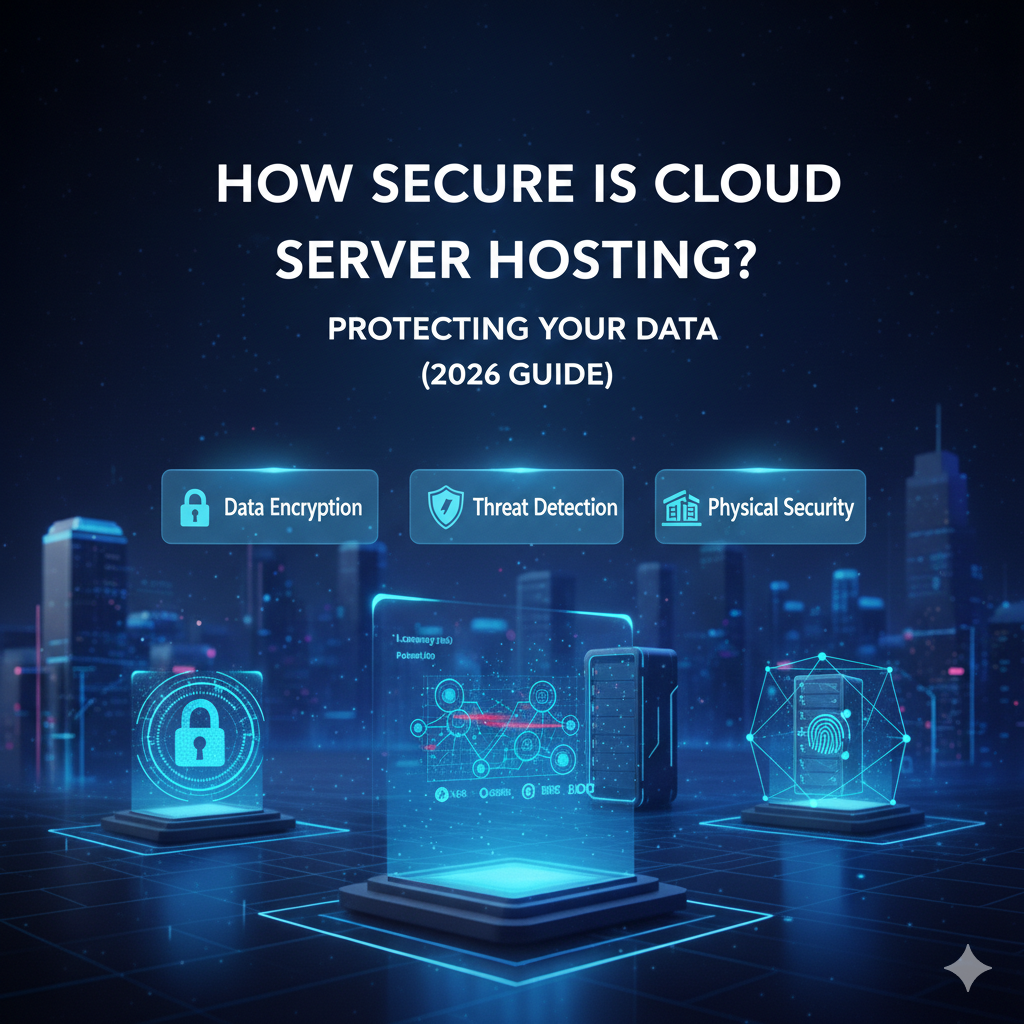
Cloud providers don’t just rely on hope; they rely on layers of defense. Here are the four pillars that keep cloud servers safe.
Physical Data Center Security
The first layer of defense is the physical location. You can’t hack a server if you can’t get near it.
Access controls and surveillance
Data centers are some of the most monitored buildings on earth. Entry is restricted to essential personnel only. Moving through the building requires passing through multiple checkpoints, often involving ID badges, PIN codes, and biometric scans (like fingerprints or iris scanners). Every inch of the facility is covered by CCTV cameras.
Redundancy and disaster protection
Security isn’t just about hackers; it’s also about disasters. Cloud data centers are built to withstand fires, floods, and power outages. They have backup generators and advanced fire suppression systems. critically, your data is often mirrored across different physical drives or even different locations. If one piece of hardware fails, another takes over instantly without you noticing.
Network Security
This acts as the digital perimeter fence for your server.
Firewalls and DDoS protection
Cloud providers use high-grade firewalls to filter traffic. They act like bouncers, only letting in legitimate visitors. They also have systems to detect Distributed Denial of Service (DDoS) attacks—where attackers try to crash a site by flooding it with traffic—and absorb that traffic so your server stays online.
Private networking and isolation
Even though you might be on the same physical hardware as another company, your networks are logically isolated. It’s like living in an apartment complex; just because you share a building doesn’t mean your neighbor has a key to your front door. You can also set up Virtual Private Clouds (VPCs) to create a private, isolated section of the cloud just for your business.
Data Encryption
Encryption turns your readable data into unreadable code. Even if someone managed to steal the data, they couldn’t read it without the decryption key.
Encryption at rest
This protects data stored on the hard drive. If a criminal physically stole the server drive, the data on it would look like gibberish.
Encryption in transit
This protects data while it is moving across the internet—for example, when a customer enters their credit card number on your website. It ensures that no one can intercept and read the information as it travels from their computer to your server.
Identity & Access Management (IAM)
IAM tools ensure the right people have access to the right resources.
Role-based access control (RBAC)
This allows you to assign specific permissions based on a person’s job. A marketing intern shouldn’t have the power to delete the entire database. With RBAC, you can give them access to upload files but not delete them.
Multi-factor authentication (MFA)
This is one of the most effective security tools available. It requires users to provide two forms of identification before logging in—usually a password and a code sent to their phone. It stops 99.9% of automated attacks.
The Shared Responsibility Model Explained
This is the most critical concept for business owners to understand. Moving to the cloud does not mean you can wash your hands of security duties.
The Shared Responsibility Model dictates who handles what:
What the cloud provider secures
The provider is responsible for “Security of the Cloud.” They handle:
- Physical hardware (servers, storage, networking).
- The data center facility (power, cooling, guards).
- The software infrastructure that allows the cloud to run (hypervisors).
What you are responsible for
You are responsible for “Security in the Cloud.” You handle:
- Customer data and content.
- Operating system updates (in some hosting models).
- Firewall configuration (who gets to talk to your server).
- Identity management (who has passwords and access).
- Client-side encryption.
If you leave your server password as “password123,” that is your fault, not the provider’s.
Common Cloud Security Risks
While the infrastructure is secure, human error and poor configuration create vulnerabilities. Here are the most common pitfalls.
Misconfigured servers
This happens when an administrator accidentally leaves a “digital door” open. A common example is leaving a storage bucket public when it should be private, allowing anyone on the internet to browse your files.
Weak passwords and credentials
Hackers rarely “break” into servers using complex code; they usually just log in. They use software to guess passwords or buy stolen credentials from the dark web. If you don’t use strong, unique passwords, you are an easy target.
Unpatched software
Software developers release updates (patches) to fix security holes. If you delay installing these updates on your cloud server’s operating system or applications, you leave those holes open for attackers to exploit.
Insider threats
Sometimes the danger comes from within. Disgruntled employees or staff members who are tricked into giving away access can compromise data. This is why limiting access permissions is so vital.
Cloud Hosting vs Traditional Server Security
Is the cloud actually safer than the old way of doing things?
Cloud vs on-premise servers
For most businesses, the cloud is safer. An on-premise server relies on your internal IT team (or just you) to handle physical security, hardware updates, cooling, and 24/7 monitoring. Cloud providers do this at a scale and quality level that individual businesses cannot match.
Cloud vs VPS and shared hosting
“Shared hosting” is often the cheapest option, but it can have security drawbacks. If one website on a shared server gets infected, it might affect others if the host hasn’t isolated them properly. Cloud servers (and robust VPS hosting) offer better isolation. Your resources are dedicated to you, meaning your neighbor’s bad security practices are less likely to impact your business.
Best Practices to Secure Cloud Servers
You don’t need to be a cybersecurity expert to secure your cloud environment. Following these four steps will put you ahead of most attackers.
Strong authentication and IAM
Enable Multi-Factor Authentication (MFA) for every single user. Review your access lists quarterly. If someone leaves the company, revoke their access immediately.
Regular updates and patching
Automate your updates if possible. Ensure your operating system and all applications running on your server are on the latest versions.
Backups and disaster recovery
Assume you will be hacked or that a mistake will happen. Regular backups are your safety net. Store your backups in a separate location from your main server so that if the server is compromised, the backup remains safe.
Monitoring and logging
Most cloud providers offer tools that track activity. Turn them on. Set up alerts so that if someone tries to log in from a strange country or at 3 AM, you get notified immediately.
Compliance and Certifications
If you handle sensitive data, security isn’t just good practice—it’s the law.
GDPR, ISO, SOC, HIPAA basics
- GDPR: Affects businesses handling European data. Requires strict data protection.
- HIPAA: Essential for US healthcare. protects patient medical records.
- SOC 2: A standard for service organizations, proving they manage customer data securely.
- ISO 27001: The international standard for information security management.
Why compliance matters for businesses
Using a compliant cloud provider makes your life easier. Because the provider already handles the physical and infrastructure security standards, you only have to prove compliance for your specific data handling. It saves time, money, and legal headaches.
Is Cloud Server Hosting Safe for Businesses?
Yes, but it is a tool, not a magic wand.
Small business security considerations
For small businesses, the cloud is a massive upgrade. It gives you enterprise-grade protection for a monthly subscription fee. The biggest risk for small businesses is usually neglect—setting up a server and forgetting about it.
Enterprise-level protection advantages
For larger companies, the cloud offers the ability to scale security. You can automate security policies across thousands of servers instantly. It allows for sophisticated threat detection that uses AI to spot patterns a human analyst would miss.
Keep Your Head in the Clouds (Safely)
Cloud server hosting is one of the most secure ways to store data in the modern world. It removes the physical burden of protecting hardware and offers sophisticated tools to protect against digital threats. However, it requires active participation. By understanding the shared responsibility model and implementing basic best practices like MFA and regular patching, you can turn your cloud server into a digital fortress.
FAQs – Cloud Server Hosting Security
Is cloud server hosting secure by default?
The infrastructure is secure by default, but your specific server configuration is not. You must set strong passwords, configure firewalls, and manage access to ensure total security.
Can cloud servers be hacked?
Yes, any computer connected to the internet can theoretically be hacked. However, cloud servers are generally much harder to hack than on-premise servers due to the advanced security measures employed by providers. Most “cloud hacks” are actually the result of users having weak passwords.
Who is responsible for cloud security?
It is a shared responsibility. The provider secures the hardware and facility. You secure the customer data, passwords, and applications.
Is cloud hosting safer than VPS?
Cloud hosting and VPS (Virtual Private Server) are very similar technologies. However, true cloud hosting often implies better redundancy. If a physical hardware component fails in a cloud environment, your server often moves to healthy hardware instantly. In a traditional VPS, a hardware failure might take you offline. Both are generally secure if configured correctly.
How do I improve cloud server security?
Start by enabling Multi-Factor Authentication (MFA). Then, ensure your software is always up to date, restrict access to only those who need it, and perform regular backups of your data.