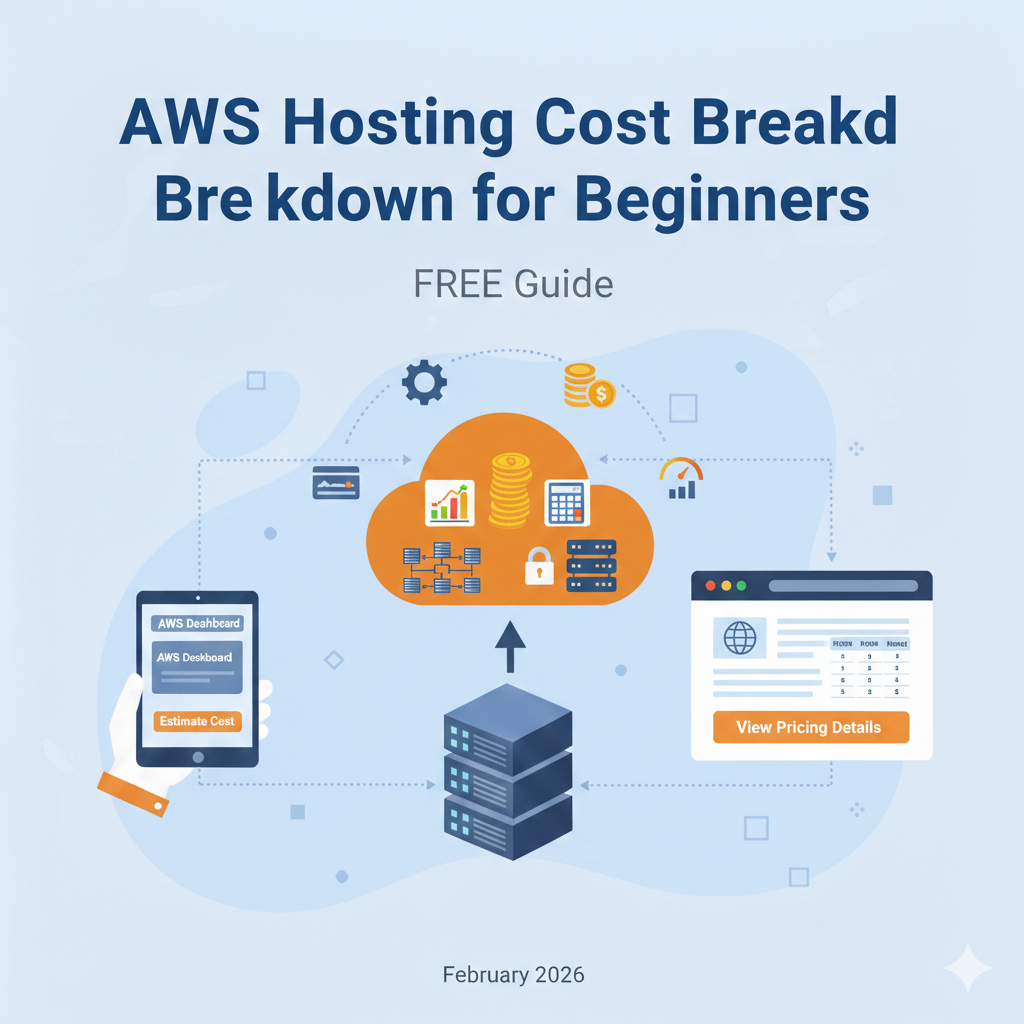
AWS Hosting Costs: Build the Bill Before Launching
An AWS website bill is the sum of the services you provision and use. Begin with the application design, then estimate each service. A small EC2 price on its own is not a quote for a complete WordPress site.
The earlier version used legacy Free Tier allowances and said an attached public IPv4 address was free. Those statements have been removed. The checks below refer to official documentation reviewed on 18 October 2026.
Draw the resources that will appear on the bill
- Compute: instance or application service, allocation, operating system and expected runtime.
- Storage: EBS volumes, S3 objects, snapshots, database storage and retention.
- Networking: delivery to visitors, transfers between components, public addresses, gateways and load balancing where used.
- Operations: logs, monitoring, support and any purchased software or management service.
These are possible categories, not instructions to deploy every component. A simpler design may avoid some of them. Conversely, adding a database or recovery environment creates costs beyond the web server.
Use the account’s actual Free Tier rules
AWS changed its new-customer offer in July 2025. The current account-plan guidance distinguishes Free and Paid plans. A Free plan ends after six months or credit exhaustion, whichever comes first. Paid-plan usage outside applicable credits or allowances can be charged.
Do not apply the old twelve-month EC2 example to every account. Confirm your signup date, plan, eligible services, credit expiry and upgrade conditions. A temporary credit is a funding source, not the workload’s ongoing price.
Check networking beyond data transfer
The VPC pricing page documents charges for both in-use and idle Amazon-provided public IPv4 addresses. NAT gateways have their own provisioned-time and processing charges. Include only the components in your design, using the current region and rates.
Trace traffic between browser, delivery layer, application and storage. Check which service bills each leg rather than adding a single generic bandwidth estimate.
Understand stopping and keeping resources
An EC2 stop does not delete the instance or its associated resources. Review the stop/start documentation before planning downtime. Retained storage and other resources can still cost money; stopping a machine is not a complete account cleanup.
Before removing a test environment, preserve required data and inspect dependent resources. Never delete a volume simply because it appears quiet.
Save the estimate and inspect actual usage
Use the official calculator with region, allocation, usage and recovery assumptions. Save a normal and busy-month estimate, then compare the first bill with both. The cloud forecast worksheet approach explains the reconciliation.
AWS Budgets provides notifications and optional configured actions, but billing information and alerts can lag. An email budget is not a guaranteed hard cap. Check delivery and assign someone to investigate it.
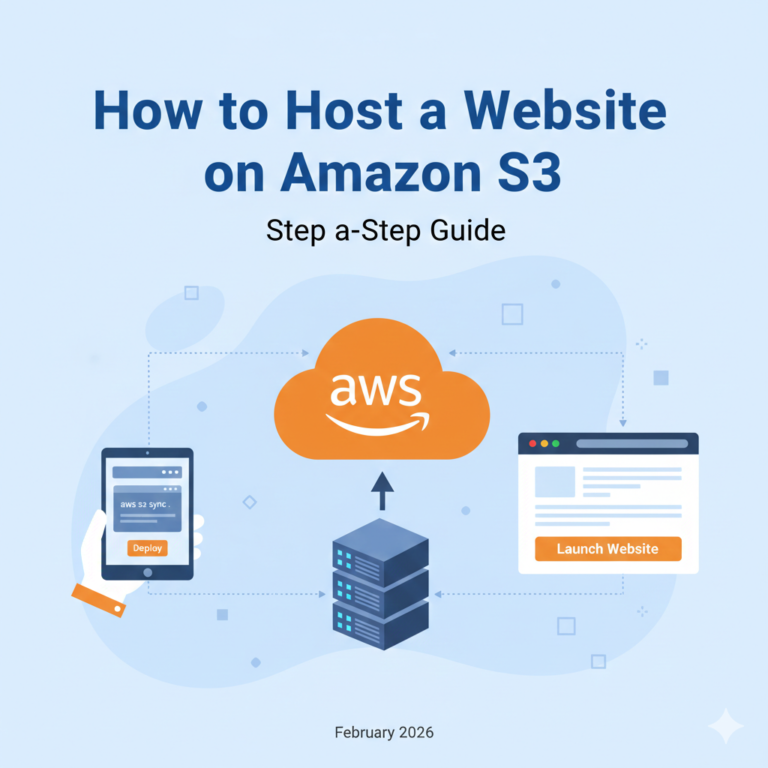
For a static site, evaluate the S3 and CloudFront design separately from a PHP application. Do not assume the same resources or costs fit both.