Cloud Hosting vs VPS: Compare the Actual Plan Architecture
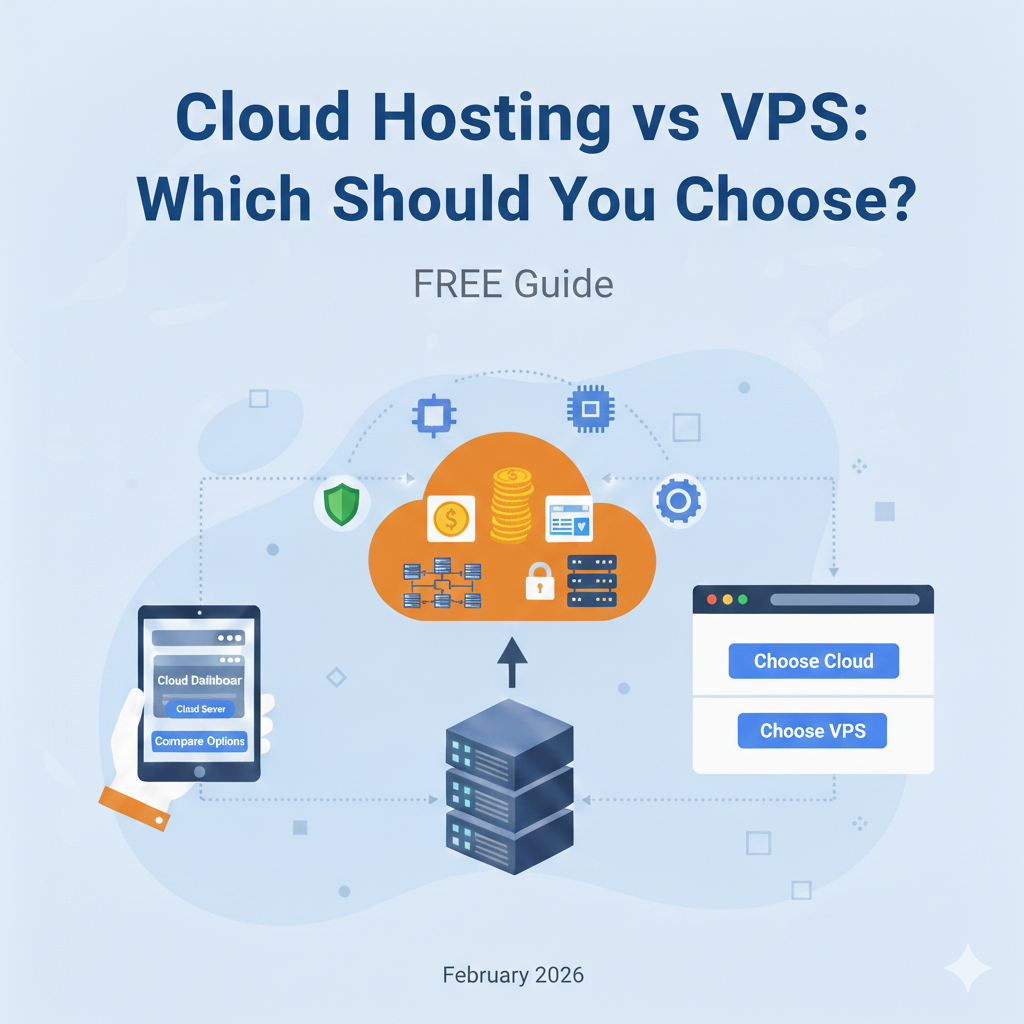
A VPS can run on a cloud platform. That overlap is why a comparison based only on the words “cloud” and “VPS” often gives the wrong answer. Ask what the particular plan provides and how your application uses it.
A virtual private server gives you a virtual machine environment. Cloud hosting is a broader commercial description that can refer to virtual machines, managed website hosting or application services. Neither label establishes dedicated CPU, automatic scaling or uninterrupted service.
Compare resource allocation
Check vCPU sharing, memory allocation, storage limits and network allowances. A vCPU count alone does not tell you how much sustained CPU time is available or whether the underlying cores are shared.
For an example of this distinction, DigitalOcean’s CPU plan guidance separates shared and dedicated CPU choices. The allocation policy belongs to the plan, not to a universal VPS-versus-cloud rule.
Test the workload you intend to run. A cached article and a logged-in checkout request place different demands on the same machine. Use the performance test method to make the comparison repeatable.
Ask what happens when something fails
Distinguish host maintenance, unexpected hardware failure, a failed application process, a database failure and a whole-zone outage. A provider’s ability to move or restart a VM does not prove that your application remains usable through every event.
Request the recovery procedure and expected interruption for each failure you care about. Establish where application state lives, what is backed up and who starts a restore. A second server is useful only when routing, data and operations support it.
Check the scaling mechanism
Increasing one machine’s size and adding more application instances are different operations. Ask whether resizing needs a restart and whether disks can shrink again. Horizontal scaling also needs compatible sessions, uploads and database connections.
Google’s Compute Engine autoscaling guidance describes an explicitly configured instance-group capability. It is not something every VM receives merely by being in the cloud. Startup time, quotas and application limits still matter.
Compare the operating work and bill
Confirm root access, supported software, patching scope, backup responsibility and incident support. A managed website plan may deliberately restrict server access; an unmanaged VM may leave most application work with you.
Build both estimates from the same workload and recovery requirements. Include transfer, backups, support and administrator time as well as the machine. The pricing forecast guide helps keep those assumptions visible.
Choose from a written requirement
For a steady application needing OS control, a suitable VM plan may be enough. For variable demand, evaluate the actual scaling service and its cost. For a team without an operator, evaluate a management agreement before choosing infrastructure. There is no requirement to buy the most complex architecture just because it carries a cloud label.