Cloud Hosting Benchmarks: How to Run a Fair Application Test
There is no single response time that every cloud-hosted website should achieve. The application, database, cache, network path and visitor device all affect the result. Compare a defined workload, not a provider logo.
Editorial correction: the earlier article gave provider-tier response-time ranges, concurrent-user capacities and disk-speed expectations without reproducible measurements. Those figures and the unsupported conversion-loss statistics have been removed. This is a proposed test method, not a report of tests we ran.
Write the test question
Choose a decision: whether a plan meets a launch requirement, whether a change fixes a bottleneck, or whether a migration improves a particular journey. Record a pass condition before seeing the result.
Use the same application release, dataset, runtime settings and comparable cost assumptions for each candidate. Record plan allocation, region, database placement and load-generator location. Retain the configuration with the results so another person can repeat the exercise.
Separate the paths visitors use
Test a cached public page, an uncached dynamic page and an authenticated or transactional journey where relevant. Record cache hits and misses explicitly. A CDN response cannot by itself prove that the origin or database performs well.
Check functional results too. A fast error page or broken checkout is a failed test. Avoid including a third-party payment or email service in a load test without permission and a suitable test environment.
Increase traffic in controlled stages
Use an isolated representative environment you are authorised to test. Start small, establish a baseline, then increase request arrival or concurrency while keeping the script consistent. State which load model you used and why it resembles expected demand.
Record throughput, errors, timeouts and latency percentiles such as the median and p95. Observe CPU, memory, database waits and storage behaviour alongside them. Keep the test long enough to expose sustained-workload problems, and repeat runs rather than selecting the best screenshot.
Stop if the agreed safety threshold is reached. Autoscaling should be tested separately with startup delays and maximum capacity visible. It cannot remove every application bottleneck.
Measure the browser experience separately
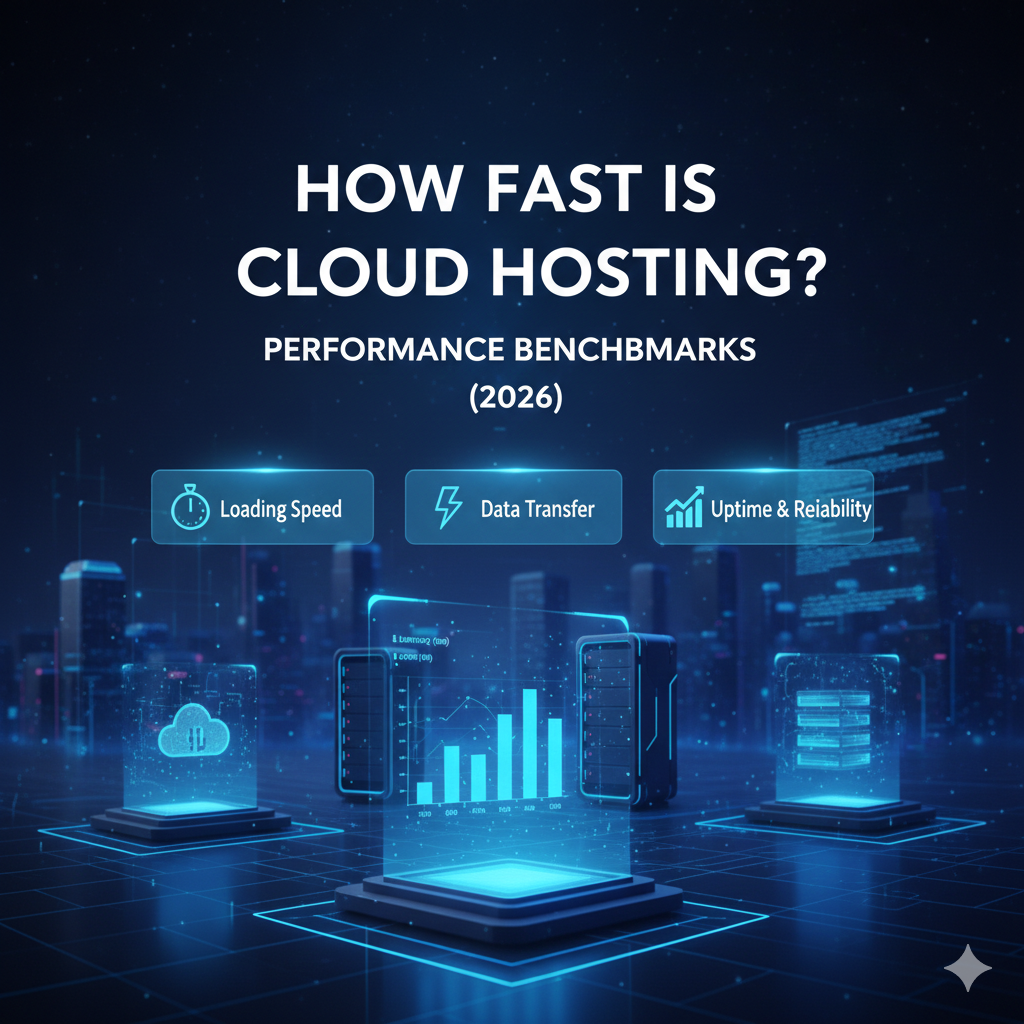
Google’s Core Web Vitals guidance covers LCP, INP and CLS. Current good thresholds are LCP at most 2.5 seconds, INP at most 200 milliseconds and CLS at most 0.1, assessed at the 75th percentile with device segmentation.
TTFB is useful for diagnosing delivery, but it is not itself one of those three Core Web Vitals. A Lighthouse lab result also does not replace real-user field evidence. State clearly when a low-traffic site lacks sufficient field data.
Publish a result someone can assess
Include dates, configuration, scripts, run duration, cache state, result distributions, errors and complete test cost. Explain limitations and what remained untested. Never turn one workload’s outcome into a universal ranking.
Use the Cloud CDN guide when separating cache delivery from origin work, and the plan-architecture comparison before attributing an improvement to the word “cloud”.