Ecommerce Hosting: Shopify, WooCommerce and Platform Choices
[Disclosure: This article may contain affiliate links. We may earn a commission if you make a purchase through these links.]
Choosing store hosting starts with choosing how the store will operate. Shopify, a self-hosted WooCommerce installation and a custom storefront do not require the same kind of purchase.
This guide compares operating models and evaluation questions. It does not present measured speed rankings, conversion forecasts or a stress test of named providers.
Separate a hosted platform from server rental
| Route | What you are buying | Main follow-up |
|---|---|---|
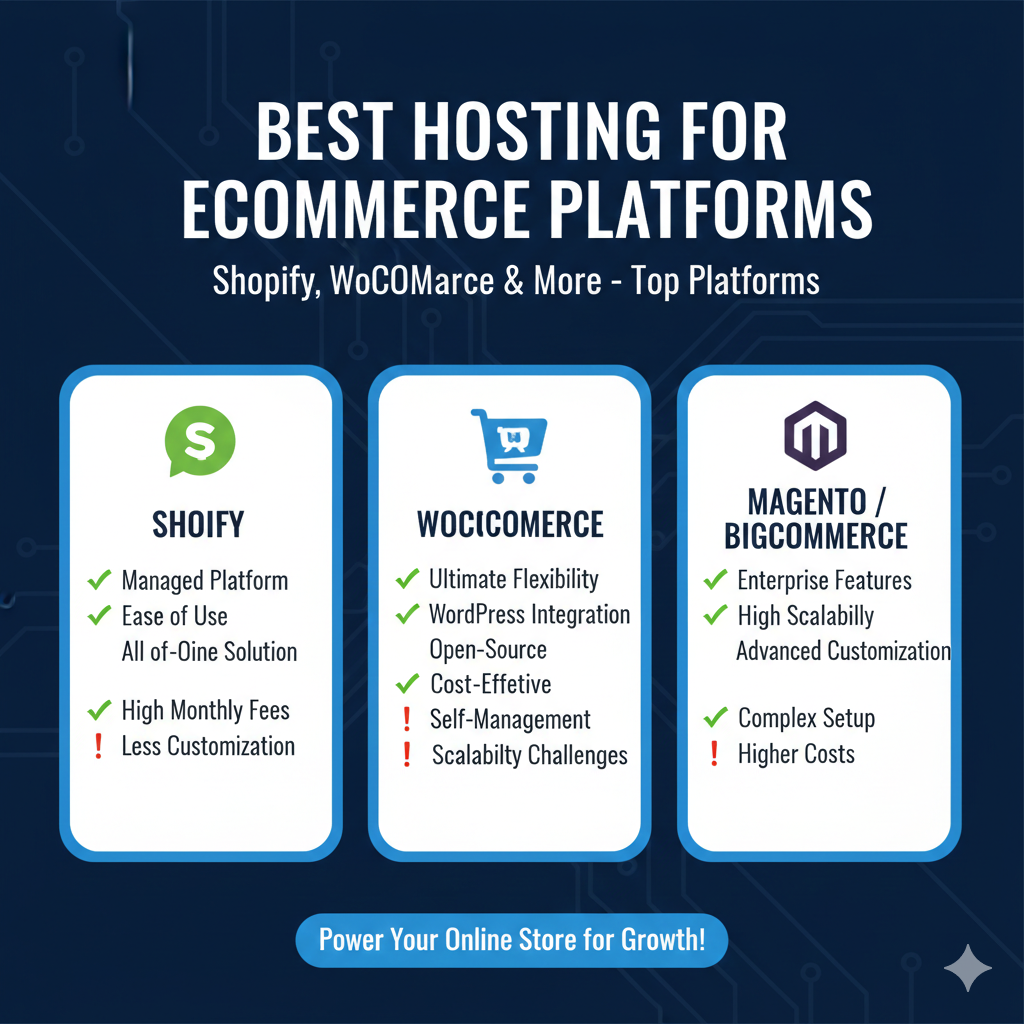
| Shopify | A hosted commerce platform with web hosting included in its plans. | Required features, payments, apps, export and total charges. |
| BigCommerce | A hosted SaaS commerce platform. | Plan scope, integrations, storefront requirements and commercial terms. |
| Self-hosted WooCommerce | WordPress and WooCommerce on a compatible hosting service. | Application maintenance, hosting scope, extensions and recovery. |
| Custom or headless store | A combination of commerce services, frontend and other application components. | Where each component runs and who operates the complete transaction path. |
See the current Shopify plan table and BigCommerce’s explanation of hosted commerce for their product models. Hosting inclusion does not mean every app, domain, mailbox or custom integration is included.
For WooCommerce, check the complete environment
Start with WooCommerce’s current server recommendations, then check the requirements of your theme, payment plugins and extensions. Versions change, so confirm against the actual software release you intend to use.
Ask who handles server updates, WordPress updates, plugin conflicts and failed scheduled actions. A managed hosting label does not establish every one of those duties. The WordPress and store hosting shortlist offers product-specific questions.
Test the transaction, not only the homepage
Use a supported test-payment method to check browsing, variations, cart, checkout, order creation and confirmation messages. Include stock changes, shipping rules, tax configuration and refunds where relevant.
For performance, record conditions and representative actions. Cached product pages and dynamic checkout can behave differently. Do not assume a generic load-time figure or a provider’s demonstration represents your complete store.
Make order recovery explicit
Document which data can be exported or restored, how often recovery copies are made and what can happen to orders created after the last copy. A restore can affect orders, stock and customer records together.
Test recovery on a protected copy with appropriate test data. Do not overwrite a live order database simply to check whether a restore button works.
Clarify payment responsibilities
Use appropriate payment integrations and establish the responsibilities of each service. The PCI Security Standards Council explains that outsourcing processing does not remove all merchant responsibilities. Confirm applicable validation and security requirements with your payment provider and qualified advisers.
A certificate, firewall or reputable host is not automatic evidence that the whole payment setup meets its requirements. Include administrator access, extension maintenance and incident handling in the operating plan.
Compare the full cost and exit route
Include subscriptions, required extensions, payment-related charges, developer work and recovery services. For a headless setup, account for the separately hosted frontend and connected services too.
Record export limits for products, orders, customers and design. Use the cost worksheet and small-business operating checklist to choose a service you can maintain, recover and afford as the store changes.