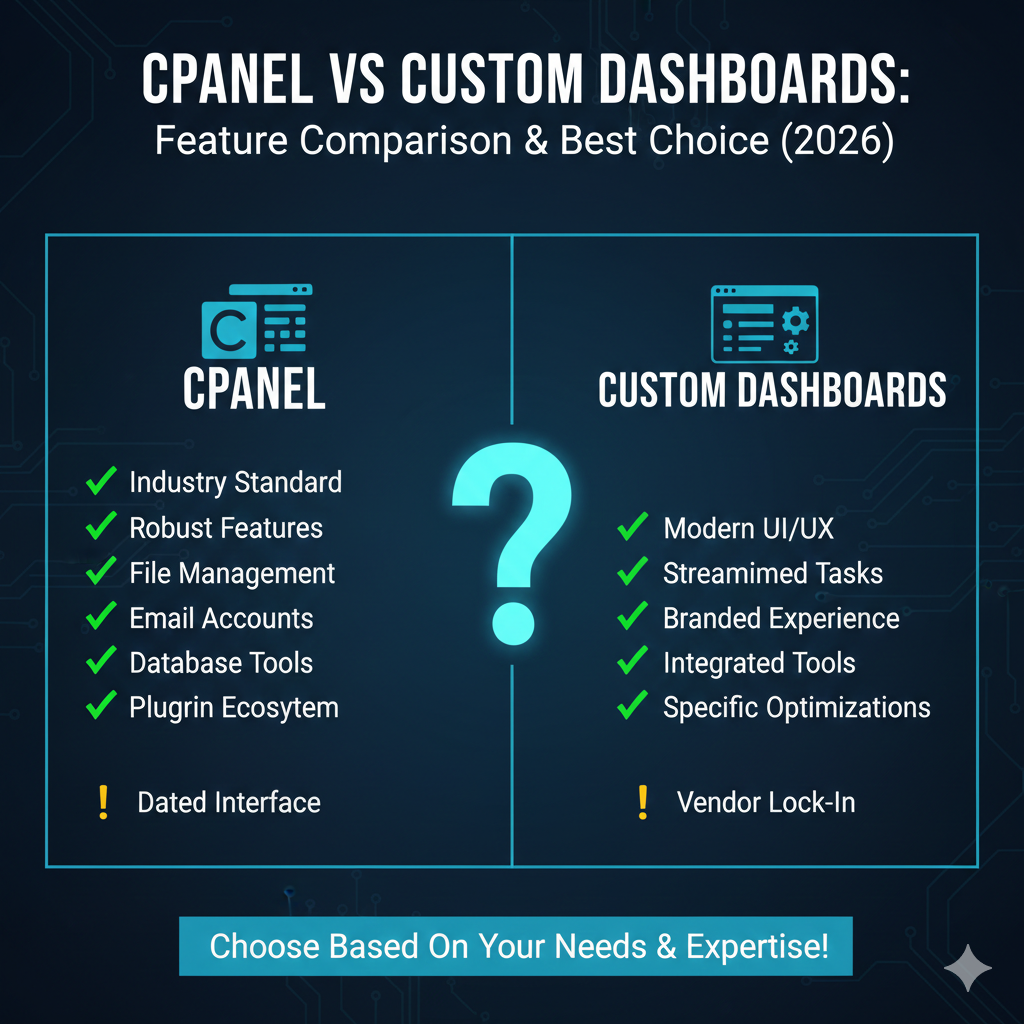
cPanel vs Custom Hosting Dashboards: Compare the Workflow
A hosting dashboard is useful when it lets you complete the work your website needs without confusion. cPanel offers a familiar interface across many services; a provider-built dashboard can organise tasks around that supplier’s products.
Neither label establishes that the hosting itself is faster, safer or cheaper. Compare the selected account and its available tools, not a general impression of the interface.
Start with a task list
List the jobs you actually do: manage domains, inspect files, export a database, create a mailbox, restore a backup and adjust access. Add staging or development tools only when you need them.
Ask for a current demonstration or documentation for the intended plan. A feature in a dashboard screenshot may be unavailable at your account level or require an extra service.
Compare the same workflows
| Workflow | What to verify in either dashboard |
|---|---|
| Domains and mail | Included services, DNS authority and ability to preserve existing email |
| Files and databases | Required access, exports and clear identification of the correct site |
| Recovery | Backup contents, restore permissions, assistance and possible interruption |
| Team access | Individual accounts, appropriate roles and a way to remove access |
| Development | Required staging, deployment, logs and command-line facilities |
The cPanel and Plesk tutorial explains common tasks and restore boundaries. Do not infer that a provider-built dashboard includes every tool available in a different product.
Separate dashboard responsiveness from website speed
A quick dashboard helps the operator. It does not measure the visitor’s page load or the application’s ability to handle requests. Compare those separately with the performance workflow.
The earlier claim that plans without cPanel are generally 10-20% cheaper was unsupported and has been removed. Licensing is one input to a provider’s pricing, not a reliable prediction of your final bill.
Check recovery and exit before convenience
Confirm usable file and database exports, backup retrieval and migration support. A panel backup format is not proof that another provider can restore the entire account directly.
Use the recovery checklist and compare complete service costs. Include any outside help required to leave or rebuild a proprietary workflow.
Choose the interface with the service
Record which tasks you can complete, which require support and which are unavailable. Choose the offer that meets those requirements with acceptable costs and responsibilities. Familiarity can reduce learning effort, but no universal dashboard winner or security advantage follows from the brand alone.