Use cPanel or Plesk: Common Website Tasks and Recovery Checks
cPanel and Plesk are interfaces for managing hosting tasks. Your provider decides which features your account can use, so menu names and available actions may differ from a generic tutorial.
Start from the provider’s verified account link. Confirm the account and domain before changing anything. A customer panel is not the same as a server administrator’s interface.
Find the website and its files
In cPanel, look for the domain and File Manager tools. In Plesk, find the selected website under Websites & Domains and its Files area. Confirm the document root from the account’s information rather than assuming every site uses the same directory.
Download a copy before replacing a file. Avoid editing configuration or changing permissions without understanding the effect. Keep secrets out of publicly accessible directories and shared screenshots.
Check domains and email separately
Adding a domain to the panel does not necessarily update its public DNS. Confirm which DNS service is authoritative and preserve existing mail records before changing nameservers.
Email tools appear only where the service includes them. Creating a mailbox does not prove that sending, receiving or authentication records are configured correctly. Test the intended mail workflow afterward.
Install an application without overwriting a site
Use the installer’s supported workflow if one is included. Verify the domain, protocol and destination directory. Do not install over existing content you need.
A WordPress installer may be a separate extension rather than a standard feature in every account. The WordPress setup checklist covers initial configuration and launch checks.
Handle databases carefully
Identify the application’s actual database and account before changing access. Use only the privileges required. Deleting a database or changing its password can immediately break the website.
The security review helps organise access responsibilities. Ask support when the correct scope is unclear rather than guessing from a similar database name.
Understand the restore boundary
The cPanel backup documentation distinguishes available backup operations. Full-account backup restoration is not a normal self-service restore in cPanel; arrange the appropriate provider or administrator assistance.
Plesk’s backup guide covers its recovery workflow. Confirm available contents and permissions before restoring. A restore can replace newer data and interrupt service.
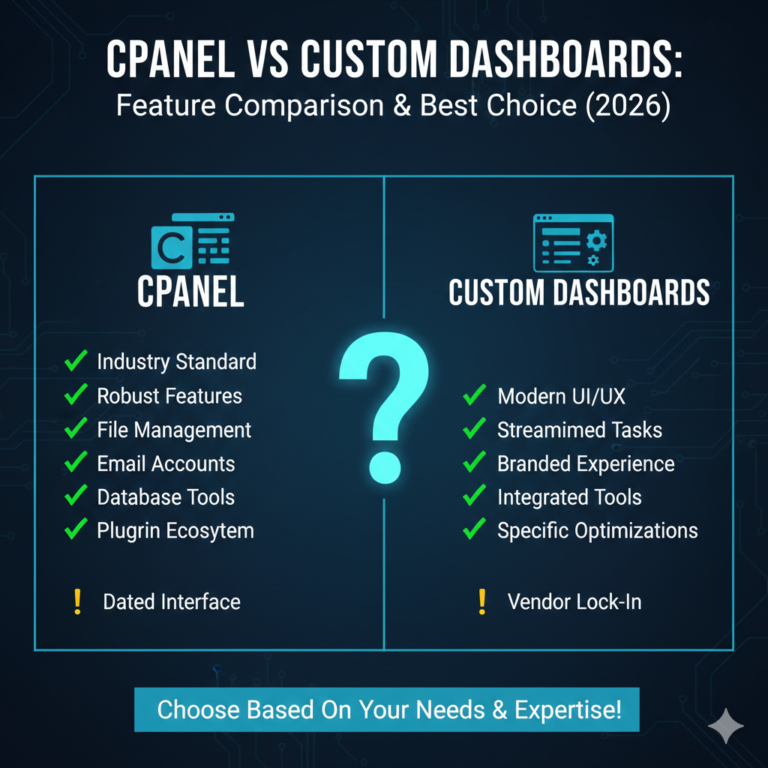
Use the backup and restore checklist to choose a recovery point and test it safely. The dashboard comparison helps assess which interface supports your work. This tutorial does not perform account, DNS, database or security changes for you.