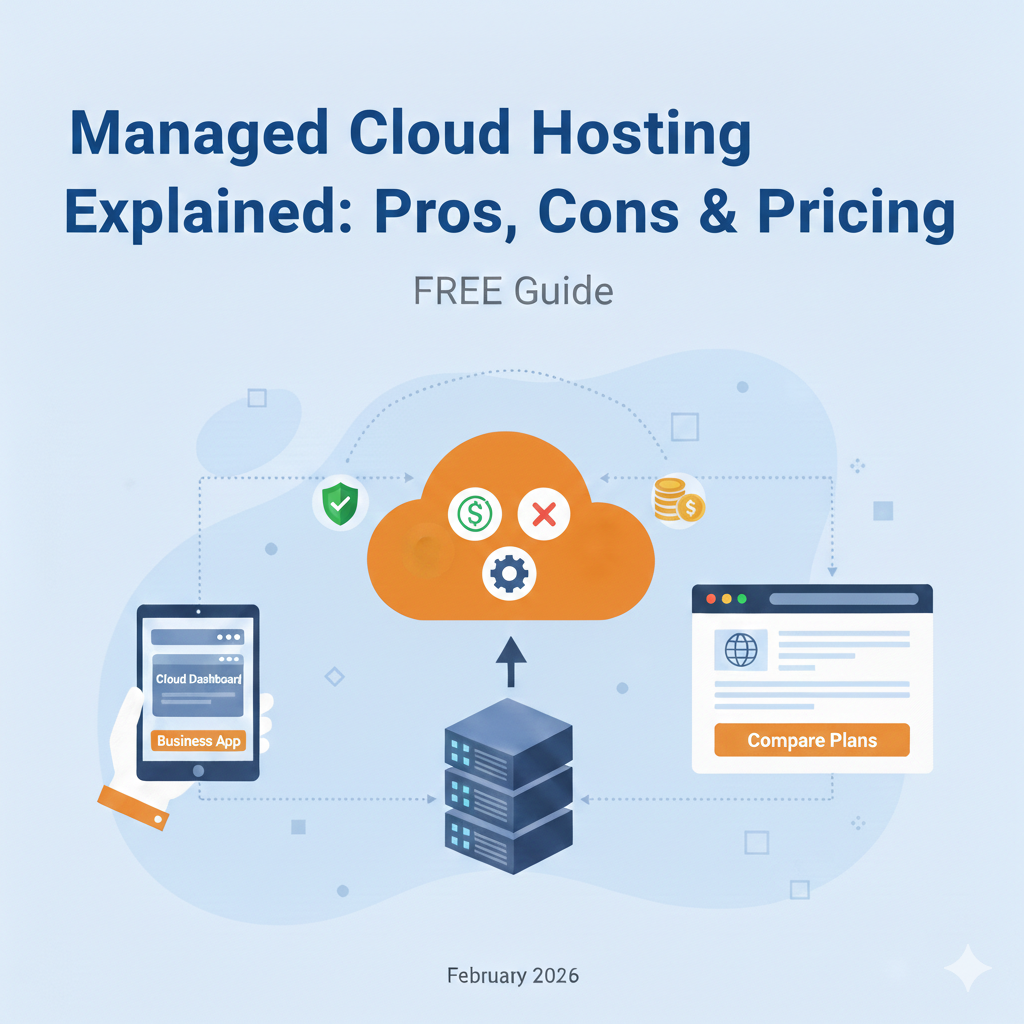
Managed Cloud Hosting Explained: Pros, Cons & Pricing
Imagine running a bustling digital storefront that never sleeps. While your customers browse and buy at all hours, the engine powering your site—the server—needs constant attention. It requires updates, security patches, and tweaks to keep running smoothly. For business owners without a dedicated IT team, managing this engine can quickly turn from a minor chore into a major headache.
This is where managed cloud hosting enters the conversation. It promises the power and scalability of the cloud without the technical burden of running a server yourself. But is it the right solution for your business? With various pricing models and service levels, understanding what you’re actually paying for can be confusing.
In this guide, we’ll break down exactly what managed cloud hosting is, how it differs from traditional hosting, and walk you through the pros, cons, and costs. By the end, you’ll have a clear picture of whether this hands-off approach is the smart investment your business needs to grow.
What Is Managed Cloud Hosting?
At its core, managed cloud hosting is a service where a hosting provider takes care of the technical setup, maintenance, and support of your cloud server infrastructure.
Think of it like leasing a car versus owning one. When you own a car (unmanaged hosting), you are responsible for oil changes, tire rotations, and engine repairs. If it breaks down on the side of the road, you’re the one calling for a tow truck and figuring out how to fix it.
When you lease a car with a full maintenance package (managed hosting), the dealership handles the servicing. You just get in and drive. The provider ensures the underlying machinery is working perfectly so you can focus on your destination—or in this case, your business goals.
Managed vs Unmanaged Cloud Hosting
The primary difference lies in responsibility.
- Unmanaged Cloud Hosting: You rent raw server space from a provider like AWS, Google Cloud, or DigitalOcean. You get an empty operating system, and it’s up to you to install software, configure security firewalls, set up backups, and troubleshoot errors. It’s cheaper but requires significant technical expertise (DevOps skills).
- Managed Cloud Hosting: The provider handles the server administration. They install the operating system, configure the server stack (like PHP, MySQL, Apache/Nginx), manage security updates, and provide technical support. You pay a premium for this service, but it frees you from system administration tasks.
How Managed Cloud Hosting Works
Managed cloud hosting acts as a bridge between the raw infrastructure of the cloud and your website or application.
Infrastructure and Support Layers
- The Infrastructure Layer: This is the physical hardware and network. Providers often use infrastructure from major players like Google Cloud Platform (GCP) or Amazon Web Services (AWS) but add their own management layer on top.
- The Management Layer: This is the dashboard or interface you interact with. Instead of using a complex command-line interface, you get a user-friendly control panel to deploy applications, add domains, and manage files.
- The Support Layer: This is the human element. A team of engineers monitors your server 24/7. If a service crashes at 3 AM, their automated systems or on-call technicians fix it, often before you even know there was an issue.
Typical Services Included
When you sign up for a managed plan, you aren’t just buying server space; you are buying a suite of services:
- Server Setup & Migration: Setting up the environment and moving your existing site to the new server for free.
- Automated Updates: Keeping the operating system and software stack (like PHP versions) up to date.
- Security Hardening: configuring firewalls, malware scanning, and patching vulnerabilities.
- Backups: Daily automated backups to ensure data is safe and can be restored quickly.
- Performance Optimization: Configuring caching mechanisms (like Varnish or Redis) to make your site load faster.
Platforms That Offer Managed Cloud
Many companies specialize in this “Platform as a Service” (PaaS) model. Popular names include:
- Cloudways: Allows you to choose your underlying infrastructure (DigitalOcean, Vultr, AWS, Google Cloud) while they manage the server.
- Kinsta / WP Engine: Specialized managed hosting specifically for WordPress sites, often built on Google Cloud.
- SiteGround: Offers managed cloud plans where they handle the scaling and resources.
Key Pros of Managed Cloud Hosting
Why do businesses choose to pay extra for managed hosting? The benefits usually outweigh the costs for non-technical teams.
Hands-Off Maintenance
The biggest advantage is time. You don’t need to learn Linux commands or worry about server updates. The provider handles the grunt work, allowing you to focus on marketing, content creation, and product development. It essentially outsources your IT department’s server responsibilities.
Built-In Security and Updates
Security is a major concern for any online business. Unmanaged servers are vulnerable if you don’t know how to secure them properly. Managed providers implement strict security protocols, update firewalls, and patch security holes immediately. They often include free SSL certificates and DDoS protection as standard features.
Expert Support
With unmanaged hosting, “support” usually means checking if the hardware is powered on. If your software crashes, you’re on your own. Managed hosting support teams are experts in the software you are running (like WordPress or Magento). They can help troubleshoot plugin conflicts, performance bottlenecks, and database errors.
Better Uptime and Performance
Managed providers fine-tune their servers for performance. They configure server-level caching, optimize databases, and use Content Delivery Networks (CDNs) to ensure fast load times globally. Because they proactively monitor the servers, they can often prevent downtime before it happens, leading to better reliability for your users.
Cons of Managed Cloud Hosting
Despite the benefits, managed hosting isn’t perfect for everyone.
Higher Recurring Costs
You are paying for convenience and expertise. A server that might cost $10/month on an unmanaged provider could cost $30-$50/month or more on a managed platform. For startups on a shoestring budget, this markup can be significant.
Less Control Over Environment
Managed environments are standardized for stability and security. This means you might not have “root access” to the server. You can’t always install custom software packages or tweak deep server configurations. If your application requires a highly unique server setup, managed hosting might feel restrictive.
Resource Restrictions
Some managed plans have strict limits on the number of visitors or “workers” (processes) your site can use. If you exceed these limits, you might be forced to upgrade to a much more expensive plan, whereas on an unmanaged server, you could simply optimize your resources or scale up more cheaply.
Managed Cloud Hosting Pricing Explained
Pricing can be complex because it varies based on the underlying infrastructure and the level of management provided.
Common Pricing Models
- Tiered Pricing: You pay a flat monthly fee for a set amount of resources (e.g., 2GB RAM, 1 Core Processor, 50GB Storage). This is the most common model.
- Usage-Based (Pay-As-You-Go): You pay for exactly what you use. If you spin up a server for 10 days, you only pay for 10 days. This is great for fluctuating traffic but can lead to unpredictable bills.
What’s Typically Included vs. Extra Fees
Included:
- Hosting infrastructure
- Control panel access
- Standard support
- SSL certificates
- Daily backups
Potential Extra Fees:
- Overage Charges: If you exceed your bandwidth or visitor limits.
- Email Hosting: Many managed cloud providers do not host email. You usually need to pay separately for Google Workspace or Outlook.
- Premium Support: Some hosts charge extra for faster response times or dedicated account managers.
- CDN Usage: While often free, heavy usage might incur extra costs.
Sample Cost Breakdowns
To give you a realistic idea, here is what you might expect to pay:
| Business Type | Typical Requirements | Estimated Monthly Cost |
|---|---|---|
| Small Business Website | Low traffic, standard performance needs, 1 website. | $10 – $30 |
| Growing Ecommerce Store | Moderate traffic, high performance needed for checkout, security is critical. | $50 – $150 |
| High-Traffic App/Media Site | High traffic spikes, needs auto-scaling, dedicated resources. | $200 – $600+ |
Managed Cloud Hosting vs. Self-Managed Cloud
Deciding between the two comes down to a trade-off between money and time/skill.
Cost Comparison
- Self-Managed: Lower monthly fee ($5-$20 for entry-level). No markup on infrastructure.
- Managed: Higher monthly fee ($25-$100+ for entry-level). Includes the “management tax.”
However, the hidden cost of self-managed is your time. If you spend 5 hours a month fixing server issues, and your time is worth $50/hour, that “cheap” server is actually costing you $250 in lost productivity.
Performance & Reliability Differences
A self-managed server can be faster if you are a skilled sysadmin who knows how to optimize every line of config code. But for most users, a managed server will perform better out of the box because it has been professionally tuned by experts who do this all day, every day.
Who Benefits From Each Approach?
- Choose Managed Hosting If: You are a business owner, marketer, or agency focused on growth. You have budget but no time or desire to manage servers. You need reliability and support.
- Choose Self-Managed Hosting If: You are a developer, sysadmin, or student who wants to learn. You have a strict budget and plenty of time to troubleshoot. You need a custom environment that managed hosts don’t support.
Best Use Cases for Managed Cloud Hosting
Certain types of websites benefit immensely from the managed cloud model.
Ecommerce and Revenue Sites
If your website makes money directly (like an online store), downtime is expensive. Every minute your site is offline or slow costs you sales. The reliability and speed of managed hosting are an insurance policy for your revenue.
SaaS Applications
Software-as-a-Service (SaaS) businesses need to scale quickly. Managed hosting allows you to increase server resources with a click, ensuring your app doesn’t crash when you get a sudden influx of new users.
High-Traffic Blogs and Media Sites
When a post goes viral, traffic spikes can crash a standard server. Managed cloud hosts often feature “auto-scaling” or robust caching that can handle thousands of concurrent visitors without breaking a sweat.
Teams Without DevOps Expertise
If your marketing agency builds websites for clients but doesn’t have a dedicated server engineer, managed hosting is crucial. It allows you to resell high-quality hosting to your clients without needing to hire expensive technical staff.
Managed Cloud Hosting Features to Look For
Not all managed hosts are created equal. When shopping around, check for these non-negotiables:
- Automatic Backups and One-Click Restore: You should be able to restore your site to a previous version instantly if something goes wrong.
- Staging Environments: A “staging site” allows you to test changes and updates on a clone of your website before pushing them live. This prevents you from breaking your live site.
- Security Monitoring & Firewalls: Look for proactive malware scanning and web application firewalls (WAF) that block hackers.
- Scaling and Load Balancing: Can you upgrade your server size easily? Does the host offer load balancing to distribute traffic across multiple servers for redundancy?
- 24/7 Support & SLAs: Ensure they offer round-the-clock support via chat or phone. Check their Service Level Agreement (SLA)—do they guarantee 99.9% uptime?
FAQs – Managed Cloud Hosting
Is managed cloud hosting worth the cost?
For most businesses, yes. The time saved on maintenance, troubleshooting, and security configuration usually justifies the premium price. It eliminates the need to hire a system administrator.
How much does managed cloud hosting cost?
Entry-level plans start around $10-$30 per month. Mid-tier plans for growing businesses range from $50-$150, while enterprise solutions can cost hundreds or thousands per month depending on resources.
Do managed plans include backups?
Yes, almost all reputable managed hosting providers include daily automated backups. Many also allow you to create manual backups on demand before making major changes to your site.
Can managed cloud hosting scale?
Absolutely. One of the main benefits of cloud technology is scalability. Most managed platforms allow you to vertically scale (add more RAM/CPU) with a few clicks to handle traffic surges.
What’s the difference between managed cloud and dedicated hosting?
Dedicated hosting gives you a physical server box all to yourself. Managed cloud hosting uses virtualized server resources that can be scaled up or down instantly. Cloud hosting is generally more flexible and reliable, as hardware failure on one node doesn’t necessarily take your site offline.
Is Managed Cloud Hosting the Right Move?
Managed cloud hosting represents a shift from “renting hardware” to “buying peace of mind.” It removes the technical friction of running a website, offering a streamlined, secure, and fast environment that lets business owners do what they do best: run their business.
While the monthly cost is higher than a DIY approach, the return on investment comes in the form of reliability, speed, and expert support. If you value your time and need a website that just works, managed cloud hosting is likely the upgrade your digital presence needs.
Take stock of your current technical skills and budget. If you find yourself spending more time fixing your server than fixing your business strategy, it’s time to make the switch.