CRM Security: A Practical Access and Recovery Checklist
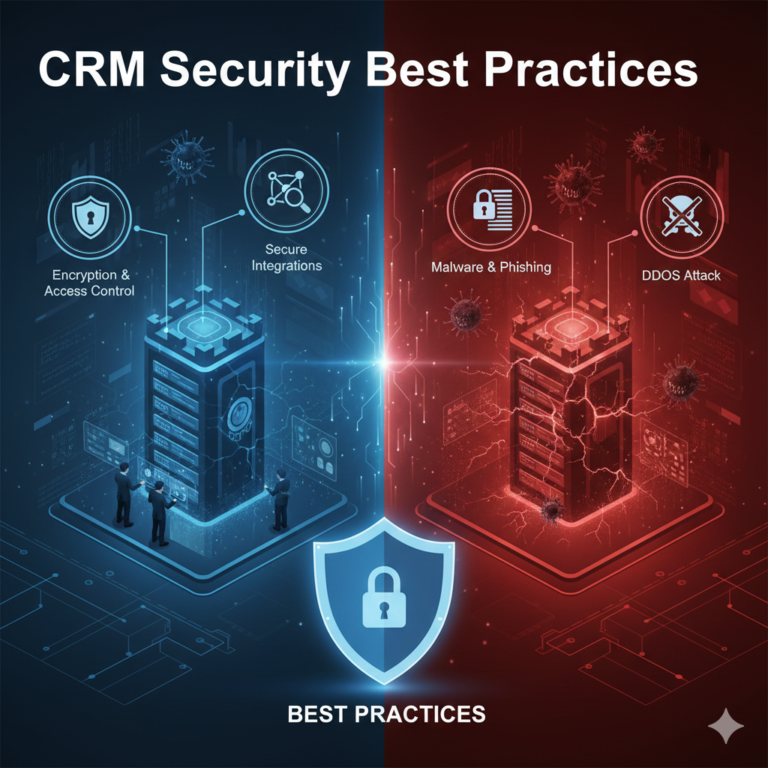
A CRM security routine needs to cover people, integrations and recovery as well as the application login. The most useful checklist identifies who can act on customer records and how you would detect or recover from an unwanted change.
Start with the data and workflows your CRM actually contains. Do not collect extra sensitive information simply because a field or integration makes it possible.
Test roles with realistic records
Define permissions for viewing, editing, exporting and deleting records. Include attachments, reports and related records, not only the main customer page.
Test an ordinary account and a restricted account against expected results. OWASP’s authorisation guidance explains least privilege and checking access to resources. A hidden button alone is not an access control.
Include every route into the data
| Route | Check |
|---|---|
| Staff accounts | Individual identity, appropriate role and supported strong authentication |
| API and service accounts | Limited scope, protected credentials and a named owner |
| Supplier support | Approval, scope and access removal |
| Imports and exports | Authorisation, destination and handling of generated files |
Review access when staff, contractors or integrations change. Record recovery methods so an account lockout does not force unsafe credential sharing.
Maintain supported components
Assign ownership for the CRM, extensions, runtime and database. Check the managed provider’s scope instead of assuming a subscription covers custom modules or every dependency.
Test meaningful updates in an appropriate environment, with a recovery route for application and data changes. Keep an inventory of enabled integrations and remove unused access through supported controls.
Log actions without copying the whole CRM
Capture relevant account changes, exports, administrative actions and failures with identifiers and timestamps. Decide who reviews the events and what requires escalation.
OWASP’s logging guidance discusses data that should be excluded or protected. Do not put passwords, tokens or unrestricted customer records into general logs. Retention and access need their own review.
Prove that recovery works
Restore a protected test copy and verify contacts, relationships, attachments and required configuration. Disable real mail, notifications and other outbound actions during the exercise.
Confirm how records created after the backup would be handled. Keep recovery copies accessible under an understood failure and access arrangement; a backup count alone is not evidence of a successful restore.
Prepare the incident handover
Record the supplier contact, technical owner and privacy or legal contact. Establish how to preserve relevant evidence and contain access without destroying the information needed for investigation.
A security alert does not by itself decide a notification obligation. Use the responsible team to assess the actual incident and applicable requirements.
Review the operating boundary
The CRM responsibility matrix helps assign supplier duties, and the privacy review checklist covers procurement evidence. The recovery checks help evaluate restore promises. No hosting model or encryption badge removes the need to test these controls.