Dedicated, VPS or Cloud Hosting: Compare Four Separate Choices
Dedicated, VPS and cloud describe overlapping aspects of hosting. A cloud can provide virtual machines, dedicated hosts or bare-metal products. A dedicated server can also run virtual machines that you administer.
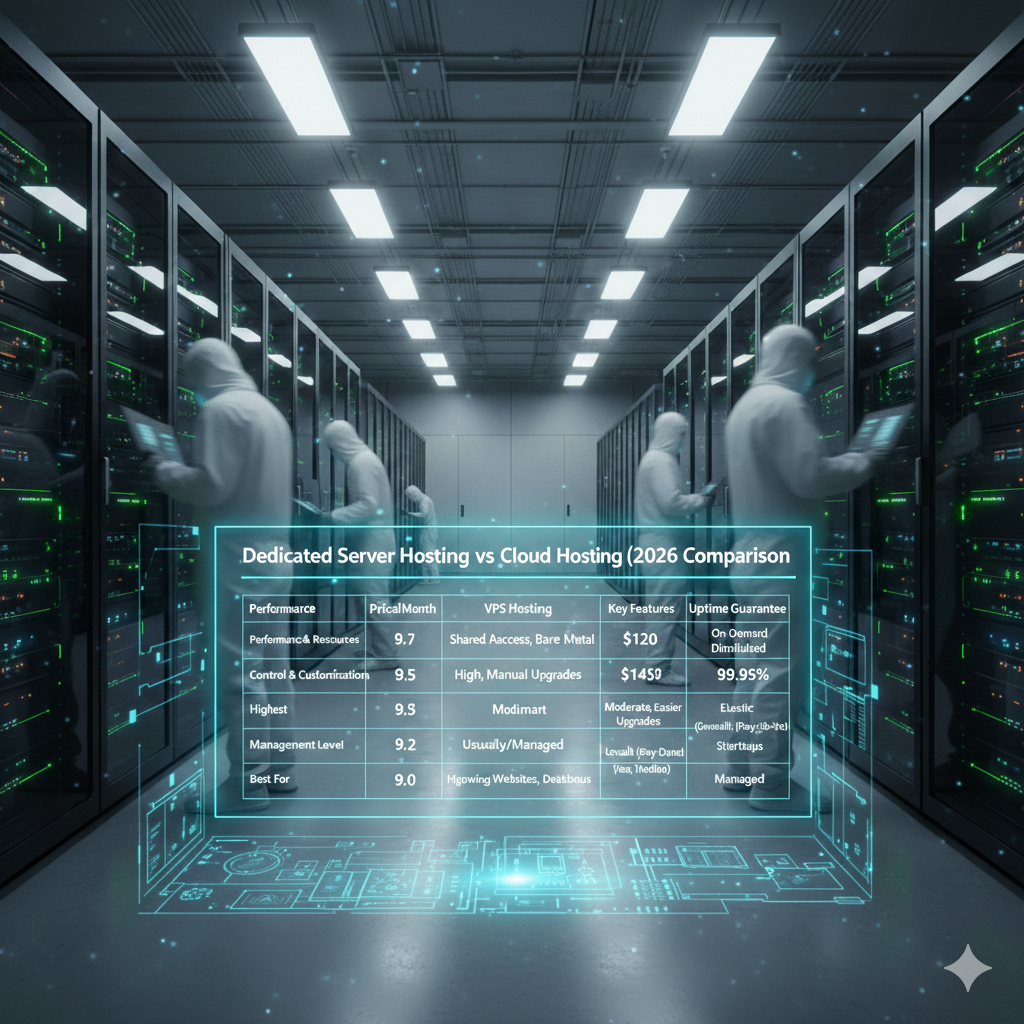
Compare four separate decisions: physical allocation, application operating model, management scope and capacity changes. Treating the three labels as a fixed ranking of speed, security and cost hides those choices.
1. Physical or virtual allocation
A dedicated physical server assigns a machine to the customer. A VPS provides a virtual-machine environment, with resource policies that vary by plan. A vCPU count does not necessarily establish dedicated physical cores or sustained throughput.
Record the actual allocation and supported software. A managed website product may restrict administrator access even when the underlying hardware is substantial. Use the dedicated-hosting definition for the tenancy boundary.
2. What operates the application
A VM, bare-metal machine and managed application platform leave different infrastructure work with your team. Determine where code, persistent files, database and secrets live, and who maintains each component.
A smaller well-configured service may perform better for a particular application than a larger but unsuitable machine. No hosting label proves that queries, external integrations or browser assets are efficient.
3. Who manages the service
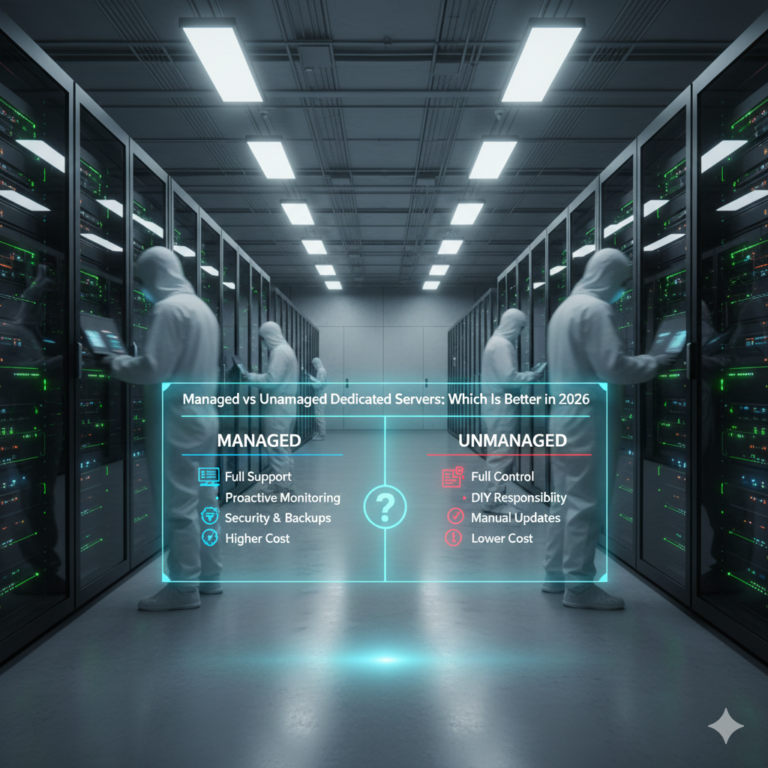
Write down patching, access control, monitoring, backup and incident ownership. Managed and self-managed options are service agreements, not hardware categories. The management comparison helps make the scope explicit.
Security also depends on configuration and operating practice. Physical allocation does not guarantee compliance, and logical isolation does not by itself establish a deployment’s risk. Assess the controls required by the actual workload.
4. How capacity changes
Increasing one machine’s allocation and adding application instances are different operations. Ask whether a resize requires downtime, whether storage can shrink and how application state is handled across instances.
Google’s Compute Engine autoscaling guidance describes an explicitly configured capability. It is not unlimited capacity available to every product labelled cloud. Quotas, startup time and application dependencies matter.
Compare complete designs
| Requirement | Evidence to request from any model |
|---|---|
| Performance | Representative workload, errors and latency distributions |
| Recovery | Demonstrated restore or failover with usable data |
| Cost | Same workload, support and recovery assumptions |
| Operations | Named owners and supported procedures |
A single cloud VM can still be a failure point. A dedicated deployment can use multiple machines. Compare the configured design and its failure paths with the uptime guide rather than assigning availability by label.
Use the billing-model worksheet for bundles and metered charges. A rented server’s payment pattern alone does not settle accounting classification or make it cheaper than every alternative.
Choose the least complex design that passes the application’s performance, recovery and operating checks. Revisit it when the workload changes, using the evidence retained from the original decision.