Managed WordPress vs Managed Web Hosting: Compare the Scope
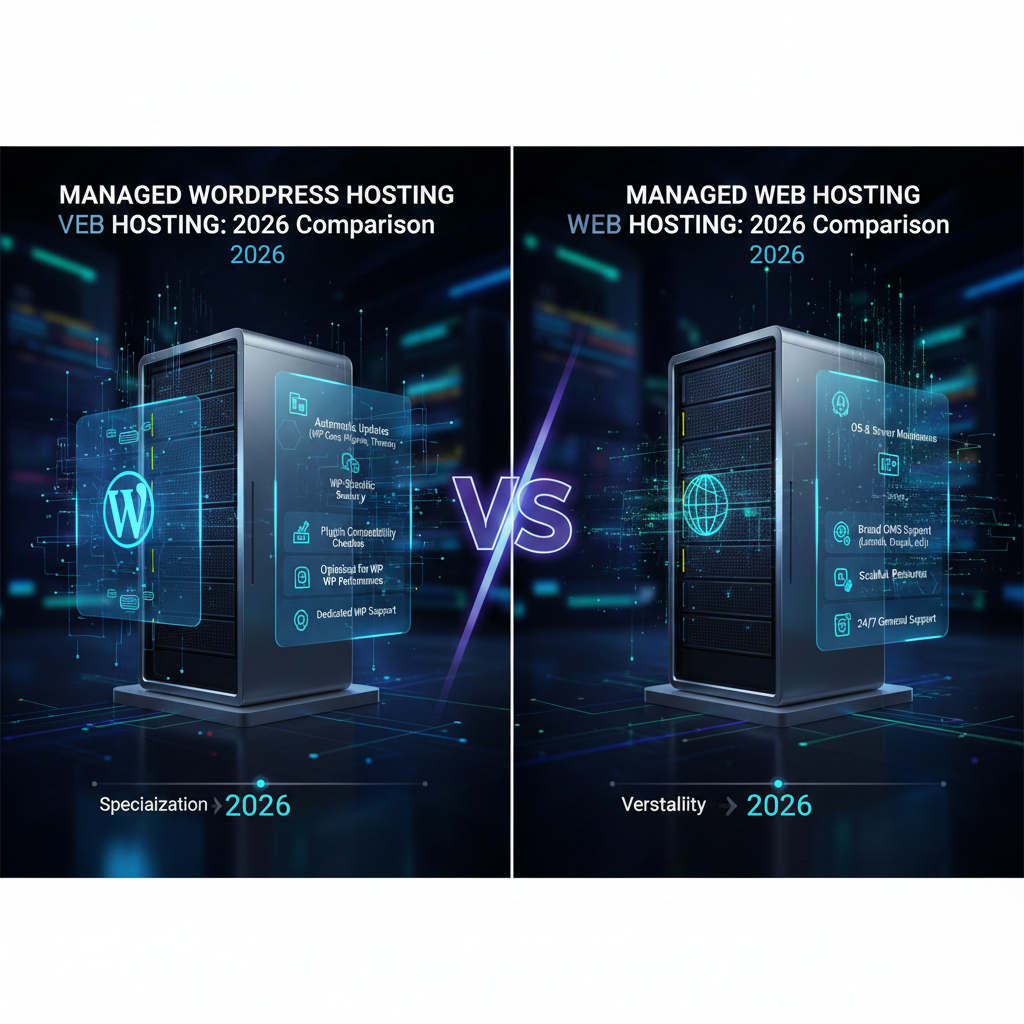
Managed WordPress hosting is a WordPress-focused form of managed web hosting. The two terms overlap. The useful distinction is how closely the service supports your application and how much control you need.
A specialist WordPress service may offer integrated tools and a narrower supported environment. A general managed service may support several applications or a more configurable stack. Neither description establishes the exact maintenance work included.
Compare the supported application
If the website is entirely WordPress, specialist tools can simplify routine work. Check the support boundary for your theme, plugins, memberships or WooCommerce store. “WordPress experts” does not necessarily mean custom development is included.
If the website also needs a separate application, background worker or unusual dependency, ask whether that component can run in the proposed environment. Buying a second service may be appropriate; forcing an unsupported application into a restricted plan usually is not.
Use the same questions for both plans
| Area | What to compare |
|---|---|
| Updates | Which layers are maintained, testing performed and rollback available? |
| Control | Which runtime settings, tools and dependencies can you change? |
| Support | Which incidents are investigated and which require a developer? |
| Capacity | What limits apply and what happens when they are reached? |
| Recovery | Which data can be restored, from when and with whose help? |
The managed hosting overview explains these layers. Request a written answer for the exact plan rather than inferring coverage from a category name.
Do not award speed by label
A WordPress-tuned cache can help eligible public pages. It does not make every logged-in request or database query inexpensive. A general managed environment can also be configured well for WordPress.
Compare equivalent application copies, appropriate cache states, dynamic requests and errors. The performance method outlines a repeatable approach. No measured speed advantage or guaranteed Core Web Vitals outcome is claimed here.
Understand restrictions before migrating
Ask about prohibited plugins, scheduled tasks, command-line access, email, multisite and external integrations. Check import and export options and whether migration assistance covers the entire configuration.
A restriction can protect the supplier’s supported environment while still making it unsuitable for your project. Document a requirement before deciding that extra flexibility or an integrated tool is worth paying for.
Compare complete costs and responsibilities
Use the same usage forecast and support requirements in both proposals. Include renewal, licences, backup storage, email, additional sites and any maintenance work bought separately. Do not assume specialist hosting is always more expensive.
Keep application access, content decisions and business integrations assigned to named owners. The managed security questions help check the division of security work.
Make a requirement-based choice
Choose a WordPress-focused plan when its supported environment and maintenance tools match the site. Choose a broader managed arrangement when the project needs supported flexibility beyond that environment.
For a mixed setup, compare the cost of separate services with a suitable combined platform. In either case, keep a verified recovery path and an exit plan. The best fit is the service boundary your team can operate confidently, not the broader-sounding label.