
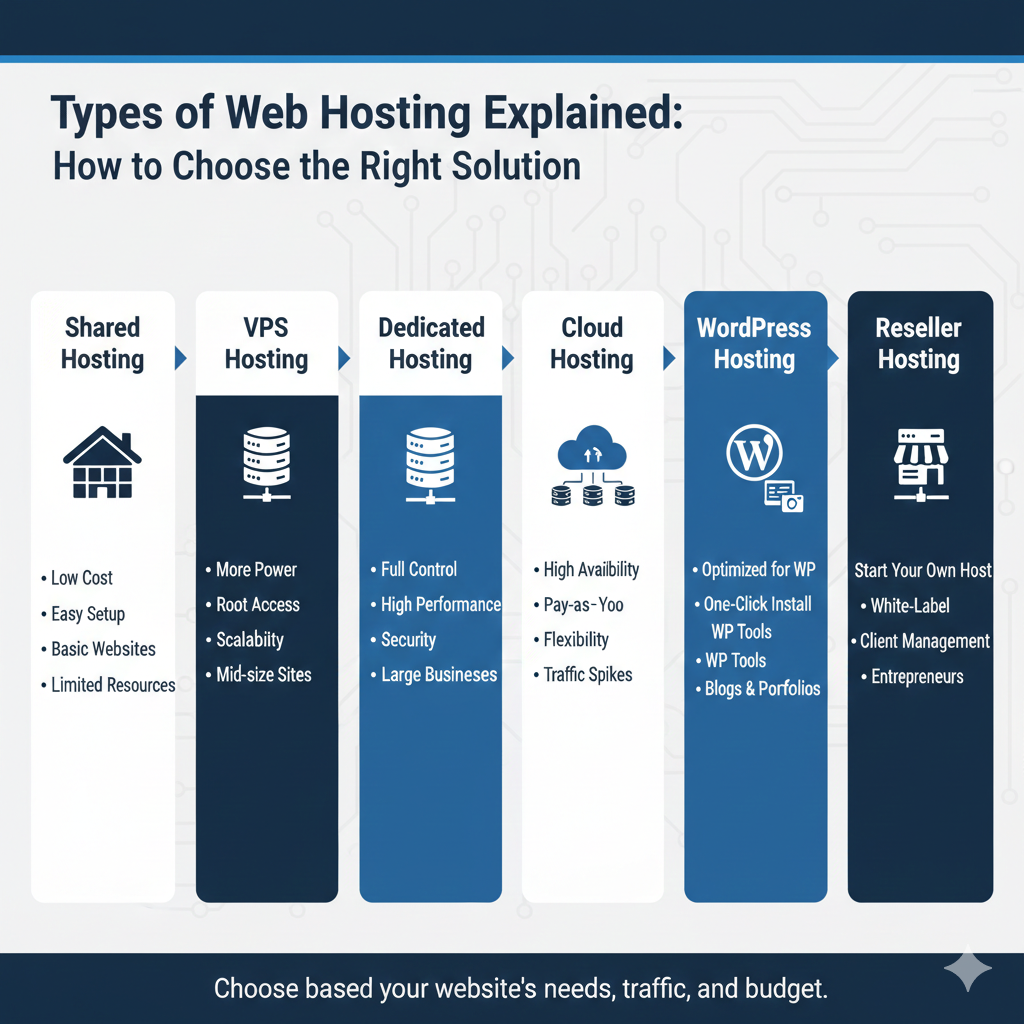
Choose a Hosting Model by Responsibility and Application Needs
Start a hosting decision with the application and the people operating it. Shared, VPS, cloud and managed labels describe different aspects, so comparing their names alone can be misleading.
This guide uses a sequence of questions to narrow the arrangement. The hosting labels guide defines the terms, while the model comparison explains their main trade-offs.
Can the site use a hosted application platform?
A hosted commerce or publishing platform may supply the application environment as part of a subscription. Check editing, extensions, integrations and export rather than assuming you need separate server rental.
If its capabilities fit, it may reduce some operating work. If a required capability is missing, a larger subscription may still not resolve the constraint. Verify the exact product scope.
Does the application fit a supported website plan?
For a conventional CMS, record required runtimes, database, extensions and background jobs. Compare them with the provider’s supported environment and limits.
A shared or application-managed plan can be suitable when those requirements fit. Do not reject it solely because a business uses the website or a visitor count crosses an arbitrary threshold.
Do you need custom server control?
If custom system packages, networking or administrative access are required, consider an appropriate server or platform service. Establish who maintains the operating system and application.
Root access creates responsibility as well as flexibility. A managed server may cover selected tasks while excluding custom application work. Obtain the task list before comparing prices.
Can the application use a managed deployment service?
Check runtime, build and start behaviour, worker support, persistent storage and connected databases. A platform can simplify one workflow while restricting another.
The developer hosting guide helps evaluate those boundaries. Do not assume every application needs Kubernetes or that every Git deployment includes tests and a safe rollback.
Does physical hardware allocation matter?
A dedicated server can be relevant for a specific hardware, control or workload requirement. It is not automatically the final stage for every growing site.
Compare replacement arrangements, administration and recovery. One physical server can remain a failure point regardless of its capacity or subscription price.
Record the complete decision
| Requirement | Decision evidence |
|---|---|
| Software | Confirmed compatibility and restrictions |
| Operations | Named owner for updates, incidents and restores |
| Data | Persistence, export and recovery procedure |
| Capacity | Representative measurements and documented limits |
| Cost | Full selected configuration and billing commitment |
Check location and connected services separately. A cloud or dedicated label does not establish compliance, automatic scaling or the fastest visitor experience.
Test the arrangement before relying on it
Run the intended publishing or deployment routine, a critical visitor action and a safe restore. Use protected test data and an appropriate evaluation environment.
Keep the findings in the plan worksheet. Review when requirements change, using the upgrade decision guide to identify whether a new service actually addresses the documented problem.