What Is a Web Server? How It Works Explained
Every time you visit a website, stream a video, or check your email, you’re relying on a web server. But what exactly is it? And how does it turn a simple URL into the webpage you see on your screen?
Understanding web servers is essential for anyone looking to launch a website, improve site performance, or make informed hosting decisions. Whether you’re a business owner, developer, or just curious about how the internet works, this guide breaks it all down in plain language.
We’ll cover what a web server is, how it processes requests, the most popular types, and how it impacts your website’s speed and reliability. By the end, you’ll have a clear picture of the technology that powers the web.
What Is a Web Server?
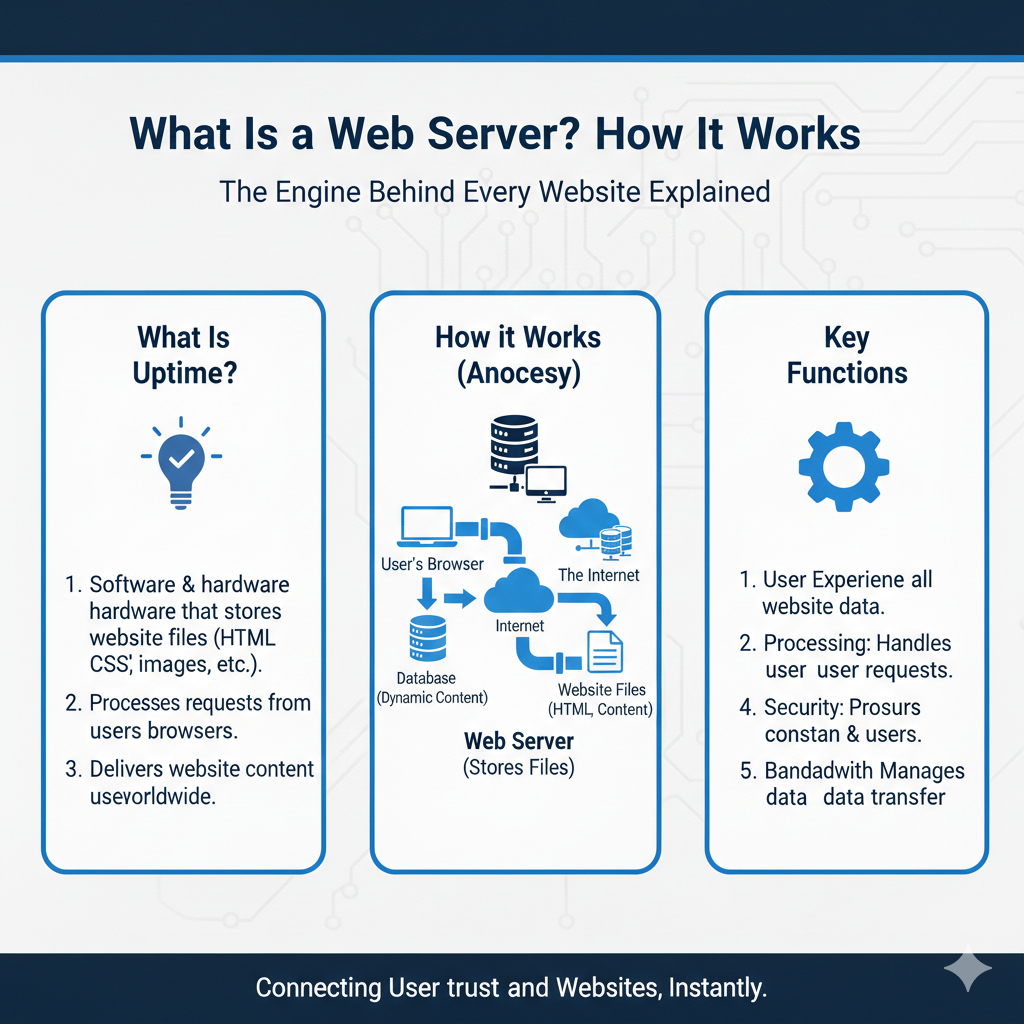
A web server is a system that stores, processes, and delivers website files to users over the internet. When someone types a URL into their browser, the web server responds by sending the requested webpage back to their device.
At its core, a web server is both hardware and software. The hardware refers to the physical machine that stores your website’s files—HTML documents, images, videos, databases, and more. The software is what manages incoming requests and determines how to respond.
Web servers use HTTP (Hypertext Transfer Protocol) or HTTPS (the secure version) to communicate with browsers. When a user requests a page, the server locates the appropriate files and sends them back so the browser can display the content.
Think of it like a library. The web server is the librarian who finds the book (your webpage) and hands it to you (the user). Without the server, there’s no way to access the content stored online.
If you’re new to this topic, learning more about web hosting basics can help you understand how servers fit into the bigger picture of getting a website online.
How a Web Server Works (Step-by-Step)
Understanding how a web server processes a request helps demystify what happens behind the scenes every time you load a webpage. Here’s the step-by-step flow:
Step 1: User enters a URL
You type a web address (like www.example.com) into your browser.
Step 2: Browser sends a request
Your browser doesn’t know where that website lives, so it sends a request to find out.
Step 3: DNS lookup
The Domain Name System (DNS) translates the human-friendly domain name into an IP address—a numerical label that identifies the server hosting the website. To learn more about this process, check out how DNS works.
Step 4: Browser contacts the server
Armed with the IP address, your browser sends an HTTP or HTTPS request to the web server.
Step 5: Server processes the request
The web server receives the request, locates the requested files (HTML, CSS, images, etc.), and prepares a response.
Step 6: Server sends the response
The server sends the files back to your browser, which assembles them into the visual webpage you see.
This entire process happens in milliseconds. The speed and efficiency of each step—especially the server’s response time—directly affect how fast your site loads.
Want to dive deeper into IP addresses? Learn more about what an IP address is and why it matters.
Types of Web Servers
Not all web servers are built the same. Different software platforms offer varying levels of performance, flexibility, and ease of use. Here are the three most popular types:
Apache
Apache HTTP Server, often simply called Apache, is one of the oldest and most widely used web servers. It’s open-source, highly customizable, and compatible with nearly every operating system.
Apache uses a module-based architecture, which means you can add or remove features as needed. This flexibility makes it a favorite among developers who want full control over server configuration.
However, Apache can struggle with high traffic loads compared to newer alternatives, especially when handling many simultaneous connections.
NGINX
NGINX (pronounced “engine-x”) was designed to handle high traffic volumes more efficiently than Apache. It uses an event-driven architecture that allows it to process thousands of simultaneous requests with minimal resource usage.
Many high-traffic websites—including Netflix, Airbnb, and WordPress.com—rely on NGINX for its speed and scalability. It’s also commonly used as a reverse proxy or load balancer to distribute traffic across multiple servers.
NGINX is less intuitive to configure than Apache, but its performance advantages make it worth the learning curve for many developers.
LiteSpeed
LiteSpeed is a high-performance web server that’s compatible with Apache configurations, making it an easy drop-in replacement. It’s known for its speed, security, and built-in caching features.
LiteSpeed offers both open-source and commercial versions. The commercial version includes advanced features like enhanced DDoS protection and better resource management, making it popular among hosting providers.
For websites built on WordPress, LiteSpeed pairs well with the LiteSpeed Cache plugin, which can significantly boost site performance.
Each of these servers has strengths depending on your needs. Performance is influenced by many factors, including server hardware and configuration—learn more about hosting performance factors.
Web Server vs Web Hosting
The terms “web server” and “web hosting” are often used interchangeably, but they’re not the same thing.
A web server is the software and hardware that stores and delivers website files. It’s the technology that makes websites accessible.
Web hosting is the service that provides access to a web server. When you purchase a hosting plan, you’re renting space on a web server (and often the server management that comes with it).
Think of it this way: the web server is the building, and web hosting is the lease agreement that lets you use a room inside.
Most website owners don’t manage their own servers. Instead, they rely on hosting providers who handle the technical setup, maintenance, security, and updates. This allows you to focus on building your site rather than managing infrastructure.
If you’re just getting started, it’s helpful to understand what web hosting means and how it connects to the servers that power your site.
Physical Server vs Virtual Server
Web servers can be physical machines or virtualized environments. Each option offers different levels of control, cost, and scalability.
Dedicated Server
A dedicated server is a physical machine used exclusively by one customer. You get full control over the hardware, operating system, and server configuration.
This option is ideal for high-traffic websites, applications with specific security requirements, or businesses that need maximum performance and customization. However, dedicated servers are more expensive and require technical expertise to manage.
Learn more about dedicated server hosting and when it makes sense for your site.
VPS (Virtual Private Server)
A VPS is a virtualized server created by partitioning a physical server into multiple isolated environments. Each VPS operates independently with its own allocated resources (CPU, RAM, storage).
VPS hosting offers a middle ground between shared hosting and dedicated servers. You get more control and better performance than shared hosting, but at a lower cost than a dedicated server.
Explore the VPS hosting model to see if it’s the right fit for your needs.
Cloud Server
Cloud servers use a network of virtual servers distributed across multiple physical machines. This setup offers flexibility, scalability, and redundancy.
If one physical server fails, your site can continue running on another machine in the network. Cloud hosting is ideal for websites with fluctuating traffic or businesses that need to scale resources quickly.
Discover how cloud hosting infrastructure works and why it’s becoming the go-to choice for growing websites.
How Web Servers Affect Website Speed
Your web server plays a major role in how fast your website loads. Several factors influence server performance:
CPU (Processor)
The CPU handles all processing tasks on the server. A faster, more powerful processor can handle more requests simultaneously and execute scripts more quickly.
Websites with dynamic content—like e-commerce stores or membership sites—rely heavily on CPU performance.
RAM (Memory)
RAM stores data temporarily so the server can access it quickly. More RAM allows the server to handle more simultaneous users and run applications more smoothly.
If your server runs out of memory, it may slow down or crash under heavy traffic.
Storage
The type of storage your server uses affects how quickly it can retrieve files. Solid-state drives (SSDs) are much faster than traditional hard disk drives (HDDs), leading to quicker page load times.
Server Configuration
Even the best hardware won’t perform well without proper configuration. Settings like caching, compression, and resource allocation all impact speed.
Optimizing your server configuration—or choosing a host that does it for you—can dramatically improve performance.
To understand how hardware and settings work together, read more about server hardware resources.
Common Web Server Issues
Even the best servers can run into problems. Here are some common issues and what causes them:
Server Overload
When too many users try to access your site at once, the server can become overwhelmed. This leads to slow load times or even downtime.
Solutions include upgrading your hosting plan, using a content delivery network (CDN), or implementing caching to reduce server load.
Misconfiguration
Incorrectly configured server settings can cause errors, security vulnerabilities, or performance issues. Common mistakes include improper file permissions, incorrect DNS settings, or outdated software.
Regular maintenance and audits help catch configuration errors before they cause serious problems.
Security Vulnerabilities
Web servers are frequent targets for cyberattacks. Outdated software, weak passwords, and open ports can all create security risks.
Keeping your server software up to date, using firewalls, and implementing SSL certificates are essential for protecting your site and users.
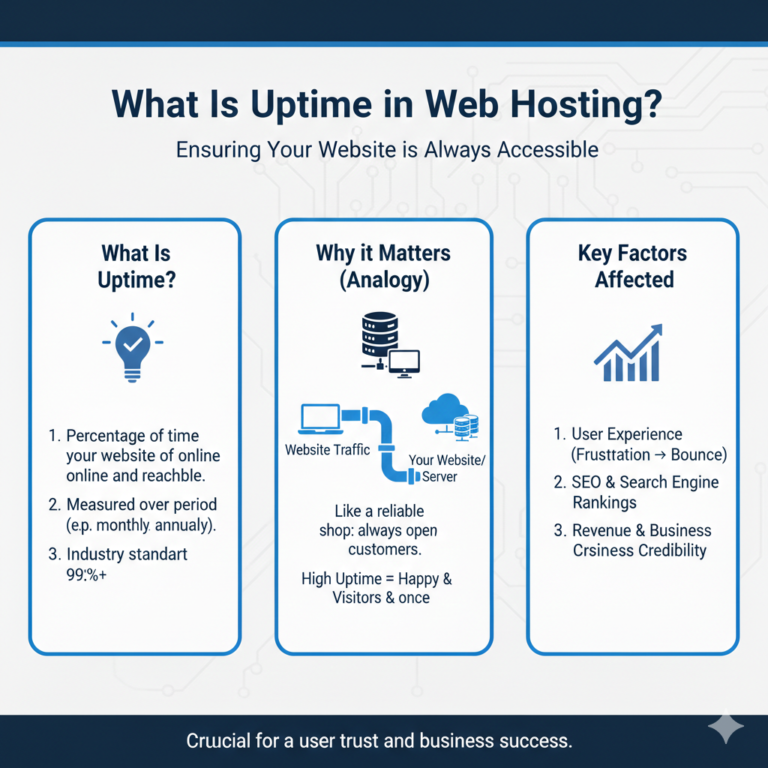
Downtime caused by server issues can hurt your reputation and revenue. Understanding what uptime means helps you evaluate hosting providers and set realistic expectations.
FAQs About Web Servers
Is a web server the same as hosting?
No. A web server is the technology that stores and delivers website files. Web hosting is the service that provides access to a web server. When you buy hosting, you’re renting space on a web server managed by a hosting provider.
Do I need my own server?
Most website owners don’t need to own a physical server. Shared hosting, VPS, or cloud hosting plans give you access to professional-grade servers without the cost and complexity of managing hardware yourself. Dedicated servers or self-managed solutions are only necessary for very specific needs.
What is Apache?
Apache is an open-source web server software known for its flexibility and compatibility. It’s one of the most popular web servers and powers millions of websites worldwide.
What is NGINX?
NGINX is a high-performance web server designed to handle large volumes of traffic efficiently. It’s commonly used for high-traffic websites and as a reverse proxy or load balancer.
How does a web server connect to DNS?
A web server doesn’t connect to DNS—it’s the other way around. DNS translates domain names into IP addresses, which point to the web server hosting the site. When a user enters a URL, DNS directs their browser to the correct server.
Understanding servers helps you make smarter hosting decisions
Web servers are the backbone of the internet. They store your website’s files, process user requests, and deliver content to browsers around the world. Whether you choose Apache, NGINX, or LiteSpeed, the server you use directly impacts your site’s speed, security, and reliability.
Understanding how web servers work—and how they differ from hosting, virtual servers, and physical machines—empowers you to make informed decisions about your website’s infrastructure.
Ready to choose the right hosting solution? Start by exploring your options and matching them to your site’s specific needs.