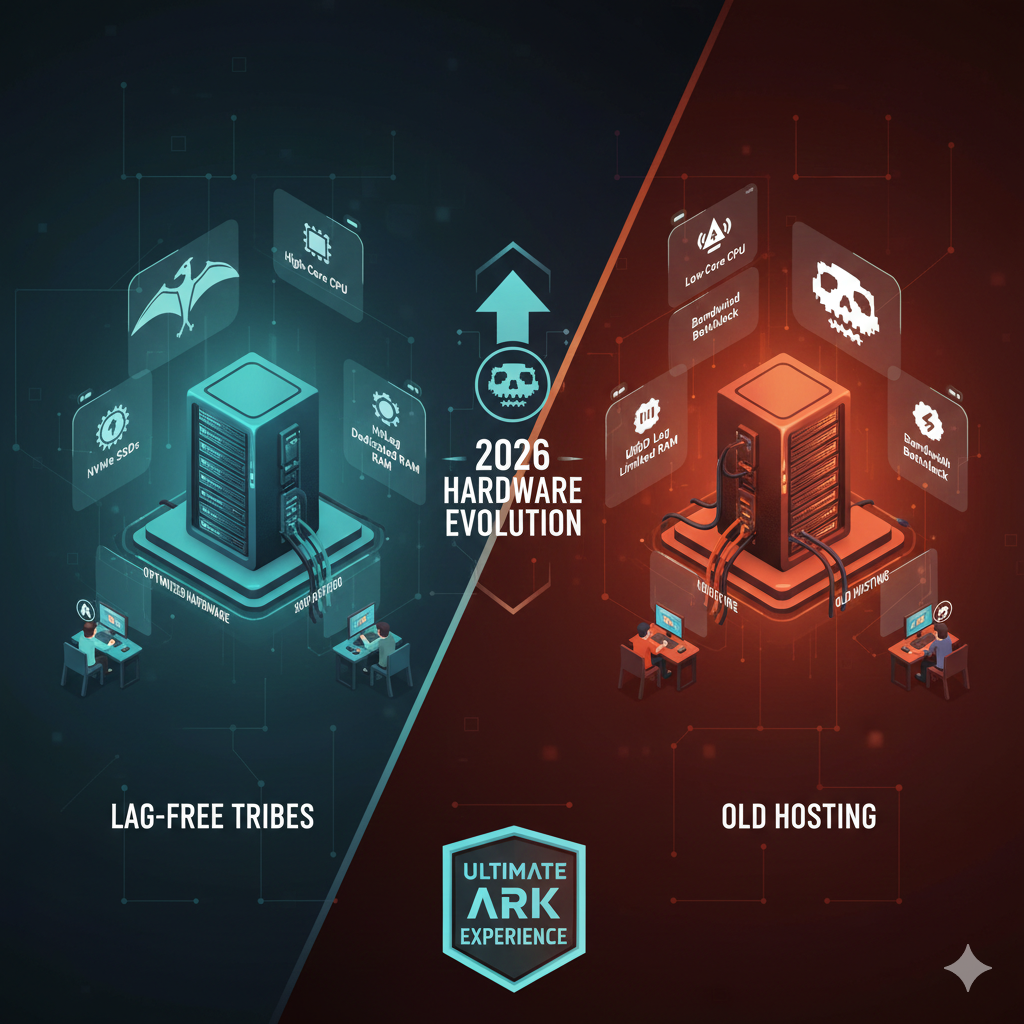
Hosting ARK: Survival Ascended in 2026—The Best Hardware for Lag-Free Tribes
There is nothing quite as heartbreaking in the world of survival gaming as losing a Level 250 Giganotosaurus because the server stuttered. You are mid-raid, rockets are flying, and suddenly your character snaps back ten feet. By the time the screen refreshes, your mount is dead and your tribe log is red.
In 2026, ARK: Survival Ascended (ASA) remains one of the most visually stunning and mechanically complex survival games on the market. However, that beauty comes at a steep cost. Despite updates and optimizations to Unreal Engine 5 over the last few years, ASA remains a beast to run—not just for your graphics card, but for the server hosting the world.
Whether you are a solo survivor looking to host a private world for friends or an Alpha Tribe leader planning a massive PvP cluster, the hardware you choose dictates your experience. Lag kills servers faster than any Alpha Rex. This guide breaks down exactly what hardware you need to achieve smooth, lag-free performance for ARK: Survival Ascended in 2026.
What Makes ARK: Survival Ascended So Hardware-Intensive?
To understand why your average budget hosting plan struggles with ASA, you have to look under the hood of the game engine. When Wildcard upgraded from Survival Evolved to Survival Ascended, they didn’t just slap a fresh coat of paint on the dinosaurs. They migrated to Unreal Engine 5 (UE5), introducing technologies like Nanite and Lumen.
While these features make the lighting and geometry look incredible, they drastically increase the computational load on the server.
The Unreal Engine 5 Impact
Server-side performance in ASA is dictated by physics calculations, AI pathfinding, and structure rendering. Every time a player harvests a bush, builds a wall, or aggros a raptor, the server must calculate that interaction and send the data to every connected client.
UE5’s physics engine is more robust than its predecessor, but it requires significant floating-point calculation power. If the hardware cannot keep up with these calculations, the “Server FPS” drops. When Server FPS dips below 30, players experience “rubberbanding”—where their movements desynchronize from the server state.
Player Count, Mods, and Map Size
The calculation load scales exponentially, not linearly. A server with 10 players requires a baseline amount of RAM and CPU. A server with 70 players doesn’t just need seven times the power; it needs significantly more because the interactions between those players (and their hundreds of tamed dinos) create a web of complex data streams.
furthermore, the modding community for ARK is legendary. In 2026, cross-platform mods are standard. Adding modded creatures, complex automation structures, or custom maps adds distinct layers of overhead to the server’s memory and processing requirements.
CPU Requirements for Lag-Free ARK Servers
If you take only one thing away from this guide, let it be this: The CPU is the heartbeat of your ARK server.
Many hosting providers will try to sell you on high core counts, boasting about 64-core processors. For ARK: Survival Ascended server hosting, this is often a marketing trap.
Single-Core vs Multi-Core Performance
Like many game servers, the primary game loop of ARK relies heavily on single-threaded performance. This means the game mostly runs on one dominant core of the processor. You could have a 128-core server CPU, but if each individual core runs at a slow speed (e.g., 2.5GHz), your server will lag the moment a few players start building a large base.
You need “high clock speed.” You want a processor that can handle billions of instructions per second on a single track.
Recommended Processors for ARK Hosting
In the hardware landscape of 2026, you should avoid older Xeon processors often found in budget VPS plans. Instead, look for:
- Consumer Desktop Leaders: The absolute best performance often comes from high-end desktop chips rather than enterprise server chips. Look for the latest generations of Intel Core i9 or AMD Ryzen 9 processors. These chips regularly boost over 5.5GHz or 6.0GHz, crushing the single-thread calculations ARK requires.
- The “3D” Cache Advantage: AMD’s “X3D” series of processors (with stacked L3 cache) continue to be top-tier performers for game hosting. The massive cache allows the CPU to access game data faster without waiting for system RAM, significantly smoothing out framerate dips during heavy raids.
RAM Requirements Based on Tribe Size & Mods
If the CPU is the engine, RAM (Random Access Memory) is the workspace. If your workspace is too small, everything grinds to a halt. ARK: Survival Ascended is notorious for “memory leaks,” where the game holds onto data it no longer needs, slowly filling up the RAM until the server crashes.
Small Tribes vs Mega Tribes
- Small Private Servers (1-10 Players): For a vanilla experience on The Island or Scorched Earth, you can generally get by with 16GB of RAM. This allows the OS and the game to run comfortably.
- Mid-Sized Communities (20-50 Players): You are entering the danger zone for standard hardware. You should target 32GB of RAM. This provides headroom for player structures and tames.
- Mega Tribes & Clusters (70+ Players): If you are hosting a competitive PvP map, you need 64GB of RAM minimum. When 70 players are online and a world save occurs, memory usage spikes massive. If you hit the ceiling, the server crashes.
Mod-Heavy Servers
Mods are the wildcard. A single poorly optimized mod can increase RAM usage by 2GB to 4GB. If you plan to run a “Primal Fear” style overhaul or complex building mods, add an extra 16GB of RAM to your estimate immediately. In 2026, DDR5 RAM is the standard; ensure your host is using DDR5, as its higher bandwidth helps feed data to the CPU faster than the older DDR4 standard.
Storage: NVMe SSDs vs SATA for ARK Servers
The storage drive is the most overlooked component in ARK server optimization, yet it causes the most noticeable in-game interruptions.
Every 15 to 30 minutes (depending on settings), ARK saves the entire world state to the disk. This includes the location of every dino, the health of every wall, and the inventory of every player.
The “World Save” Lag Spike
On a traditional mechanical Hard Drive (HDD) or even a standard SATA SSD, writing this massive file takes time. While the server writes the file, it pauses the game simulation. Players freeze in place for 5 to 10 seconds. This is often when you die to a wild boss or disconnect.
NVMe Hosting for ARK
To eliminate save lag, you must use NVMe (Non-Volatile Memory express) SSDs. specifically, PCIe Gen 4 or Gen 5 NVMe drives. These drives have read/write speeds massively faster than SATA SSDs. With a high-quality NVMe drive, the “world save” pause is reduced from seconds to milliseconds, making it imperceptible to players.
Furthermore, NVMe drives drastically reduce boot times. A heavily modded ARK server can take 10+ minutes to restart on an HDD. On an NVMe drive, you can be back online in under two minutes.
Network & Latency Optimization
You can have the fastest supercomputer in the world, but if the internet connection is poor, your players will lag. This is “network lag,” distinct from “server lag.”
Bandwidth vs Latency
- Bandwidth: This is the size of the pipe. ARK doesn’t actually use massive amounts of bandwidth compared to streaming 4K video, but you need a 1Gbps uplink to ensure there are no bottlenecks during peak hours.
- Latency (Ping): This is the speed at which data travels. It is governed by physics. To get the lowest ping, the server must be physically close to the players.
Best ARK Server Location
If your tribe is primarily based in the UK, hosting in New York will result in a baseline ping of 80-100ms. For competitive PvP, this is a disadvantage.
- For Europe: Look for data centers in Frankfurt, Germany or London, UK. These are central hubs with excellent fiber connectivity across the continent.
- For North America: Ashburn, Virginia (East), Dallas, Texas (Central), or Los Angeles (West) are the standard hubs.
Dedicated Server vs VPS vs Game Server Hosting
When shopping for ARK Survival Ascended server hosting, you will encounter three main categories. Understanding the difference is vital for your budget and sanity.
1. Game Server Hosting (Shared)
- What it is: You rent a “slot” on a machine managed by a company.
- Pros: Cheapest option; easy-to-use control panels; automatic updates.
- Cons: “Noisy Neighbors.” You share the CPU with other customers. If another server on the same box gets DDOSed or runs a massive simulation, your server lags.
- Verdict: Good for small groups and beginners.
2. VPS (Virtual Private Server)
- What it is: A slice of a dedicated server that acts like a private machine.
- Pros: Root access; more control than shared hosting.
- Cons: Still suffers from resource contention if the host oversells the hardware. Performance is often inconsistent.
- Verdict: Generally not recommended for ARK unless you buy “dedicated core” VPS plans.
3. Dedicated ARK Server Hosting
- What it is: You rent the entire physical box. No one else is on that hardware.
- Pros: Ultimate performance. No resource sharing. Total control.
- Cons: Expensive. Requires some technical knowledge to manage (unless managed support is purchased).
- Verdict: The only viable option for serious PvP clusters, mega tribes, or large communities.
Recommended Hardware Configurations (2026 Benchmarks)
Based on 2026 hardware standards, here are the recommended configurations for different server types.
| Server Type | CPU Recommendation | RAM | Storage |
|---|---|---|---|
| Friends & Family (PvE) | Ryzen 7 or Intel i7 (Recent Gen) | 16GB DDR5 | 500GB NVMe SSD |
| Public PvP (50 Slots) | Ryzen 9 7950X / 9950X equivalent | 64GB DDR5 | 1TB NVMe Gen 4 |
| The Mega Cluster (70+ Slots) | Overclocked i9 or Ryzen 9 X3D | 128GB DDR5 | 2TB NVMe Gen 5 (RAID 1) |
Scaling ARK Servers Without Lag
For communities that want to grow, running a single map isn’t enough. You need a cluster—multiple servers connected so players can travel between maps (e.g., The Island to Ragnarok).
Clustering and Map Sharding
Do not try to run four heavy maps on a single machine unless that machine is an absolute monster. A common strategy for ARK cluster hosting is to distribute the load. You might host The Island and Scorched Earth on “Dedicated Server A” and Aberration and Extinction on “Dedicated Server B.”
As long as the servers share a database (or use the Cross-ARK data transfer protocols correctly), players can transfer seamlessly. This prevents a lag spike on one map from ruining the experience for players on a different map.
Backup and Restart Strategies
To maintain performance over weeks and months, you need a restart schedule. ARK servers degrade over time as uptime increases.
- Daily Restarts: Schedule an automated restart every 24 hours (usually at 4 AM local time). This clears the RAM and resets the AI logic.
- Off-site Backups: Never store your backups on the same drive as the server. If the SSD fails, you lose the tribe’s progress. Use a host that automates backups to a separate cloud storage location.
Common ARK Hosting Mistakes That Cause Lag
Even with the best hardware for ARK server hosting, you can still ruin performance with bad configuration.
- Overselling Resources: Cheap hosts cram 50 servers onto one CPU. If you see a host offering “Unlimited Slots” for $10/month, run away. That is a guarantee of lag.
- Incorrect Tick Rates: Some admins try to force the server tick rate higher than the engine can handle to make it feel “smoother.” If the hardware can’t keep up, this causes massive jitter. Stick to the default or slightly optimized rates unless you have an overclocked i9.
- Ignoring Decay Timers: On active servers, abandoned structures litter the map. Each one requires memory. Enable “Auto-Decay” to remove old structures and keep the entity count manageable.
Conclusion: Build Your ARK Server for Battle-Ready Performance
Hosting ARK: Survival Ascended in 2026 is a battle against the limits of technology. The game is beautiful, expansive, and demanding. To provide a home where players can tame, build, and conquer without the frustration of lag, you cannot cut corners on hardware.
Prioritize high-clock-speed CPUs, ensure you have an excess of DDR5 RAM, and never settle for anything less than NVMe storage. Whether you are hosting in the US, UK, or Germany, choosing the right infrastructure is the first step toward becoming an Alpha server.
Ready to ascend? check your specs, optimize your config, and prepare for the drop.
FAQ Section
What is the best hardware for hosting ARK: Survival Ascended?
The best hardware prioritizes single-thread CPU performance. In 2026, top-tier consumer CPUs like the AMD Ryzen 9 9950X (or equivalent X3D models) or high-end Intel Core i9 processors offer the best performance. Pair this with at least 32GB of DDR5 RAM and a PCIe Gen 4 NVMe SSD for the smoothest experience.
How much RAM does an ARK Survival Ascended server need in 2026?
For a small, private server with no mods, 16GB is the minimum. For a standard public server with some mods, 32GB is recommended. For a large, modded cluster or high-population PvP server, you should aim for 64GB or more to handle memory leaks and high player counts.
Does ARK require a dedicated server for smooth gameplay?
For communities with more than 10-15 players, yes. Shared hosting (VPS or standard game hosting) often struggles with ARK’s demands due to “noisy neighbors” stealing CPU resources. A dedicated server ensures all resources are 100% allocated to your game instance.
Why does my ARK server lag with many players online?
Lag with high player counts is usually a CPU bottleneck. As more players join, the number of physics interactions and AI calculations increases exponentially. If your CPU clock speed is too low, it cannot process these frames fast enough, causing “server lag” or rubberbanding.
Is NVMe SSD necessary for ARK server hosting?
Yes. NVMe SSDs are essential for reducing “world save” lag spikes. When the server saves the map data, slow HDDs or SATA SSDs will freeze the game for several seconds. NVMe drives complete this task almost instantly.
Which server location is best for ARK tribes in the EU or US?
For EU tribes, Frankfurt (Germany) and London (UK) offer the best central connectivity. For US players, Ashburn (East Coast) or Dallas (Central) usually provides the best average ping for a nationwide player base.