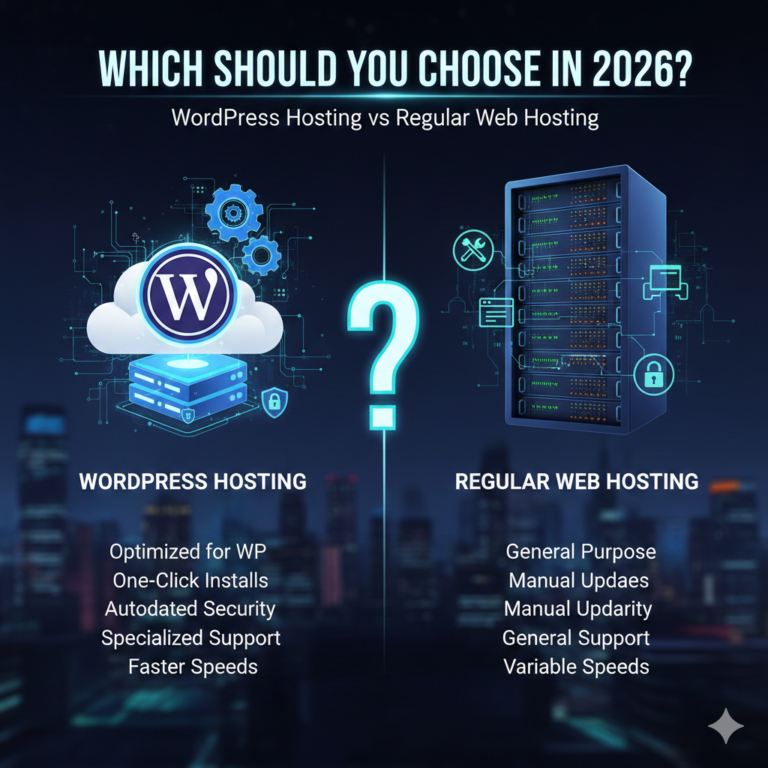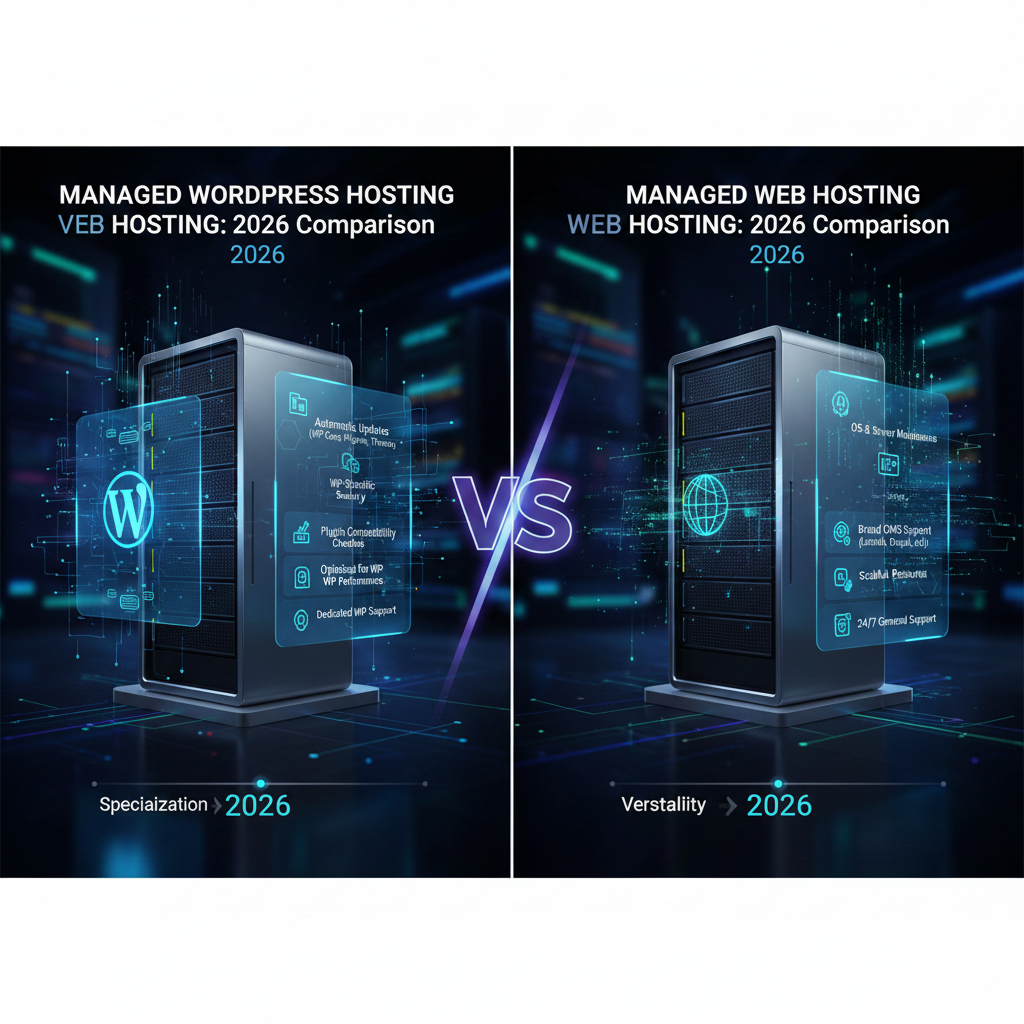
Managed WordPress Hosting vs Managed Web Hosting: 2026 Comparison
Choosing the right hosting environment is often the most critical decision you’ll make for your website’s longevity and performance. As we move deeper into 2026, the hosting landscape has evolved significantly. While WordPress continues to power over 43% of the web, the terminology surrounding hosting solutions can still be murky for many site owners.
Two terms frequently cause confusion: managed WordPress hosting and managed web hosting. At a glance, they might seem interchangeable—both promise to take the technical headache out of server management. However, the nuances between them can mean the difference between a site that loads instantly and one that struggles under traffic, or a security protocol that proactively blocks threats versus one that reacts too late.
This guide clarifies the distinction between these two premium hosting options. Whether you are launching a high-traffic WooCommerce store, managing a portfolio of client sites, or scaling a content-heavy blog, understanding these differences will ensure you invest in the infrastructure that best supports your growth.
What Is Managed WordPress Hosting?
Managed WordPress hosting is a concierge service where the entire hosting environment is built specifically to optimize WordPress websites. Unlike generic hosting, where the server is a blank slate capable of running various applications, managed WordPress servers are fine-tuned for the unique requirements of the WordPress Content Management System (CMS).
This specialization means every aspect of the server architecture—from caching mechanisms to database configurations—is designed to make WordPress run faster and more securely.
Core Features and Optimizations
When you purchase managed WordPress hosting, you aren’t just buying server space; you are buying a suite of services.
- CMS-Specific Caching: Server-level caching rules are pre-configured to bypass PHP execution for static content, drastically reducing load times without the need for complex plugins.
- Automatic Updates: The host manages core WordPress updates and often plugin updates, testing them in a safe environment before pushing them live to prevent compatibility issues.
- WordPress-Specific Security: Firewalls and malware scanners are trained to recognize WordPress-specific vulnerabilities and threats, such as brute force attacks on the wp-login.php page.
- Expert Support: Support teams are typically composed of WordPress developers and experts who can troubleshoot plugin conflicts and theme errors, not just server downtime.
What Is Managed Web Hosting?
Managed web hosting is a broader category of hosting service where the provider handles the setup, administration, management, and support of the server and application, regardless of the software you are running.
While it includes “management,” the scope is generally focused on the server infrastructure—operating system updates, hardware maintenance, and general network security—rather than the specific application layer (like WordPress).
How It Differs from CMS-Specific Hosting
Managed web hosting is designed for flexibility. It is the preferred choice for businesses running diverse technology stacks.
- Platform Agnostic: You can run WordPress, Drupal, Joomla, Magento, or custom-coded Python and Node.js applications on the same server.
- Server Management Focus: The host ensures the server is online, the operating system is patched, and the network is secure. However, optimizing the specific application running on that server is often up to you or your developer.
- Root Access: Many managed web hosting plans (especially VPS or dedicated) offer root access, giving advanced users total control over server configuration.
Managed WordPress Hosting vs Managed Web Hosting: Key Differences
To make an informed decision, it is essential to compare managed WordPress hosting vs managed web hosting across several critical dimensions.
1. Platform Focus
Managed WordPress hosting is restrictive by design. You typically cannot install other CMS software or custom non-PHP applications. This restriction allows for a highly streamlined environment. Managed web hosting is permissive, allowing you to install almost any software compatible with the server’s operating system.
2. Performance Optimization
In a managed WordPress environment, performance tuning is “out of the box.” The host handles NGINX configurations, PHP workers, and object caching (like Redis) specifically for WordPress queries. In managed web hosting, while the hardware might be powerful, you are often responsible for configuring the software stack to get the best performance for your specific application.
3. Security Handling
Security in managed WordPress hosting is proactive regarding the application. If a plugin vulnerability is discovered, the host might patch it automatically at the server level before you even log in. Managed web hosting secures the perimeter—the network and the OS—but if your specific application has a vulnerability, it is generally your responsibility to patch it.
4. Update & Maintenance Scope
Managed WordPress hosts often take a “hands-on” approach to site maintenance, automating backups and updates for the CMS. Managed web hosts ensure the server software (like Apache, MySQL, and PHP versions) is up to date but will rarely touch your actual website code or CMS version.
Performance Comparison (Speed & Stability)
When discussing WordPress hosting performance, architecture matters.
Server-Side Caching
Managed WordPress hosts implement aggressive server-side caching (like Varnish or FastCGI caching). This means the server remembers the HTML output of a page and serves it instantly to the next visitor, bypassing the heavy lifting of generating the page from the database. On managed web hosting, you often have to configure this manually or rely on slower, plugin-based caching.
CDN Integration
By 2026, most top-tier managed WordPress hosts have deep integrations with Content Delivery Networks (CDNs) like Cloudflare Enterprise. This isn’t just a simple CDN hookup; it often includes “edge caching,” where copies of your site live on servers around the world, closer to your users. Managed web hosting plans may offer basic CDN add-ons, but the integration is rarely as seamless or application-aware.
Core Web Vitals Impact
Because the stack is optimized for WordPress, sites on managed platforms often see better Core Web Vitals scores (LCP, CLS, INP) out of the box. The server responds faster (improving Time to First Byte), which cascades into better overall performance metrics—a crucial factor for SEO.
Security Comparison
WordPress hosting security requires a different approach than general server security.
WordPress-Specific Protections
Managed WordPress hosts use Web Application Firewalls (WAF) with rulesets specifically written to block common WordPress exploits, such as SQL injections targeting popular plugins.
Responsibility Split
- Managed WordPress: The host assumes a significant portion of the risk. If your site is hacked, many premium managed WordPress hosts offer free malware removal and hack repair as part of the subscription.
- Managed Web Hosting: The shared responsibility model is different. The host guarantees the server is secure, but if you install a weak password or a vulnerable plugin and get hacked, the cleanup cost usually falls on you.
Pricing Comparison in 2026
When analyzing managed WordPress hosting cost, it’s important to look beyond the monthly fee.
Entry-Level Pricing
Managed WordPress hosting generally commands a premium. Entry-level plans in 2026 often start around $15–$30 per month. In contrast, you can find managed web hosting (often shared or basic VPS) for $5–$15 per month.
Business & Ecommerce Pricing
For high-traffic sites, managed WordPress plans can scale to $100–$500+ per month. While this seems high, it often replaces the need for a separate DevOps engineer or expensive security plugins. Managed web hosting can be cheaper for raw resources (CPU/RAM), but the “hidden cost” is the time or personnel required to manage it.
What You Pay Extra For
With managed WordPress hosting, you are paying for the management, not just the metal. You pay for the curated stack, the specialized support, and the automated maintenance tools. With managed web hosting, you pay primarily for the hardware resources.
Ease of Use & Support
Managed WordPress support is often the biggest differentiator for non-technical users.
Specialist vs. Generalist Support
When you open a ticket with a managed WordPress host about a “White Screen of Death,” the support agent knows exactly what that means and how to debug it. They can dive into your wp-config.php file or error logs intelligently.
With managed web hosting, support is often limited to “Is the server on?” If the server is running but your site is broken due to a plugin error, a generalist host will likely tell you to contact your developer.
Developer Tools
Managed WordPress hosts in 2026 provide sophisticated workflows for developers, including:
- One-click Staging Environments: Create a clone of your site to test changes safely.
- Git Integration: Deploy code changes directly from repositories.
- SSH Access with WP-CLI: Manage WordPress via the command line efficiently.
While managed web hosting offers SSH and Git, setting up seamless staging environments usually requires manual configuration.
Pros & Cons of Managed WordPress Hosting
Advantages
- Blazing Fast Speeds: Servers are tuned specifically for WordPress.
- Superior Security: proactive threat blocking and free hack repair.
- Hassle-Free Maintenance: Automated updates and daily backups.
- Expert Support: Access to agents who understand the CMS deeply.
- Scalability: effortless handling of traffic spikes.
Limitations
- Higher Cost: More expensive per resource unit than generic hosting.
- Plugin Bans: Some hosts disallow certain plugins that cause performance issues (e.g., certain backup or caching plugins).
- Rigidity: You cannot host non-WordPress applications (like a separate Laravel app) on the same plan.
Pros & Cons of Managed Web Hosting
Advantages
- Flexibility: Host multiple types of websites (HTML, PHP, Python) on one account.
- Lower Cost: Generally cheaper for entry-level access to resources.
- Control: More freedom to configure server settings and install custom software.
- No Plugin Restrictions: You can run whatever plugins you choose.
Limitations
- Manual Optimization: You are responsible for tuning the server for speed.
- General Support: Support agents may not be able to help with specific WordPress errors.
- Maintenance Burden: You must handle application-level updates and security patches.
Who Should Choose Managed WordPress Hosting?
If WordPress is your business engine, this is the best hosting for WordPress in 2026.
- Ecommerce Stores (WooCommerce): Speed equals revenue. The optimized caching and database tuning are non-negotiable for handling cart transactions.
- High-Traffic Blogs & Publishers: When you have thousands of concurrent visitors, you need a host that scales automatically without crashing.
- Agencies: Managing 50 client sites is easier when updates and backups are automated, and you have a staging environment for every client.
- Business Owners: If you don’t have an IT department, the “peace of mind” service model lets you focus on business growth, not server maintenance.
Who Should Choose Managed Web Hosting?
Who needs managed web hosting? Those who prioritize flexibility or have technical expertise.
- Developers & System Admins: If you prefer configuring your own NGINX rules and managing your own stack, generic managed hosting gives you that control.
- Diverse Portfolios: If you manage a mix of WordPress sites, a Magento store, and a custom Node.js application, you need a server that supports them all.
- Budget-Conscious Starters: If you are launching a small hobby site and have the time to learn basic optimization, the lower cost is attractive.
Managed WordPress vs Managed Web Hosting: Comparison Table
| Feature | Managed WordPress Hosting | Managed Web Hosting |
| Primary Focus | WordPress CMS Optimization | Server Uptime & Infrastructure |
| Performance | High (Pre-configured caching & CDN) | Variable (Requires manual tuning) |
| Security | Application-Level (WAF, malware removal) | Server-Level (Network firewalls) |
| Support | WordPress Experts | General Tech Support |
| Scalability | Seamless / Auto-scaling | Manual upgrades usually required |
| Flexibility | Low (WordPress only) | High (Run any app) |
| Cost | $$$ (Premium) | $$ (Moderate) |
| Best For | WooCommerce, Agencies, Enterprise WP | Developers, Custom Stacks, Mixed Sites |
Frequently Asked Questions (FAQ)
Q1. Is managed WordPress hosting better than managed web hosting?
For WordPress websites, yes. Managed WordPress hosting offers superior performance, tighter security, and specialized support that generic web hosting cannot match without significant manual configuration.
Q2. Can managed web hosting run WordPress websites?
Absolutely. You can install WordPress on almost any managed web host. However, you will miss out on the pre-configured optimizations, specialized caching, and WordPress-specific support included with managed WordPress plans.
Q3. Is managed WordPress hosting worth it in 2026?
If your website generates revenue or is critical to your brand, the answer is yes. The time saved on maintenance, troubleshooting, and performance tuning usually outweighs the higher monthly cost.
Q4. Which option is better for WooCommerce?
Managed WordPress hosting is significantly better for WooCommerce. Ecommerce sites require dynamic caching and robust database performance, which managed WordPress hosts specialize in handling to ensure fast checkout experiences.
Q5. Is managed WordPress hosting more expensive?
Generally, yes. You are paying for the service and expertise, not just the server space. However, the ROI comes from improved site speed (better SEO/conversions) and reduced developer costs.
Q6. Can I switch from managed web hosting to managed WordPress hosting later?
Yes, most managed WordPress hosts offer free, white-glove migration services. They will copy your site from your old host to their servers with zero downtime.
Q7. Which is best for beginners?
Managed WordPress hosting is better for beginners because the host handles the technical details (updates, backups, security), allowing the user to focus solely on creating content.
Final Verdict: Which Hosting Should You Choose in 2026?
The debate of managed WordPress hosting vs managed web hosting ultimately comes down to your specific needs and technical appetite.
Decision Checklist
- Do you only use WordPress? If yes, go Managed WordPress.
- Is site speed critical for your revenue (e.g., ecommerce)? If yes, go Managed WordPress.
- Do you want to manage server configs and caching rules yourself? If yes, go Managed Web Hosting.
- Do you need to host non-WordPress apps on the same server? If yes, go Managed Web Hosting.
Final Recommendation
For the vast majority of business owners, creators, and agencies in 2026, Managed WordPress Hosting is the superior choice. The web has become too competitive to run a business on unoptimized infrastructure. The premium you pay is an investment in stability, speed, and security—three factors that Google and your visitors demand.
If you are a developer or have a complex, multi-platform ecosystem, Managed Web Hosting remains a powerful and flexible tool in your arsenal.