
Noisy Neighbours and VPS Isolation: What the Limits Actually Mean
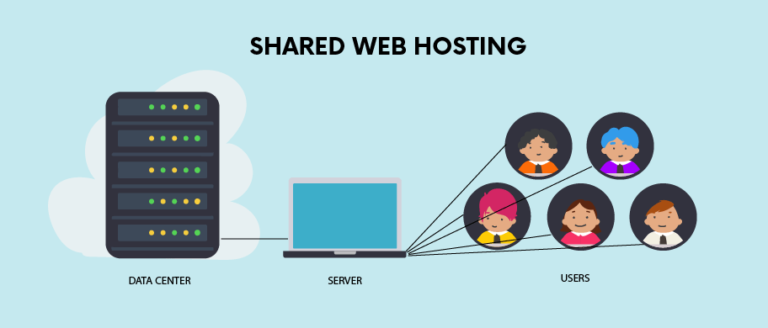
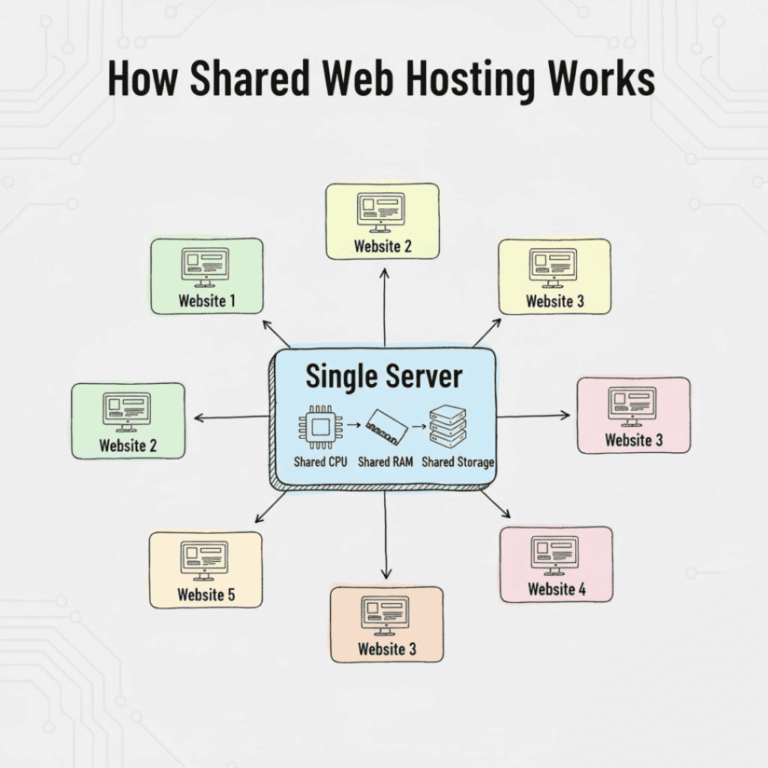
A noisy neighbour is another workload competing for a shared resource in a way that affects yours. It is one possible cause of inconsistent performance, not a diagnosis you can make from a slow page alone.
The earlier article treated every VPS as fully uncontested hardware and used unsupported benchmark and conversion claims. Those assertions have been withdrawn. This guide explains the boundaries to inspect.
Identify the shared resource
CPU scheduling, memory pressure, storage I/O and networking can have different contention patterns. A host can isolate accounts in one respect while sharing another resource. Ask which boundary a promise actually covers.
A dedicated CPU allocation does not by itself describe storage or upstream network behavior. Compare the product’s stated allocation and service terms instead of assuming the word private covers everything.
Account limits can cause similar symptoms
A provider may restrict an account’s own activity to protect the wider environment. Reaching that account limit can slow or reject work even when another customer is not the cause.
CloudLinux’s limits documentation is one example of controls covering CPU, memory, I/O and processes. It is not evidence that every host uses that technology or the same settings.
VPS allocation varies
Some VPS products use shared CPU scheduling; others provide dedicated CPU arrangements. Storage, memory, virtualisation and host management also differ. Nominal virtual cores do not establish equivalent application behavior across suppliers.
The bare-metal and virtual-machine comparison explains why physical allocation and useful performance are separate questions. Dedicated hardware still runs an operating system and can depend on shared external services.
Gather evidence before blaming a neighbour
Record the affected requests, time range, errors, account-limit events and background work. Compare cache states and representative user locations. Check application changes and external dependencies.
Give the supplier a focused record and ask what host-side evidence is available. Customer-visible metrics may identify a symptom without proving which tenant or infrastructure component caused it.
Choose a response that addresses the cause
An application fix, a revised limit or a different resource allocation may be appropriate. Verify the intended change against the same symptom. Do not assume a move to any VPS makes the site fast or incident-free.
The slow-site diagnosis separates browser and server work. The VPS upgrade plan adds operating, recovery and cutover checks.
Keep cost, control and failure behavior with the decision. Isolation is a set of specific properties to verify, not a universal performance guarantee. No contention benchmark or customer load test was run for this article.