Shared Hosting vs Other Options: Separate Architecture and Management
Hosting labels describe different things. Shared, virtual and dedicated describe aspects of resource allocation. Cloud describes an infrastructure arrangement. Managed describes work a supplier accepts. They are not five mutually exclusive choices.
Start with the application and responsibilities, then compare specific products. A shared plan may use cloud infrastructure or include WordPress management; a virtual server may still leave almost all administration to you.
Shared hosting
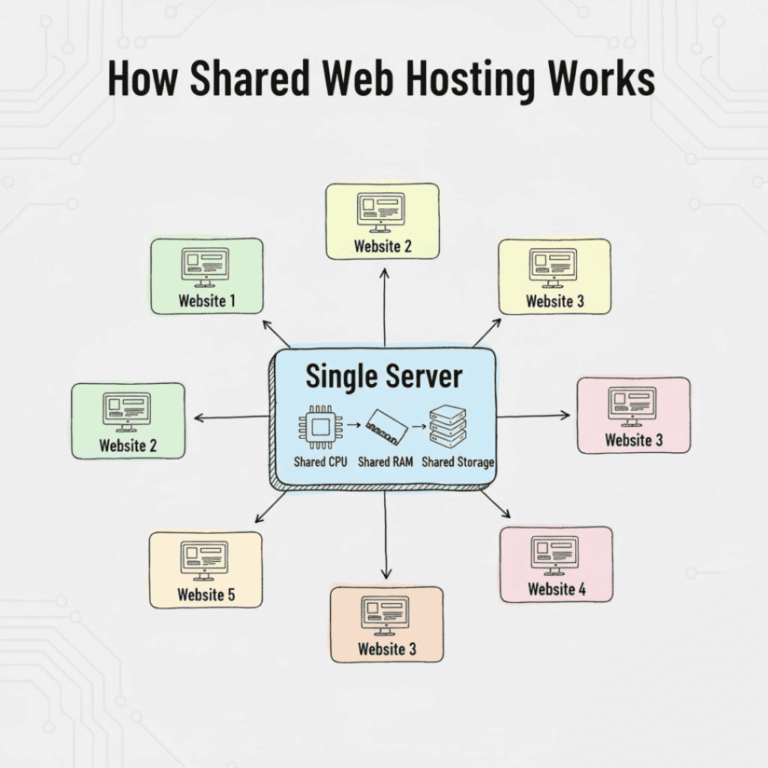
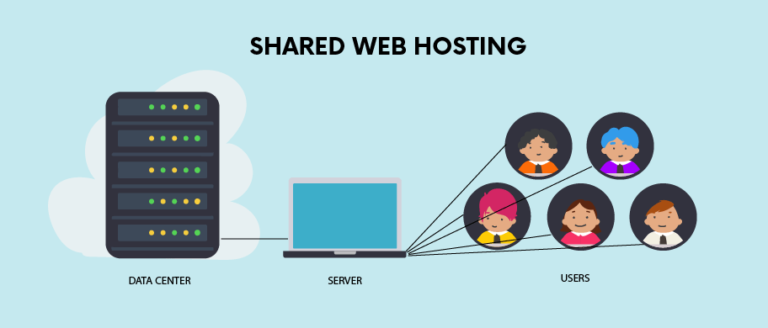
Multiple customer accounts use shared infrastructure under a provider-controlled environment. You typically work within supported software and account limits. The provider’s restrictions can simplify operation while limiting customisation.
Check the actual allocation, isolation and enforcement rather than assuming another customer always slows the site. The shared-plan limit guide explains the useful questions.
Virtual servers
A VPS provides a virtual machine or similar virtual environment. Tenancy, CPU allocation, storage and management differ by product. A nominal memory or processor specification alone does not describe the whole performance boundary.
The VPS introduction explains control and operating duties. More control is valuable when needed, but it also needs an owner for patching, monitoring and recovery.
Dedicated servers
A dedicated physical server gives a different allocation boundary. Your operating system and processes still consume resources, and external network or service dependencies remain relevant. Dedicated hardware is not automatic high availability.
Consider provisioning time, hardware failure, data movement and the process of adding capacity. The application may need replication or another recovery arrangement regardless of server ownership.
Cloud arrangements
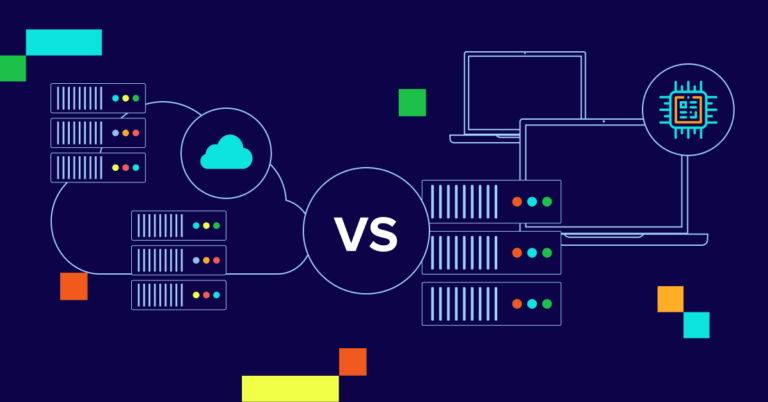
Cloud services can support different operating and billing models. A cloud label does not itself promise instant scaling, automatic failover or a fixed bill. Inspect the actual service and architecture.
Use the cloud hosting introduction for the foundation. Separate elastic capacity from the application’s ability to use it and from the account’s quota or budget.
Management is a separate comparison
Ask who maintains the operating system, runtime, CMS, extensions and custom application. Check backups, restoration and incident response. A managed plan may cover some layers and exclude others.
The management scope guide helps compare the work included. Specialist WordPress support can be useful without being a universal speed or security guarantee.
Choose using requirements
List software compatibility, expected workload, recovery needs, operating expertise and complete costs. Reject products that fail essential requirements before comparing optional features.
Test representative requests and useful recovery, then record gaps. A larger server category does not automatically fix slow code, broken integrations or an unsuitable support boundary. Choose the arrangement you can operate and verify rather than a label with an assumed ranking or capacity advantage.