What Is a CMS? From Draft Content to a Published Page
A content management system, or CMS, helps people create, organise and publish digital content through an application. For a website, that usually means editing pages without manually rebuilding every piece of page code.
It does not remove every technical task. Someone still needs to maintain the application, manage access, check the design and make sure published pages work for readers.
Follow one page through the system
- An author creates a draft with text, media and other fields.
- An editor reviews the content and its intended location.
- The CMS stores the approved content and publication state.
- A template or separate frontend presents it as a web page.
- Caches or build systems deliver the updated version to visitors.
The exact workflow depends on the product and configuration. A successful save is not always the same as a successful publication, especially when a separate frontend must rebuild or clear a cache.
Separate content from presentation
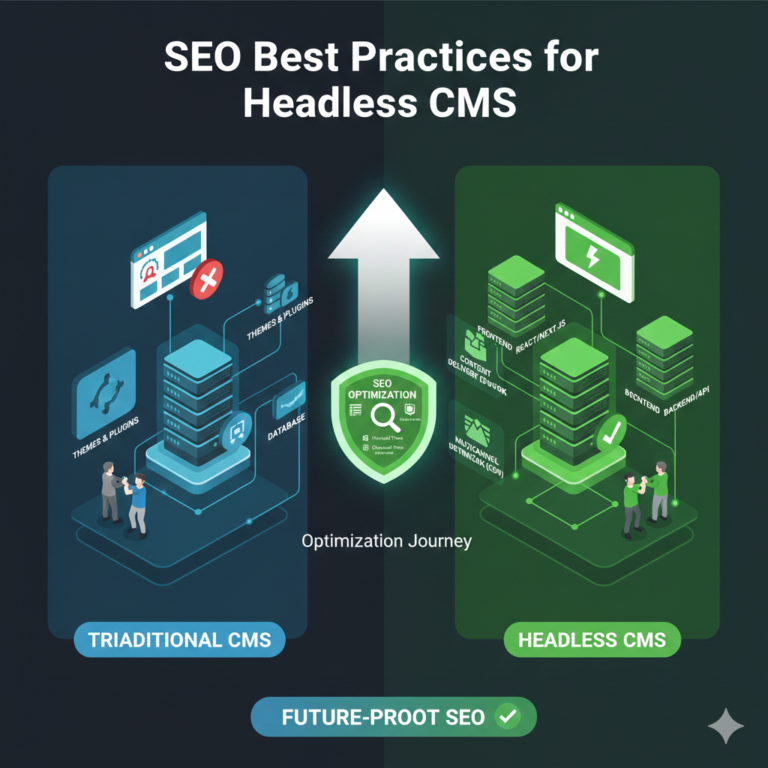
The article text, title and publication date are content. The layout, fonts and navigation are presentation choices. A CMS can bring these together through a theme, or deliver content to another application through an API.
WordPress is one example. Its official feature overview describes publishing, media, themes, extensions and user roles. Other systems organise these functions differently.
Do not compare overlapping labels as opposites
| Label | Question it addresses |
|---|---|
| Open-source | What licence and software freedoms apply? |
| Hosted or SaaS | Who supplies and operates the application service? |
| Headless | Is content management separated from the presentation layer? |
| Managed | Which maintenance tasks does a supplier handle? |
One setup can fit several labels. Use the CMS operating comparison when deciding who should maintain the backend and frontend.
Try the ordinary publishing work
Create a realistic page, add an image with useful alternative text, preview it, publish it and correct it afterwards. Check mobile layout and navigation. If several people contribute, test the approval process with their actual roles.
Also try unpublishing content, changing a URL and recovering an earlier version. Know which tasks need an extension, a developer or a paid tier before relying on them.
Budget for the complete site
Core software may be free while hosting, themes, extensions, support and development still cost money. A hosted subscription can bundle some work while leaving other charges or limits outside the plan.
Check export and recovery capabilities too. A content export may not reproduce the design, custom fields or connected services on another platform.
Keep quality and discoverability in the workflow
A CMS can provide metadata fields and publishing controls, but it does not guarantee useful content, accessibility or search rankings. Test the delivered page rather than assuming a plugin has completed the work.
Use the frontend release checklist for a separate frontend and the CMS security routine for ongoing access, updates and recovery.