Hosting Control Panels: Tasks, Permissions and Service Boundaries
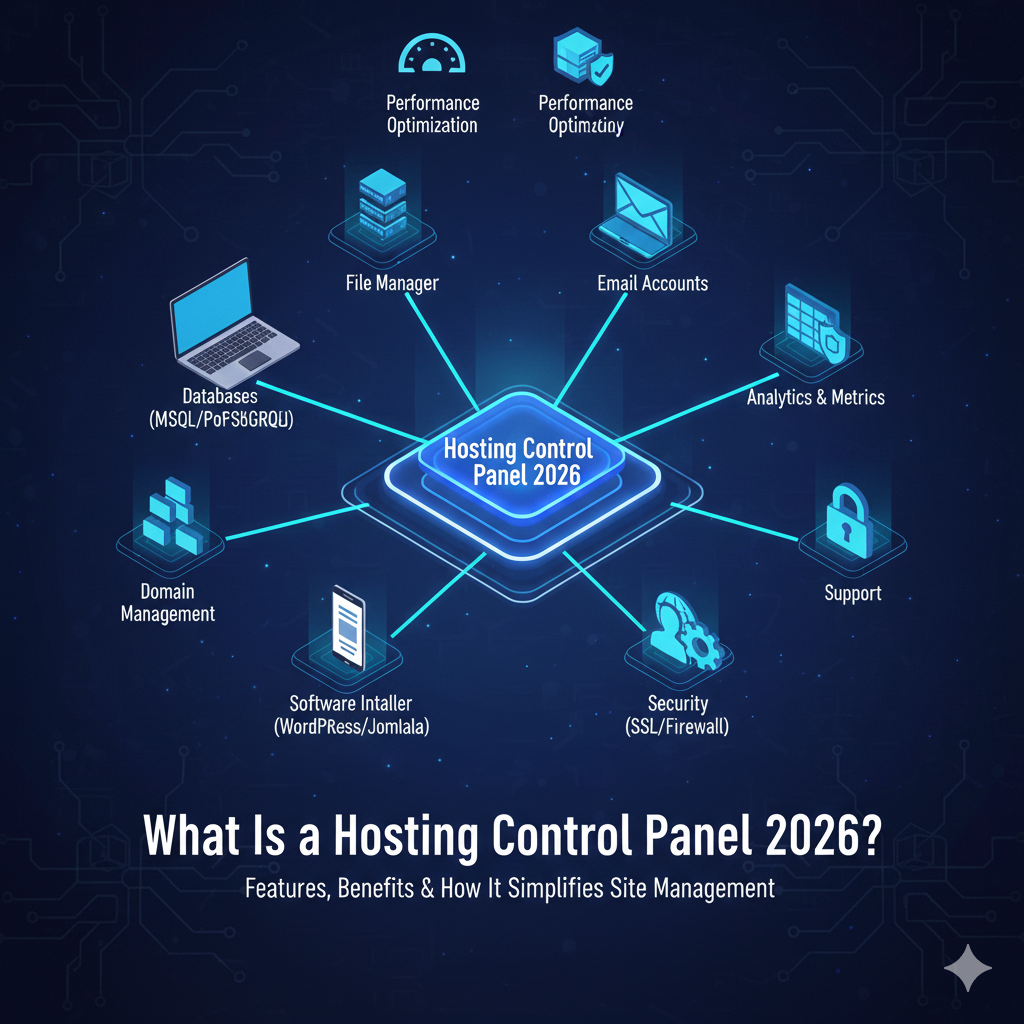
A hosting control panel is an interface for managing supported hosting tasks. It can simplify work, but it is not the hosting infrastructure itself and does not automatically operate or secure every part of a website.
The earlier article treated panel use as the right answer for almost all website owners. That unsupported percentage and generic platform rankings have been removed. Choose an interface based on the service and tasks you need.
Separate website and server administration
A customer panel may manage domains, files, databases, certificates or mail within an account. A server administrator interface may control broader services, accounts and settings. The available permissions differ.
For one documented example, the cPanel documentation describes customer-facing features. Do not assume every product, role or hosting provider exposes every documented function.
List the tasks that matter
Record application installation, updates, scheduled jobs, database work, HTTPS, mail and backups where required. Confirm how those tasks are performed in the actual service.
A panel may provide a button that starts an action while leaving its consequences to the operator. A one-click install does not promise continuing compatibility, and a backup button does not establish usable recovery.
Check access and recovery
Use named users and least-necessary permissions where supported. Confirm authentication, account-recovery and staff-offboarding procedures. Keep administrative credentials out of ordinary client handovers and public documentation.
Ask how you regain control if the panel itself is unavailable. A usable export or recovery procedure should not rely entirely on one user’s current browser session.
Understand what the host manages
The supplier may maintain the panel and underlying server while leaving application maintenance to you. On another product, you may need to update and secure the panel yourself.
The VPS management guide helps assign layers. Installing an interface on a self-operated server does not turn it into a fully managed service.
Compare costs and portability
Check the licence, supported operating system, account-count terms and any paid extensions. Include migration and operating effort. An inexpensive or open-source interface still needs maintenance.
Verify export of files, databases, mail and configuration relevant to your site. Panel-specific backups may need particular software to restore; test the intended recovery path rather than assuming all formats are interchangeable.
Verify a small working routine
Try the important tasks with safe data and appropriate access. The file-transfer guide explains another route to files; the HTTPS guide covers certificates, and the backup guide covers restoration.
Choose the supported interface and service boundary your operator can maintain. No panel alone guarantees website security, performance, availability or freedom from ongoing administrative work.