IP Addresses in Hosting: Shared, Dedicated and Proxy Endpoints
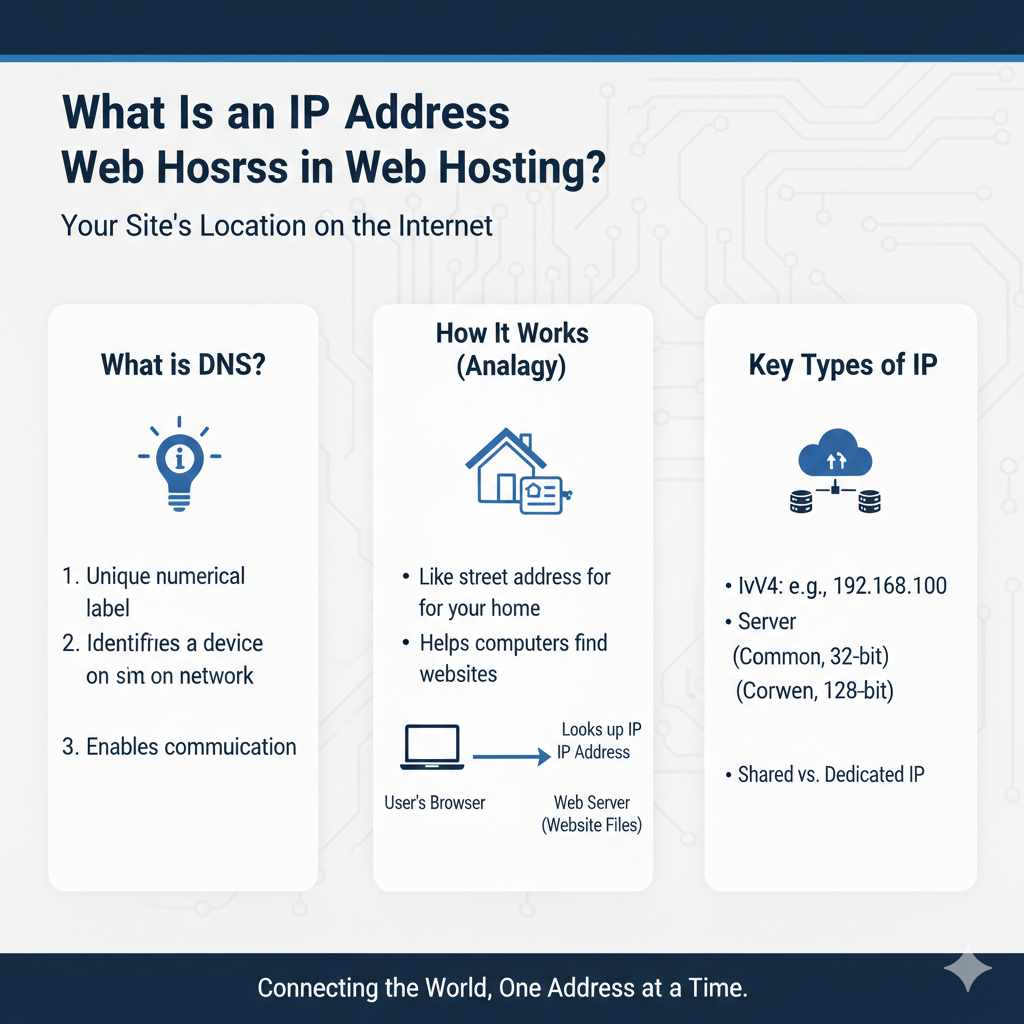
An IP address identifies a network interface or endpoint in a particular addressing context. It is not a permanent identity for a website, and every website does not need its own unique public address.
A hostname can resolve to several addresses, many sites can use one address, and a public-facing endpoint may sit in front of the server running the application.
IPv4 and IPv6 are different address formats
IPv4 addresses use dotted decimal notation, such as 192.0.2.10. IPv6 uses hexadecimal notation, such as 2001:db8::10. These example ranges are for documentation, not addresses to copy into a real hosting setup.
Check which address families the actual service supports. A site can be reachable through both, and configuration can differ between them. Cloudflare’s address overview explains the formats and related concepts.
Public and private addresses have different roles
A public-facing service uses an address reachable through the relevant internet routing arrangement. Private addresses can connect components inside a network and are not globally routed as public destinations.
An application can therefore have a private backend address and a different public proxy or load-balancer address. Knowing one does not necessarily reveal the other.
Shared IP does not mean shared website content
Several domains can use the same public address while the service routes requests to the intended site. The hostname and server configuration matter.
For HTTPS, Server Name Indication is defined in RFC 6066. It lets a client indicate the intended server name during the TLS handshake, supporting name-based hosting arrangements. A unique IP is not automatically required for every ordinary domain certificate.
Ask what a dedicated IP actually changes
A provider may allocate a public address for a specific account or service. Confirm its purpose, persistence, cost and configuration rather than assuming it means dedicated hardware.
A dedicated address does not increase CPU capacity, repair vulnerable application code or guarantee a search-ranking benefit. Buy it for a confirmed technical requirement, not an unsupported performance or security promise.
Distinguish website and email paths
Mail delivery can depend on the sending service and address, authentication, message practices and recipient systems. The web endpoint and outbound mail address may be different.
Ask the mail provider about an actual delivery problem. Changing the website’s address is not a universal remedy for blocked or unwanted email.
Interpret lookups carefully
A DNS lookup may return a CDN or proxy address. Reverse lookup or geolocation information does not establish the complete origin, database or backup location.
The DNS guide explains A and AAAA records. Compare both where applicable, and use the host’s supported inspection method rather than assuming every answer identifies one physical server.
Keep address changes controlled
Record dependencies such as DNS, access rules and external integrations before changing an address. Protect origin details when they are part of the security design; do not publish sensitive infrastructure information unnecessarily.
Follow the migration checklist for hosting moves and test the hostname, certificate and application afterwards. A reachable IP alone is not proof that the intended website works correctly.