Bandwidth in Web Hosting: Capacity, Transfer and Monthly Limits
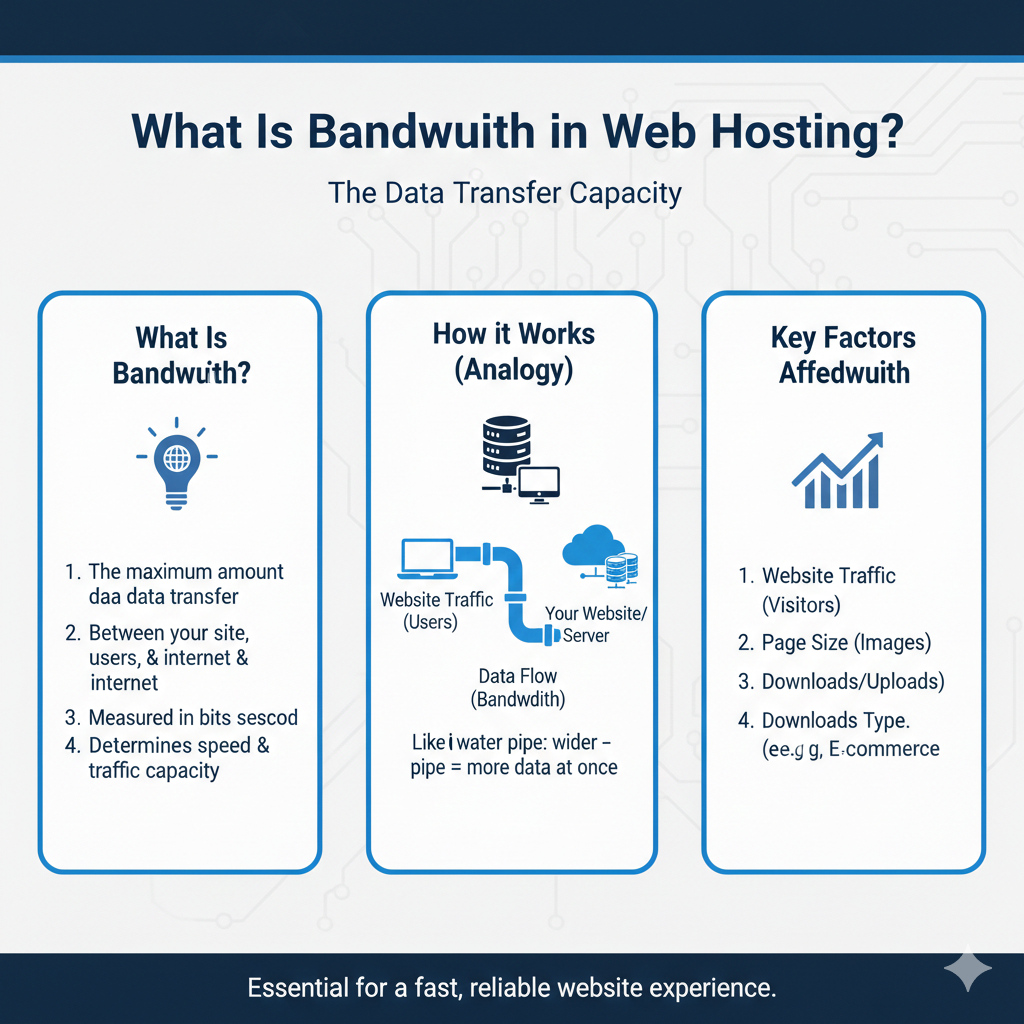
A plan advertising “100 GB bandwidth” is usually describing a data-transfer allowance, not the speed of its network connection. That distinction matters when you compare limits or investigate a slow website.
Network bandwidth is capacity over time, commonly expressed in bits per second. Monthly transfer is an amount of data, usually counted in bytes. Neither number tells you how quickly an entire page will become usable.
Read the units before comparing plans
| Example label | Question it answers |
|---|---|
| 100 Mbps connection | What capacity is advertised for this connection? |
| 100 GB monthly transfer | How much counted data is included during the billing period? |
| 20 GB storage | How much data can be kept within the stated storage scope? |
Check whether capacity is shared, guaranteed or a maximum. For transfer, ask which traffic directions, services and regions count. Downloads, backups and traffic between services may have different rules.
Make an estimate, then replace it with measurements
For a simple illustration, suppose 10,000 page views each transfer 2 MB from the metered service. That is 20,000 MB, or 20 GB using decimal units: 1 GB equals 1,000 MB. It is an estimate, not a recommended plan size.
Do not mix decimal GB with binary GiB. Also distinguish visits from page views. Three page views per visit can transfer more than one, but browser caching, partial loads and externally hosted assets change the result.
Compare the estimate with your provider’s usage report over a representative period. Include crawlers, API responses, file downloads and expected campaigns where relevant. Choose headroom based on those patterns rather than a universal percentage.
Unmetered does not mean unrestricted
An unmetered or unlimited label may remove a particular per-GB billing limit while leaving fair-use, port-capacity, file-type or account-resource restrictions in place. It does not guarantee that a viral traffic spike will be served without intervention.
Read what happens at a limit: charges, reduced capacity, suspension or another action. Record alert thresholds and who can authorise an upgrade. Our plan-limit checklist helps compare the surrounding terms.
A CDN changes the accounting path
A cached response served by a CDN can reduce repeated transfers from the origin. Cloudflare explains this distinction. It does not mean all traffic becomes free: the CDN has its own service and billing rules.
Browser caching and smaller images can also reduce transferred bytes. Measure the result on representative pages instead of promising a fixed saving. Avoid caching private or personalised responses without a suitable design.
Investigate speed separately
A monthly allowance can be ample while requests remain slow because of CPU pressure, database work, latency or frontend assets. A faster port does not remove those bottlenecks.
Use the load-test runbook to compare behaviour under an authorised workload, and the cost worksheet to record transfer, CDN and overage charges together.