What Is a Web Server? Follow One Website Request
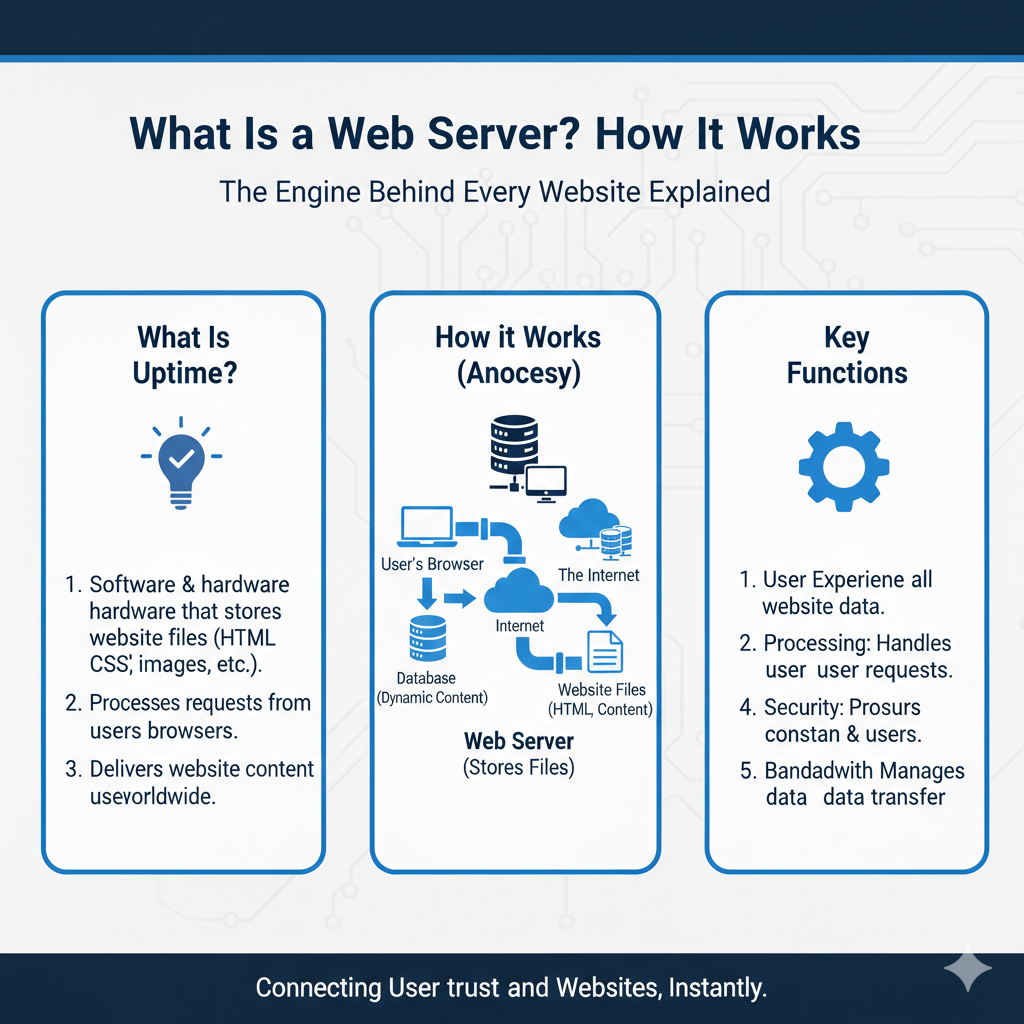
“Web server” can mean the computer supporting a website or the software answering web requests. When a host mentions a server problem, finding out which meaning applies is a useful first step.
Web hosting is the wider service around that system. It may include account management, deployment, backups and support. A web server is one component of the arrangement, not another name for everything on your subscription.
Separate the machine from the software
The machine provides computing resources, memory, storage and networking. It can be physical hardware or a virtual machine. HTTP server software accepts requests and returns responses under its configuration.
MDN explains both meanings. Apache HTTP Server and NGINX are examples of software, while “VPS” describes an allocated server environment rather than a competing HTTP program.
Follow a simplified request
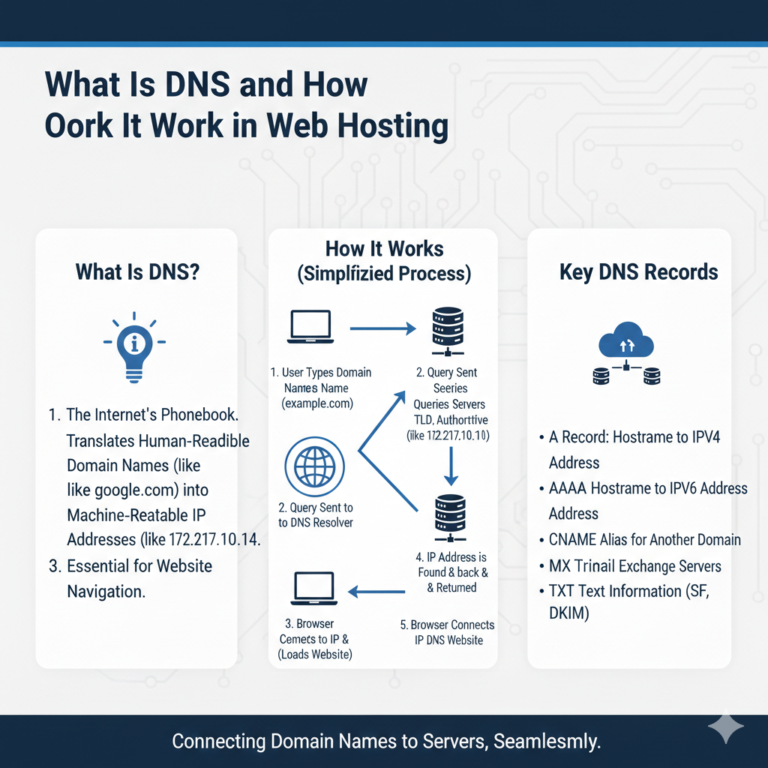
- The browser obtains connection information for the hostname, often using cached DNS data.
- It connects to the relevant endpoint. With HTTPS, the connection includes the required TLS negotiation.
- It sends an HTTP request for a resource, such as a page or an image.
- The service returns a response with a status, headers and usually content, or reports a failure.
- The browser processes the response and may request further resources.
This is a simplified path. A CDN, reverse proxy or load balancer can answer or forward a request before it reaches the origin. The address the browser reaches therefore need not identify the machine running the application. See the IP address guide for those distinctions.
Static and dynamic responses take different paths
A static response can serve an existing file. A dynamic response may require application code and data access first, such as generating a WordPress page from stored content.
A cache can reuse an eligible response and avoid some work. That does not make every response safe to cache: logged-in accounts, carts and private information need correct handling.
A failed request does not identify the broken component
A missing file, denied permission, unavailable application worker or slow database can produce different symptoms. An HTTP status is evidence to investigate, not a complete diagnosis by itself.
Start with the failing URL, time, response and affected user action. Ask the provider which logs or status information your plan exposes. Protect personal information and secrets when sharing diagnostic material.
Software names are not speed rankings
The HTTP server’s configuration, workload, caching and connected application matter. Switching software without testing can break routing or application features and may leave the actual bottleneck untouched.
For an existing site, use the host’s supported configuration and test changes in an appropriate copy before rollout. You do not need to administer a server yourself to use a managed hosting product.
Connect the component to the service
Read the infrastructure overview for CPU, memory and storage roles. The uptime guide explains why a running machine is not proof of a working website.
When comparing plans, record supported application versions, access level and maintenance duties. Those details usually help more than a software logo without an explanation of the service around it.