What Is WordPress? Content, Themes, Plugins and Responsibilities
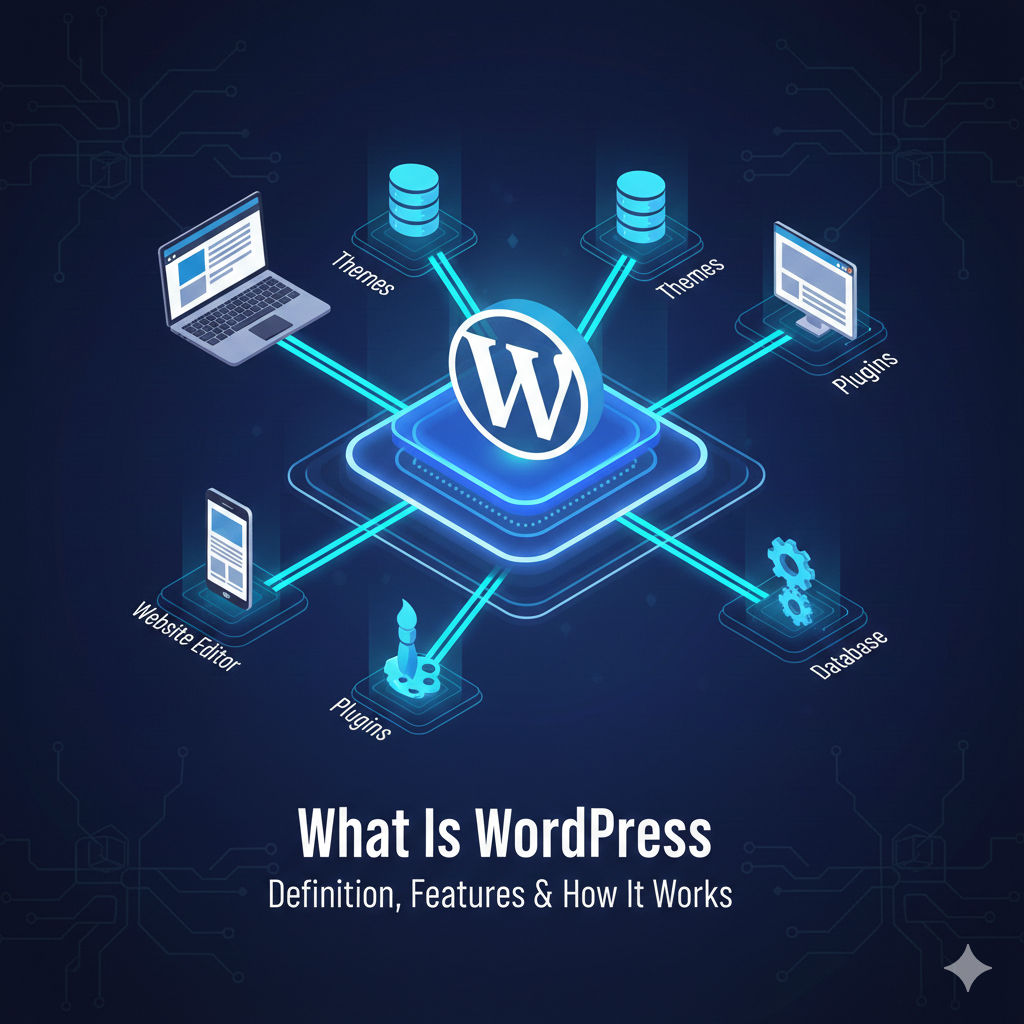
WordPress is open-source software for creating and managing websites. You use an administration area to write pages and posts, upload media and control how the site is presented.
You can publish a simple site without writing code, but running a reliable website still involves choices about hosting, design, access and maintenance. Extra functionality may require configuration or development.
The parts you work with
Pages usually hold material such as an About page or a service description. Posts support ongoing publishing, with categories and other organisation tools. The media library stores uploaded files used in content.
A theme controls much of the presentation. Plugins add or change functions, such as forms or commerce. Adding a plugin does not establish that the new feature is secure, compatible or suitable for your audience.
What can you build?
Common uses include blogs, business information sites, portfolios and publications. A store, membership area or booking service may use additional software and more involved operating work.
Write down the tasks your visitors need to complete before selecting a theme or plugins. A good-looking demo is not evidence that a payment, accessibility or content workflow meets your requirements.
Software and hosted services are different
WordPress.org represents the open-source project and provides software and resources. With a self-hosted setup, you arrange a compatible environment and decide who maintains it.
WordPress.com is a hosted service. Its plans and capabilities depend on the current offer. Do not assume that a hosted service and a self-hosted installation have identical access, tools or responsibilities.
The WordPress hosting explanation covers the environment. The managed hosting guide explains how some operating work can be assigned to a provider.
What does it cost?
The open-source software is available without a software purchase fee. Your website can still have costs for hosting, a domain, commercial extensions, design, maintenance and outside help.
These costs depend on the setup. Use real quotes and renewal terms rather than treating a fixed starter budget as a promise. A free plugin may also require time to configure and support.
Who keeps the site working?
Assign updates, user permissions, backups, recovery and checks of important features. Keep access under your control and avoid installing overlapping tools without a clear purpose.
The setup checklist provides a practical starting sequence. Keep the backup and restore guide nearby as the site grows. WordPress offers publishing tools; useful content, correct configuration and ongoing care determine how well your website serves people.