Reseller Hosting: Accounts, Support and a Realistic Profit Budget
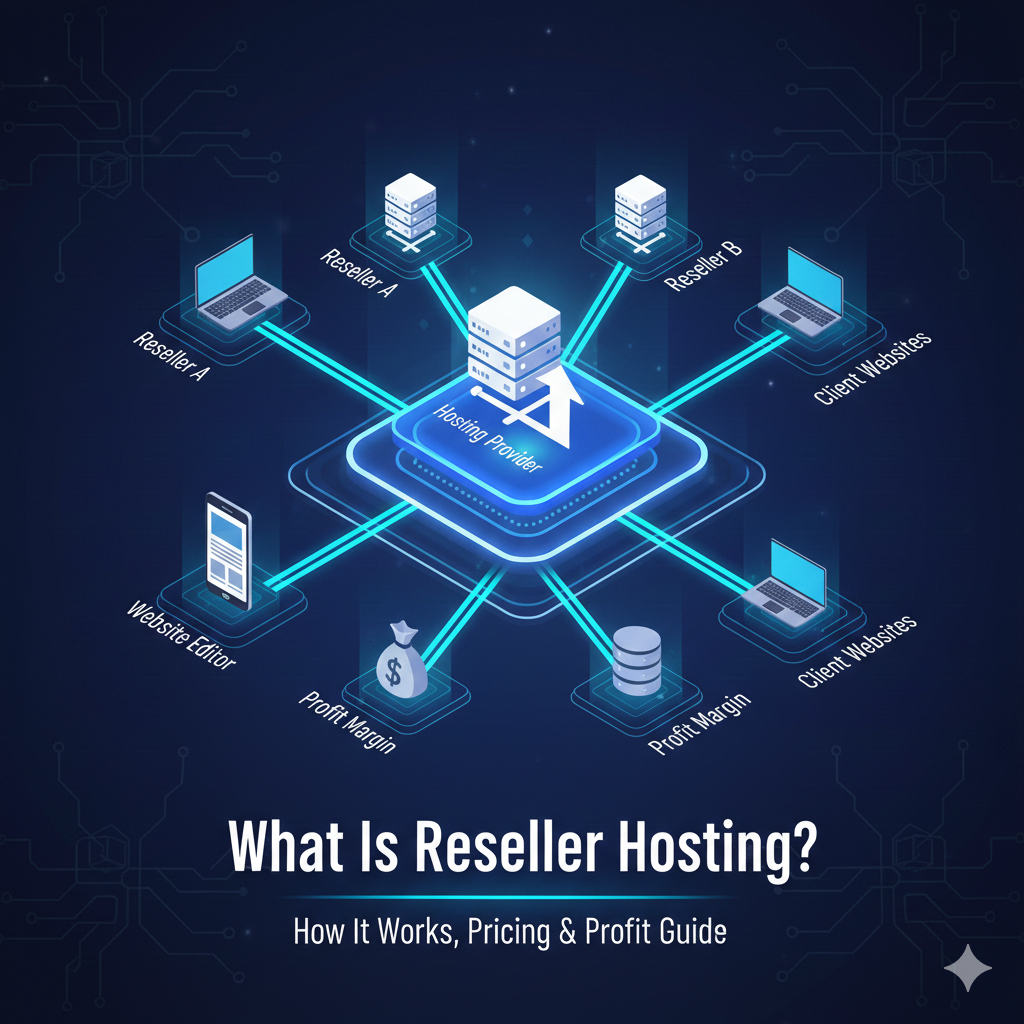
Reseller hosting lets you supply hosting accounts using another company’s platform. It can fit an agency that wants to manage client websites, but the monthly plan is only one part of running the service.
Your customers will need onboarding, support, renewals and help when something fails. Decide whether you want that responsibility before treating spare account capacity as automatic profit.
How the account arrangement works
You buy a reseller package with stated resources and account limits. You then create or allocate customer accounts within those limits. The underlying supplier normally operates the infrastructure, while your contract defines the work you handle.
On a cPanel-based service, reseller privileges can allow account management through WHM. The official account-creation documentation shows that available permissions and limits depend on the access granted. Do not assume every reseller package provides the same controls.
Other platforms use different tools. Compare the actual package, rather than requiring one control panel simply because another guide uses it in a screenshot.
Separate customer promises from supplier promises
| Task | What to clarify |
|---|---|
| Account setup | Who creates accounts, configures domains and migrates data? |
| Customer support | Do customers contact you, and how do you escalate to the supplier? |
| Recovery | Who owns backups, initiates restores and pays any recovery fees? |
| Billing | Who invoices customers, manages renewals and handles failed payments? |
| Service changes | What happens when a customer exceeds a limit or wants to leave? |
Write a service description you can deliver. Do not promise support around the clock if you cannot staff it, or offer an uptime guarantee that you have not understood and cannot support.
Understand the resource pool
Check total storage, transfer, account count, file limits and per-account processing allowances. A plan may have enough account slots while lacking capacity for a busy customer workload.
Ask whether overselling is permitted and how limits are enforced. Track actual consumption and leave operational headroom appropriate to the workloads. Do not sell a fixed number of sites on the assumption that every site will stay small.
Build a budget that includes your time
Here is a hypothetical monthly calculation in US dollars. These figures are invented to demonstrate the method, not quoted supplier costs or an earnings forecast.
| Item | Example |
|---|---|
| 20 customers paying $10 | $200 revenue |
| Reseller subscription | $50 cost |
| Billing software and licences | $20 cost |
| Backup and other operating services | $15 cost |
| Payment fees, refunds and bad-debt allowance | $10 cost |
| Four support hours valued at $20 | $80 cost |
| Remainder before tax and other overheads | $25 |
Subtracting only the $50 subscription would show $150, which overlooks most of the operating work in this example. Your actual customer demand, support time, taxes and costs will differ.
If you plan to use WHMCS, check its current licence terms and whether the supplier includes a suitable licence. Do the same for control-panel licences and any separately supplied extensions.
Plan for incidents and customer exits
Keep customer contact information and escalation instructions available during a supplier outage. Protect personal data and avoid sharing one administrator login across customers.
Document domain ownership, export access, cancellation and migration. Check applicable business and tax requirements with qualified advisers where needed. Buying a reseller plan does not answer those questions automatically.
For a single personal website, ordinary hosting may be simpler. If you manage client sites, compare the support commitment with your existing services and use the hosting budget framework before setting prices.