Rackspace Email Plus: Five Features to Verify Before Upgrading
Rackspace Email Plus adds capabilities beyond a basic mailbox, but the useful question is whether the current package supports the work your team needs. Check the quoted offer and the actual clients before upgrading.
The earlier article described several capabilities as hidden features and mixed mailbox, file-storage and archiving allowances. Those assumptions have been removed. Older Rackspace pages can also show different packaging from the current product page.
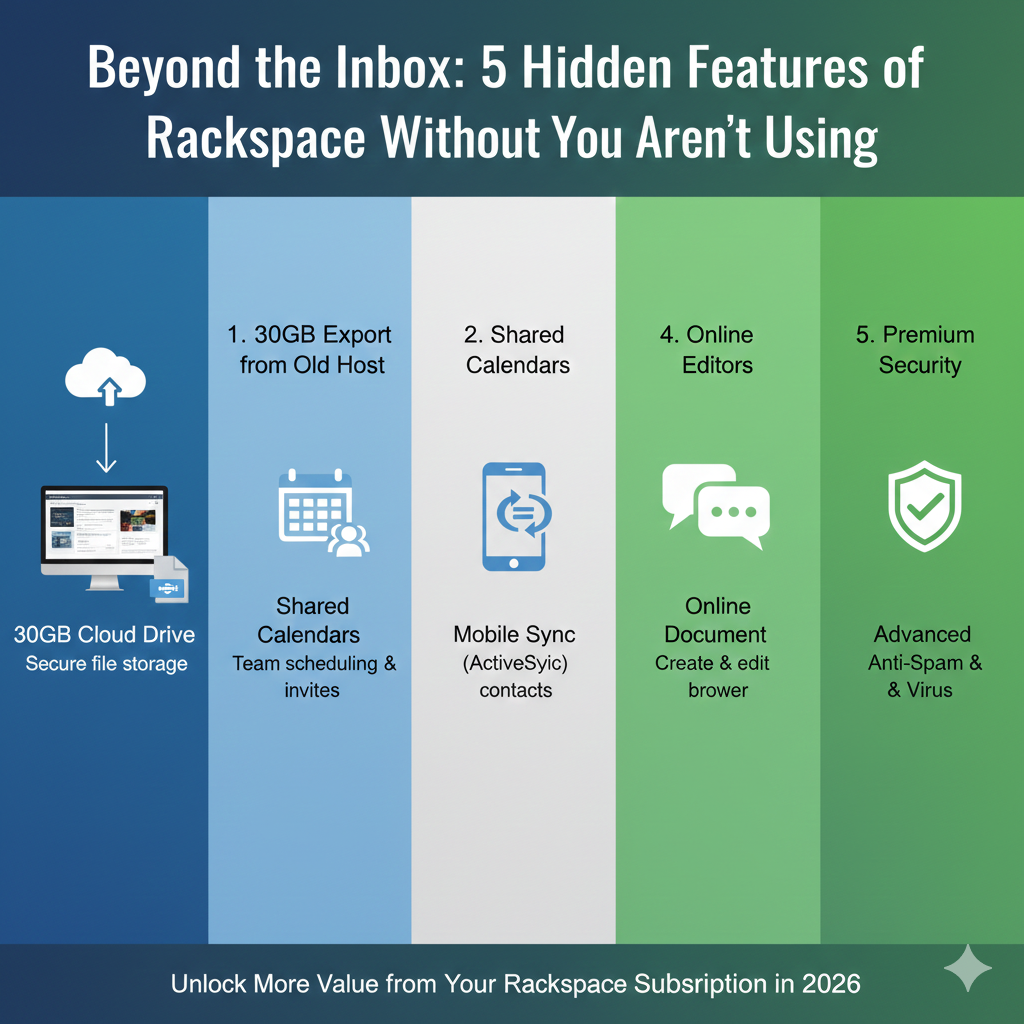
1. Synchronisation for the actual client
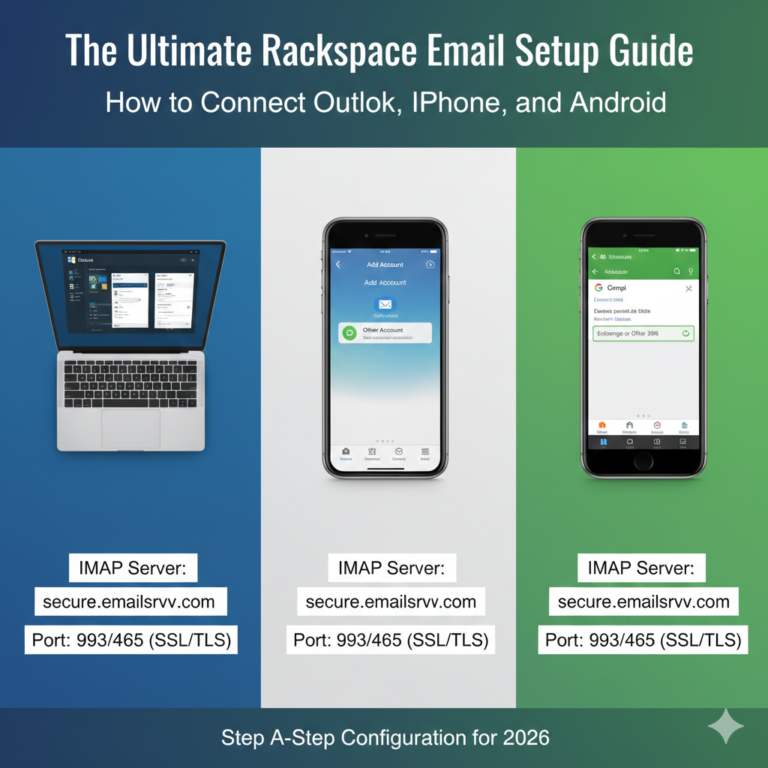
Check mail, contacts and calendars separately. Rackspace’s Mobile Sync instructions identify a plan prerequisite and provide a device-specific setup route. Do not assume IMAP enables all three data types.
Verify the supported method for your app and edition. Test creating and changing harmless items on each device and confirm the expected result before changing everyone’s configuration.
2. Shared work and permissions
Ask which shared-calendar, contact or delegation workflow is included in the current offer. Specify who needs to read, edit, send or administer. Similar feature names can hide different permissions.
A shared address, an alias and a delegated mailbox are not interchangeable. Try the exact task with test accounts and confirm the offboarding procedure.
3. File storage and sharing
The current Rackspace product page describes base service and add-on packaging. Check mailbox, file and archive storage as separate categories in your quote rather than adding together unrelated allowances.
For file sharing, review access scope, revocation and the consequences of synchronising deletions. A synced copy is not automatically an independent backup or a compliant records archive.
4. Included applications
Confirm which editing, messaging or other applications are entitled under the selected plan. Test a representative document for compatibility and the collaboration behavior your team expects.
Do not assume an Office-compatible editor is a licence for Microsoft’s desktop applications. Include any separate app purchase in the budget.
5. Administration and support
Check account creation, permissions, recovery, authentication and assistance with configuration. Record what your administrator does and what support handles. A feature list is not a guarantee of a particular incident response time.
Use the email security questions to inspect controls. If records retention is required, the archiving guide covers a separate decision; do not assume every Plus subscription includes every archive function.
Decide after a small trial
Compare the current base plan plus necessary extras with the proposed upgrade. Use the budget checklist for full-year cost and the setup guide for client verification.
Choose the upgrade when a tested workflow solves a real need at an acceptable ongoing cost. No productivity percentage, zero-downtime outcome or regulatory certification is established simply by buying an add-on.