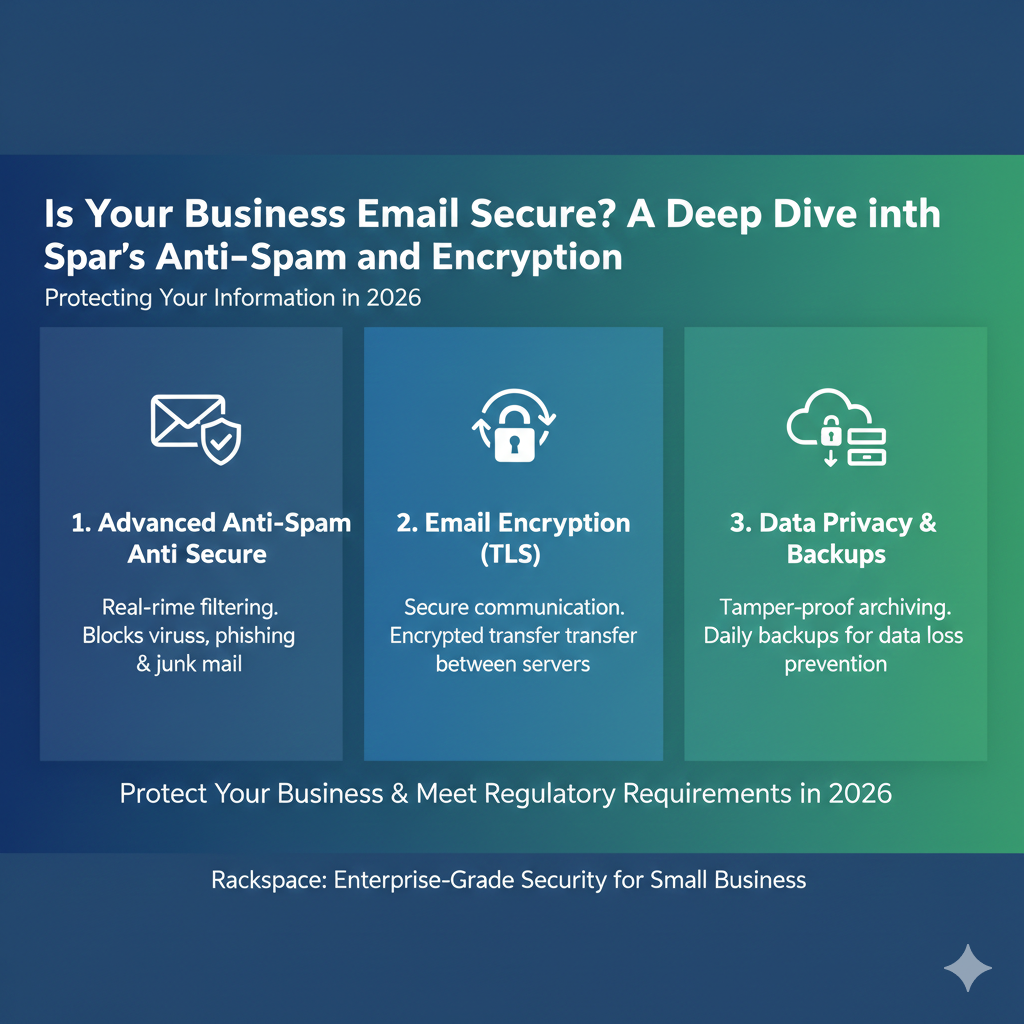
Rackspace Email Security: Check Controls and Responsibilities
Email security depends on the service, its configuration and how people use it. A filtering feature cannot prevent every phishing attempt, and a familiar provider name does not certify a business’s compliance.
The earlier article mixed Rackspace products and made broad encryption, regulatory and comparative security claims. Those assertions have been removed. Use this checklist to request evidence for the exact service you have.
Identify every access path
List webmail, desktop apps, phones, administrative access and automated senders. Confirm supported authentication and recovery for each. A protection on one portal does not necessarily apply to every protocol.
Use unique accounts, least-necessary permissions and supported multi-factor controls where available. Check lost-device and offboarding procedures. Never disable authentication safeguards merely to make an outdated client connect.
Separate encrypted transport from other protection
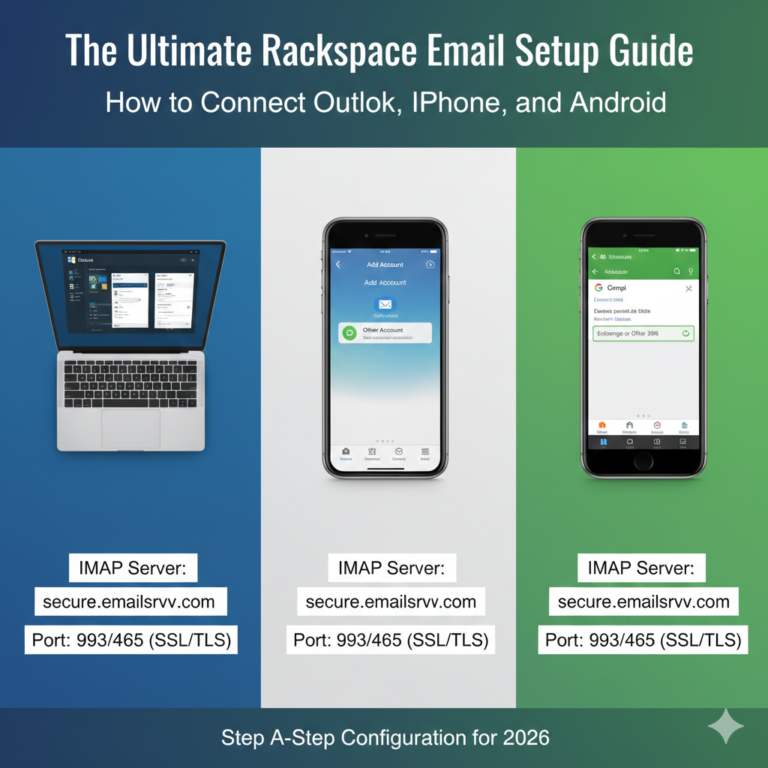
Use the provider’s supported encrypted client configuration. The setup guide provides the documented standard-email connection route and explains product differences.
TLS protects the covered connection; it is not the same as end-to-end message encryption. Ask separately about stored data, key access and any message-encryption requirement. Do not infer capabilities from another Rackspace product.
Understand filtering limits
Rackspace’s spam-filtering documentation describes several blocking methods and administrator controls. Filtering can reduce unwanted mail, but false positives and malicious messages that pass checks still need a response process.
Review quarantine handling and narrow exceptions. Broad allow-listing can weaken protection. Train staff to verify unusual payment or credential requests through a trusted separate channel.
Protect the domain’s sending identity
Inventory legitimate senders before configuring SPF, DKIM and DMARC using current provider guidance. Include forms, business applications and marketing services. Monitor results before enforcing a policy that could disrupt valid mail.
Authentication helps receivers assess messages from a domain. It does not guarantee inbox placement or prove that an authenticated message is harmless. A compromised authorised account can still send damaging mail.
Prepare for account compromise
Keep a verified support route and incident owner. Plan how to review suspicious sign-ins, forwarding, rules, delegates and affected devices. Revoke unauthorised access through the supported administrative process.
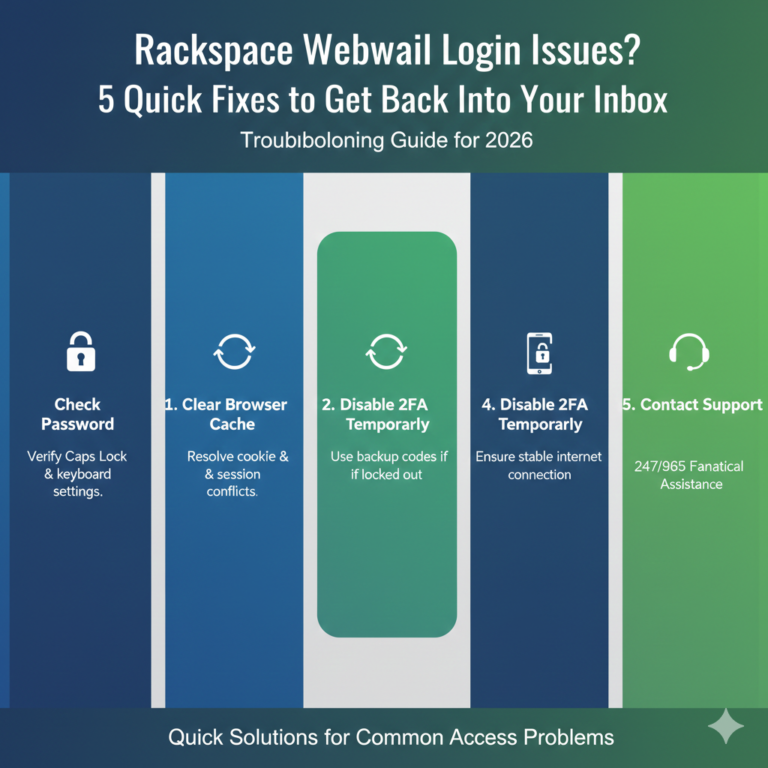
The login troubleshooting guide separates access faults from incident signs. Avoid repeatedly retrying credentials after an unexplained rejection or sharing a password with an unverified helper.
Check retention, recovery and contractual scope
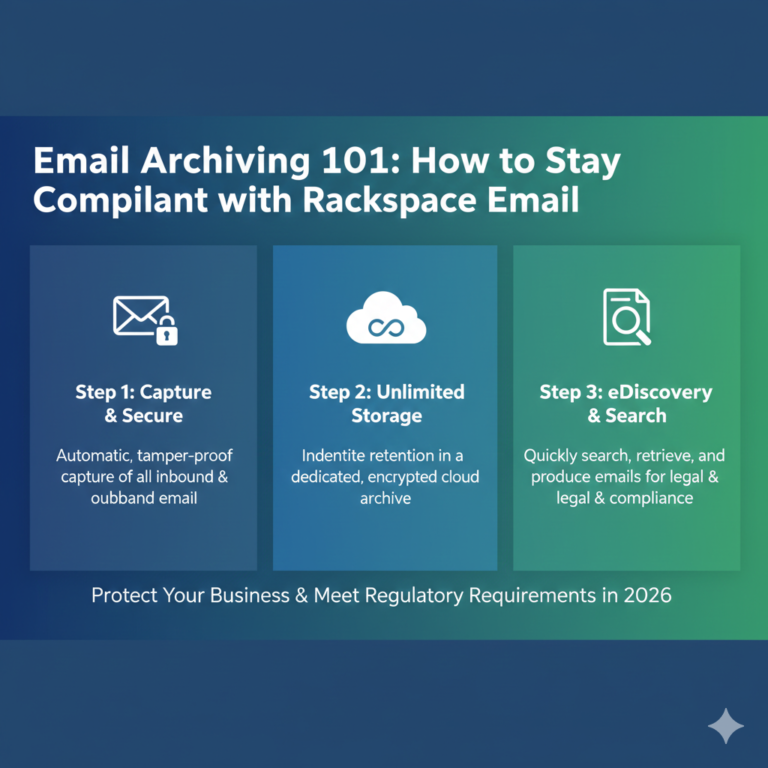
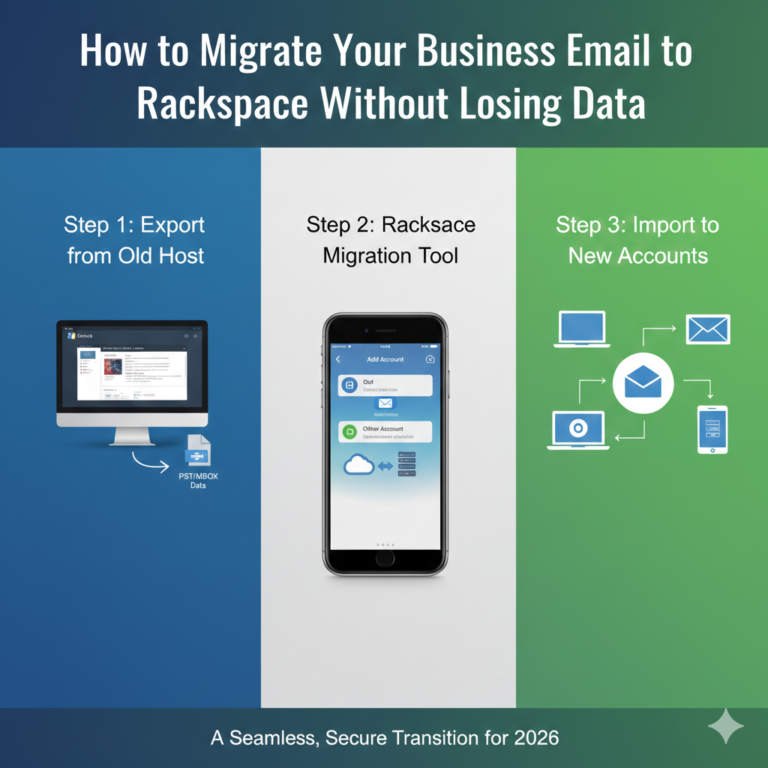
Confirm what can be recovered and how. The archiving guide explains retained records, while the migration guide covers independent copies and reconciliation.
For regulated use, assess the selected product, contract, settings and organisational procedures with qualified advisers. A marketing compliance label, encryption claim or archive add-on is not enough to certify the complete business workflow. No provider-wide security winner or penetration-test result is claimed here.