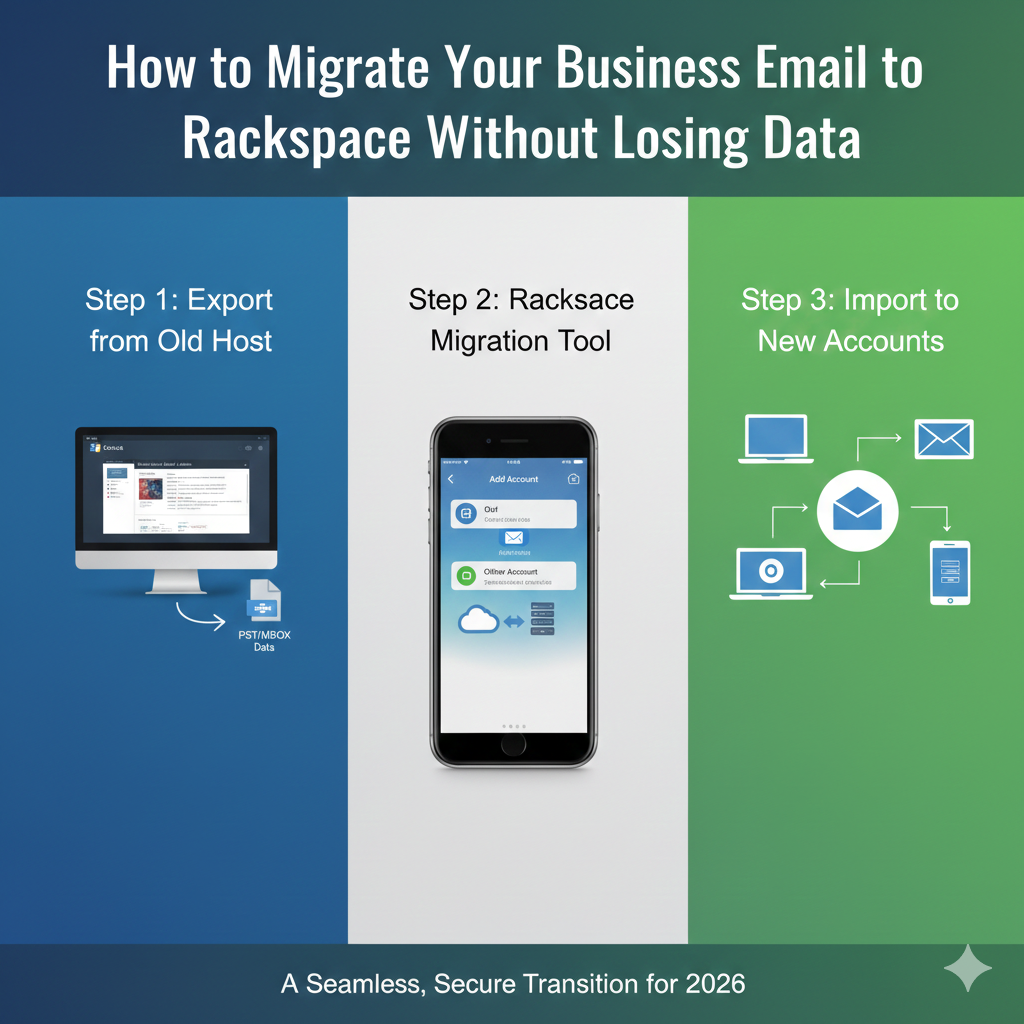
Moving Business Email to Rackspace: A Verification and Cutover Plan
A successful email migration needs a way to verify what moved and recover what did not. No generic tool or DNS procedure guarantees that every item will transfer without loss.
This is a planning guide for an authorised migration. It does not move any mailbox or change DNS. Confirm the source, destination product and supported migration method with the current providers before execution.
Inventory more than messages
List users, aliases, shared addresses, forwarding, mailbox rules, local archives, calendars, contacts and application senders. Record data volumes, special folders and any retention requirements.
Check what the chosen migration method transfers. IMAP mail copying does not automatically include calendars, contacts, delegation or every server-side rule. Do not assume an old authentication method or endpoint remains supported.
Preserve an independent recovery copy
Keep an authorised export or other supported recovery copy before changes. Verify that it opens or can be restored using an appropriate protected process. A file named backup is not enough evidence.
Decide who can access the copied business data and where it will be retained. Keep credentials and migration secrets out of public instructions and ordinary support messages.
Prepare and pilot the destination
Create the intended account structure using the provider’s current instructions. Test a representative user, including complex folders and the client the person actually uses. Confirm storage and relevant limits before a bulk transfer.
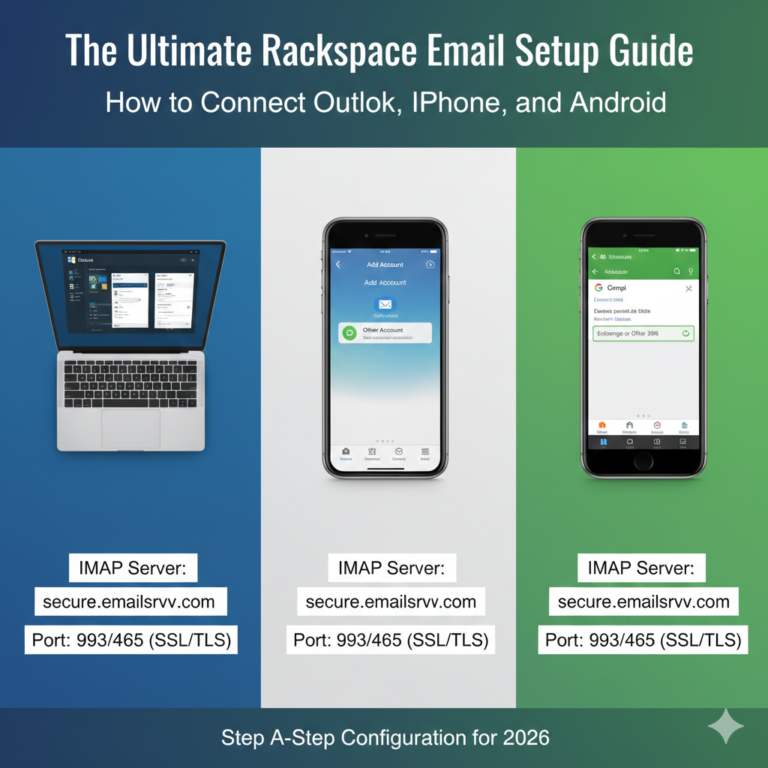
The Rackspace client setup guide helps verify the correct product and connection. Compare content and behavior, not just whether the migration tool reports completion.
Plan mail routing and sending identity separately
MX records control incoming routing. SPF, DKIM and DMARC concern sending authentication and policy; they require their own provider-supported configuration. Include website forms, scanners and other services that send mail.
Record existing DNS before changing it. Where appropriate, plan cache timing in advance, but do not promise that a lower TTL makes every resolver update immediately. Keep a rollback decision and authorised operator.
Cut over and reconcile
Use an initial copy and any supported final synchronisation procedure. During the transition, check both systems for newly arriving mail. Avoid duplicate processing and identify which environment accepts user changes.
Compare representative folders, dates, attachments and special items. Investigate differences rather than assuming matching message counts prove identical content. Test external receiving, sending, replies and important automated senders.
Retire the old service only after acceptance
Keep the source available for an agreed reconciliation period. Record user acceptance and unresolved items. Confirm recovery copies and retention decisions before cancelling accounts or deleting data.
The archiving guide distinguishes retained records from mailbox backups; the email security checklist covers access and configuration. A final acceptance record is more useful than a promise of 100% retention based on a generic delta-copy procedure.