Budget Business Email: Compare Costs Beyond the Mailbox Price
A budget email service should cover the functions your business relies on at a cost you can keep paying. A low mailbox price becomes less attractive if essential client access, retention or administration requires another purchase.
The earlier article declared Rackspace a budget winner using old prices. That conclusion has been withdrawn. Compare current offers for the same requirements instead of carrying forward a historic ranking.
Write a minimum feature list
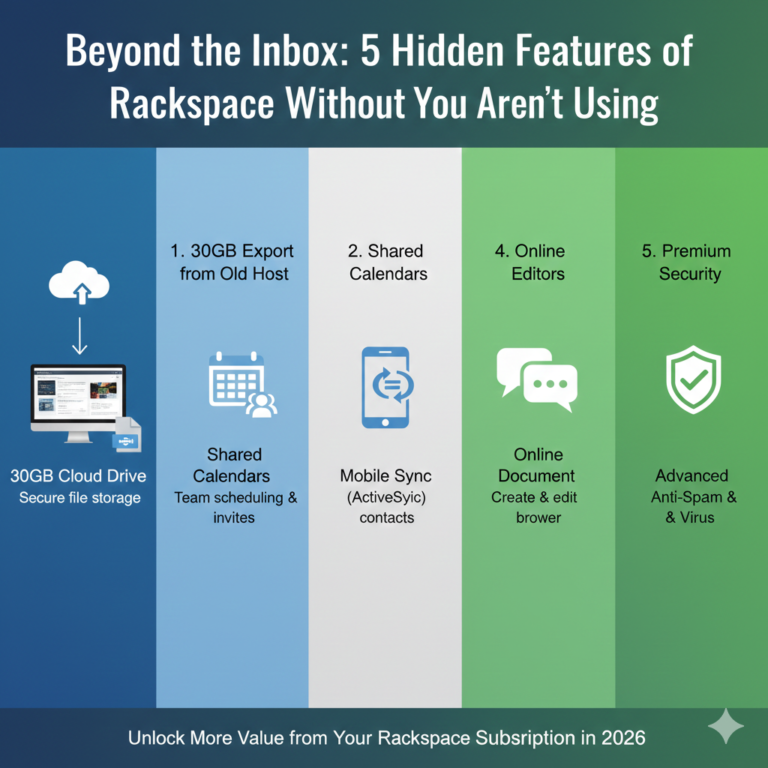
Include custom-domain email, the number of real users, storage, supported clients, mobile use and any shared-address workflow. Decide whether calendars, contacts, meetings or file collaboration are required.
An alias is not necessarily a separate inbox or a shared mailbox with the permissions you need. Confirm how the proposed service handles the way staff will actually work.
Use current official comparison routes
- Rackspace Email: obtain the current base offer and required add-ons.
- Zoho Mail: compare the exact edition, access methods and commitment.
- Google Workspace: assess the selected suite against tools you would otherwise buy.
- Microsoft 365: distinguish included services and application entitlements by plan.
References were checked on 19 October 2026. Confirm account eligibility, currency, term and checkout quote. A free tier or promotional price should not be assumed to include every desktop-client protocol or business requirement.
Compare a full year of operation
Record initial payment and recurring cost after promotions. Include extra storage, retention, migration, support and separately purchased applications. If billed annually, show the cash payment as well as an equivalent monthly figure.
Use the same number of users and the same requirements for every proposal. Keep optional extras separate so a provider is not made to look expensive by adding functions the other proposal omits.
Try the important tasks
Test sending, receiving, search, folder behavior and the clients staff use. Check invitations and contacts separately. Try administrative onboarding and offboarding with test accounts and harmless messages.
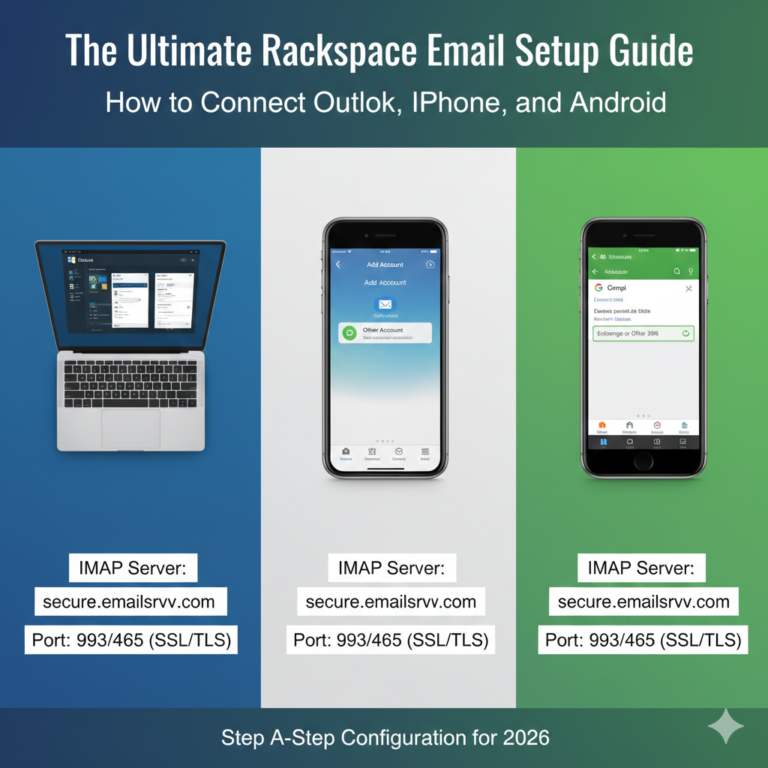
The Rackspace versus Workspace comparison helps assess a suite decision. The client setup guide distinguishes basic mail synchronisation from broader features.
Budget for transition and support
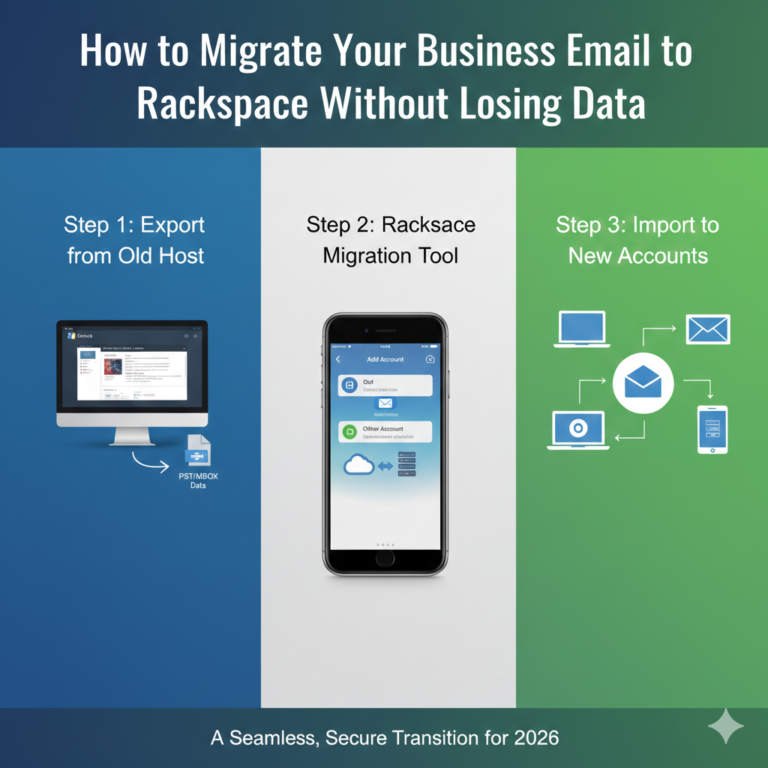
Preserve mail and other records, identify application senders and plan the cutover. Confirm what migration assistance includes and how missing items are reconciled. No service change guarantees lossless migration without checking the actual data.
Use the email migration plan before cancelling the old service. Choose the lowest sustainable total cost among plans that pass the requirements, rather than a brand-wide budget winner or an outdated price printed in a blog.