Rackspace Email vs Google Workspace: Compare What Your Team Uses
Choose between Rackspace Email and Google Workspace by looking at the work your team needs to do. Reliable mail access may be sufficient for one business; another may need shared documents, meetings and central identity management.
The earlier article used stale prices and broad security and productivity winners. Those conclusions have been removed. Current quotations and a small practical trial are more useful than a universal recommendation.
Separate email from the wider workspace
Start with a list of tasks: receiving and sending mail, shared calendars, file collaboration, meetings, mobile access and staff onboarding. Identify which tools the business already pays for.
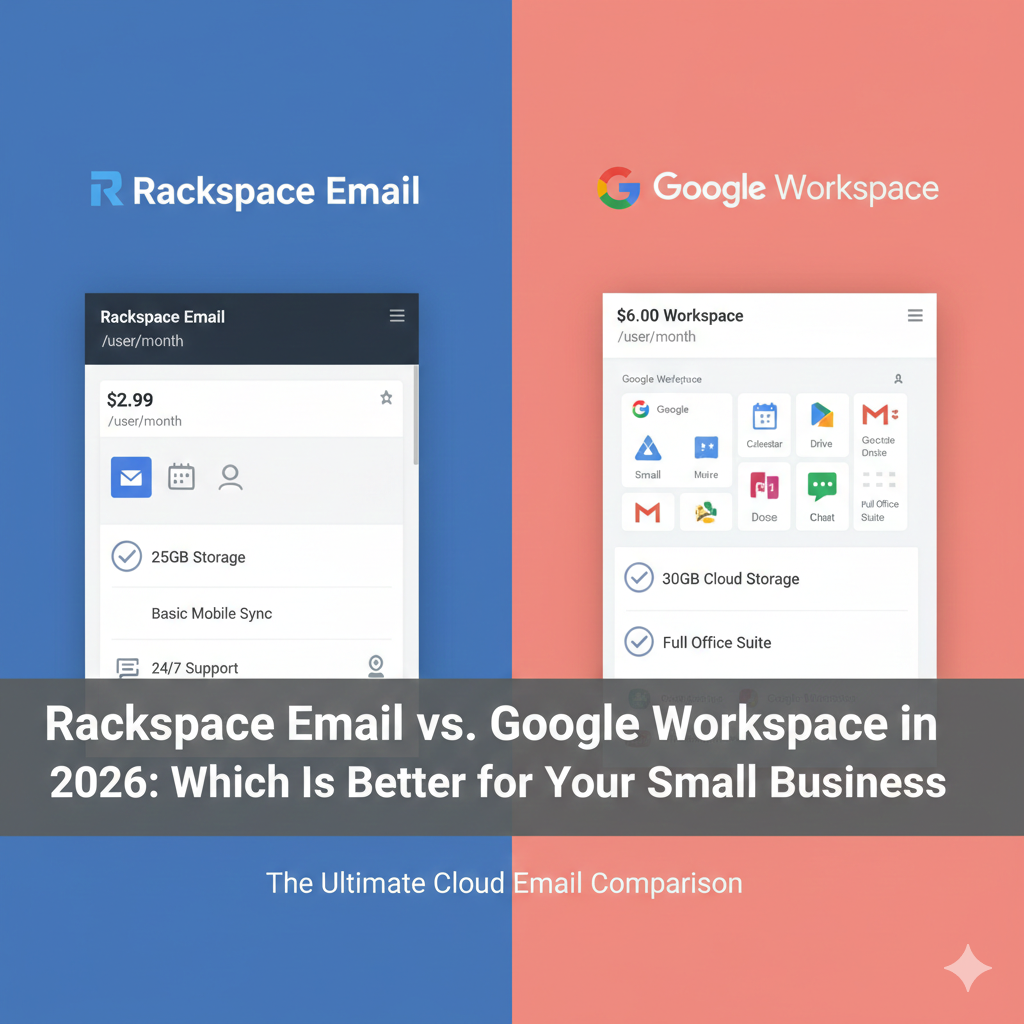
Review the current Rackspace product page and Google Workspace plan comparison for the selected offer. Feature names and packaging can change; compare the actual plan rather than an old price table.
Check client and workflow compatibility
Record the Outlook edition, phones and other applications staff use. Mail synchronisation, contacts and calendars are separate requirements. Confirm the supported method for each before assuming a familiar application behaves identically with both providers.
Use the Rackspace client setup guide for its product distinctions. Include shared or delegated work, invitations, attachments and search in a protected trial.
Compare administrative work
Test creating an account, granting access, removing a departing user and restoring access after a lost device. Check available authentication controls, recovery methods and support escalation for the selected plan.
Do not infer a security winner from a brand. Ask about the controls your organisation requires and which parts you must configure. Some capabilities may require a different edition or additional purchase.
Calculate the complete ongoing bill
Count people who need accounts and identify aliases, shared-address requirements and separately licensed applications. Include term, renewal, tax, storage, retention, migration and support where relevant.
If collaboration tools are bought separately, include them in the comparison. If a suite includes tools you will never use, do not count their advertised value as realised savings. The business email budget checklist helps compare equivalent needs.
Plan a migration before committing
Inventory mail, folders, local archives, calendars, contacts and application senders. A mail-copy tool may not move every item type. Preserve an independent copy and test a representative user first.
The migration guide explains staged transfer and reconciliation. Verify incoming and outgoing delivery as well as historical content before retiring the old service.
Choose Rackspace Email when its quoted scope matches the team’s needs and operating support. Choose Workspace when its integrated arrangement fits the actual workflow and budget. Neither choice automatically guarantees lower total cost, compliance or better performance for every organisation.