UK Business Email Hosting: Requirements, Migration and Data Checks
Business email hosting lets a team use its own domain with documented administration and service features. The right choice depends on mailbox workflows, access, retention and support, not a claim that a custom address alone proves legitimacy.
For a UK organisation, compare the actual processing and contract rather than assuming a UK sales address or data-centre label settles compliance. The earlier blanket sovereignty, consumer-advertising and universal storage claims have been removed.
List the accounts and workflows
Count users, shared mailboxes, aliases, groups, delegated access and external senders. Record required calendars, contacts, mobile access and desktop-client support. Establish what happens to a departed user’s mailbox.
Separate ordinary staff mail from campaign sending and application notifications. They can have different limits, consent processes and delivery requirements. Do not size every employee’s storage from one generic mailbox figure.
Compare administration and recovery
Check multifactor or passkey options, account recovery, administrator roles, audit availability and support scope. Distinguish synchronisation, retention, archiving and recoverable backups. A synced deletion can reach more than one device.
Ask which data can be exported, how long deleted items remain recoverable and whether the selected tier supports required retention policies. Demonstrate retrieval before relying on it.
Map data handling
Request the applicable service agreement and data-processing information. Identify where mail, logs, backups and support access are handled. Use qualified review for the organisation’s actual requirements.
The ICO international-transfer guide explains a relevant part of the UK framework. It does not certify a provider or mean every UK business must keep all mail physically in the UK.
Plan domains and sender authentication
MX records direct incoming mail. Sending authentication is a separate configuration: SPF identifies authorised sending systems, DKIM signs messages and DMARC checks alignment and publishes a handling policy.
Google’s sender guidelines give a receiver-specific example of authentication and delivery requirements. Inventory legitimate senders before tightening policy, then test staff mail, forms, invoicing and other applications.
Transport TLS is not the same as end-to-end content encryption. Verify any encryption claim for the service and recipient workflow you use.
Migrate in a controlled sequence
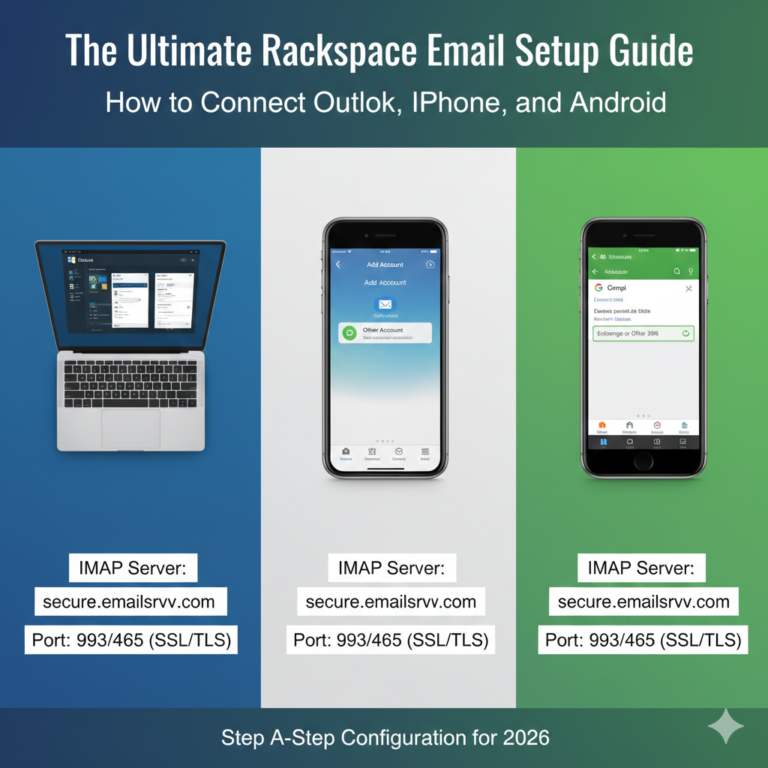
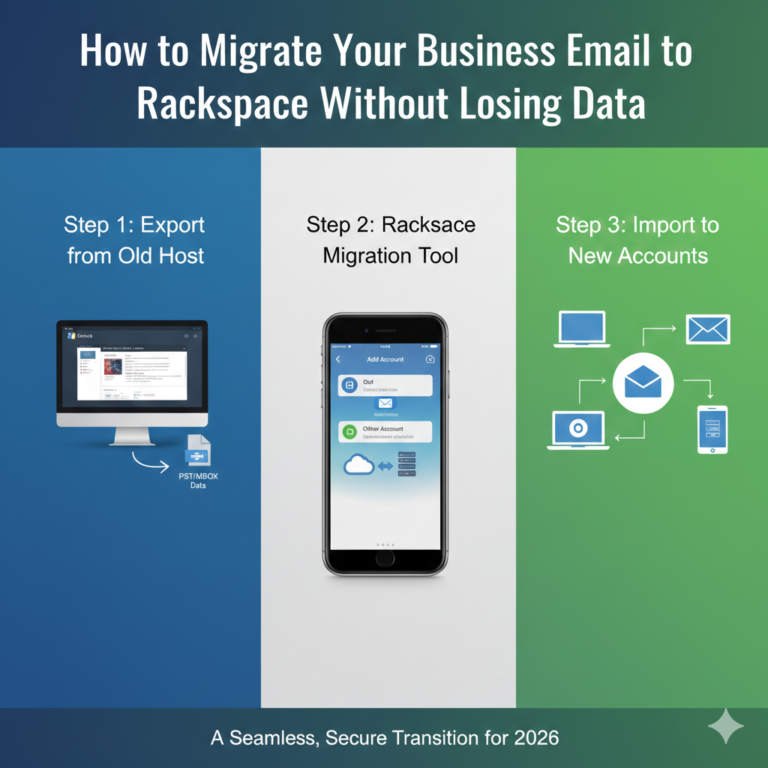
Prepare accounts and test a representative migration before changing MX records. Confirm what the migration method carries: IMAP mail transfer, for example, does not by itself establish migration of calendars, contacts, permissions or rules.
Microsoft’s domain guidance is one provider reference. Keep old and new access available through the planned transition, verify external sending and receiving, and perform a final reconciliation before retiring the old service.
Compare the full cost
Include licences, shared accounts, storage, retention, backup, security features, migration, domain renewal and tax. Confirm cancellation and export work.
Use the security review checklist for account ownership and the recovery principles for testing. A custom domain and authentication can support good operation, but neither guarantees inbox placement or eliminates phishing.